01Scanner & search
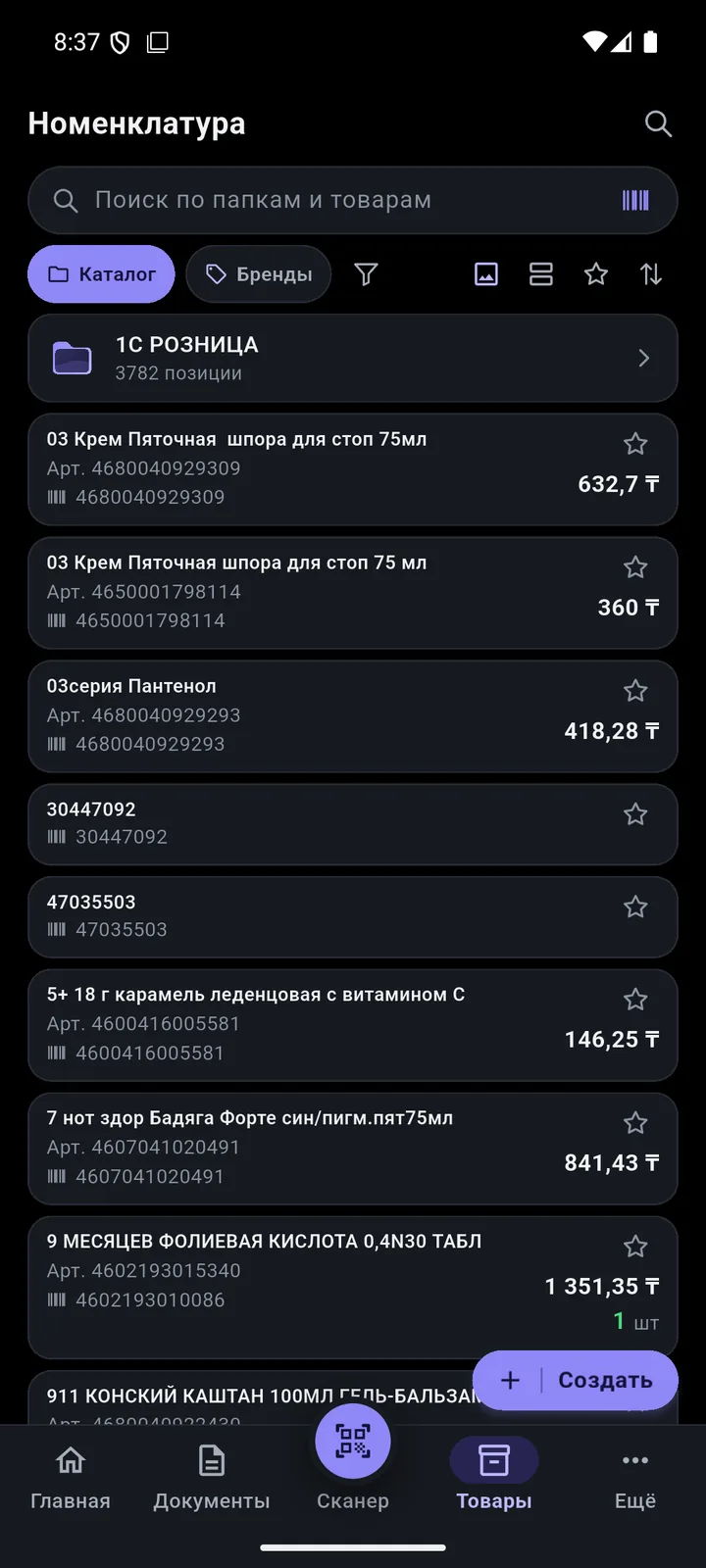
Point and see it all
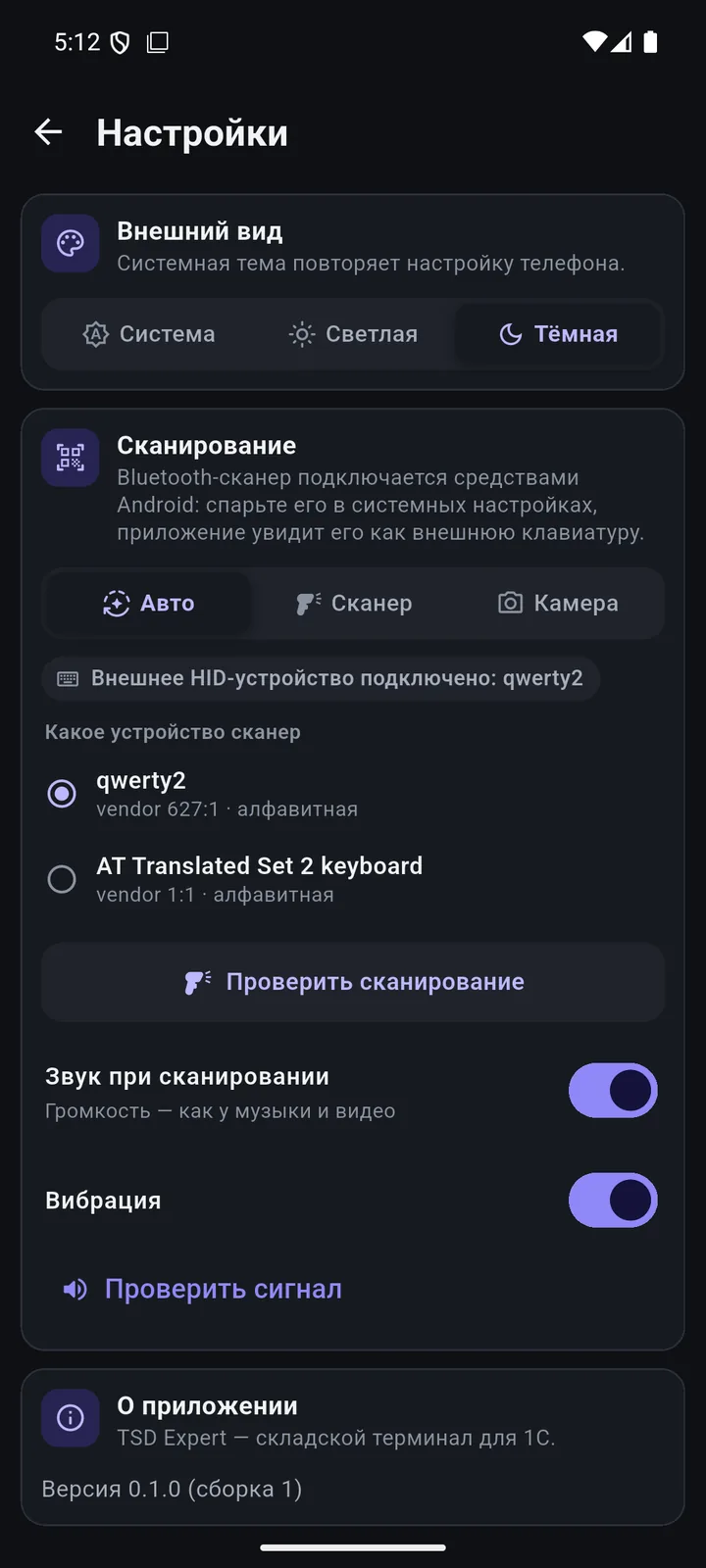
Phone camera, built-in terminal scanner or a Bluetooth scanner. The product is found in your 1C right away.
An app for data collection terminals (TSD) and Android phones that works directly with your 1C. Scan products, build documents at the shelf, create products from the National Catalogue of Goods. Even offline.
 1C:Retail for Kazakhstan 2.2 · 2.3
 Android 8+ · terminals · BluetoothWorks offline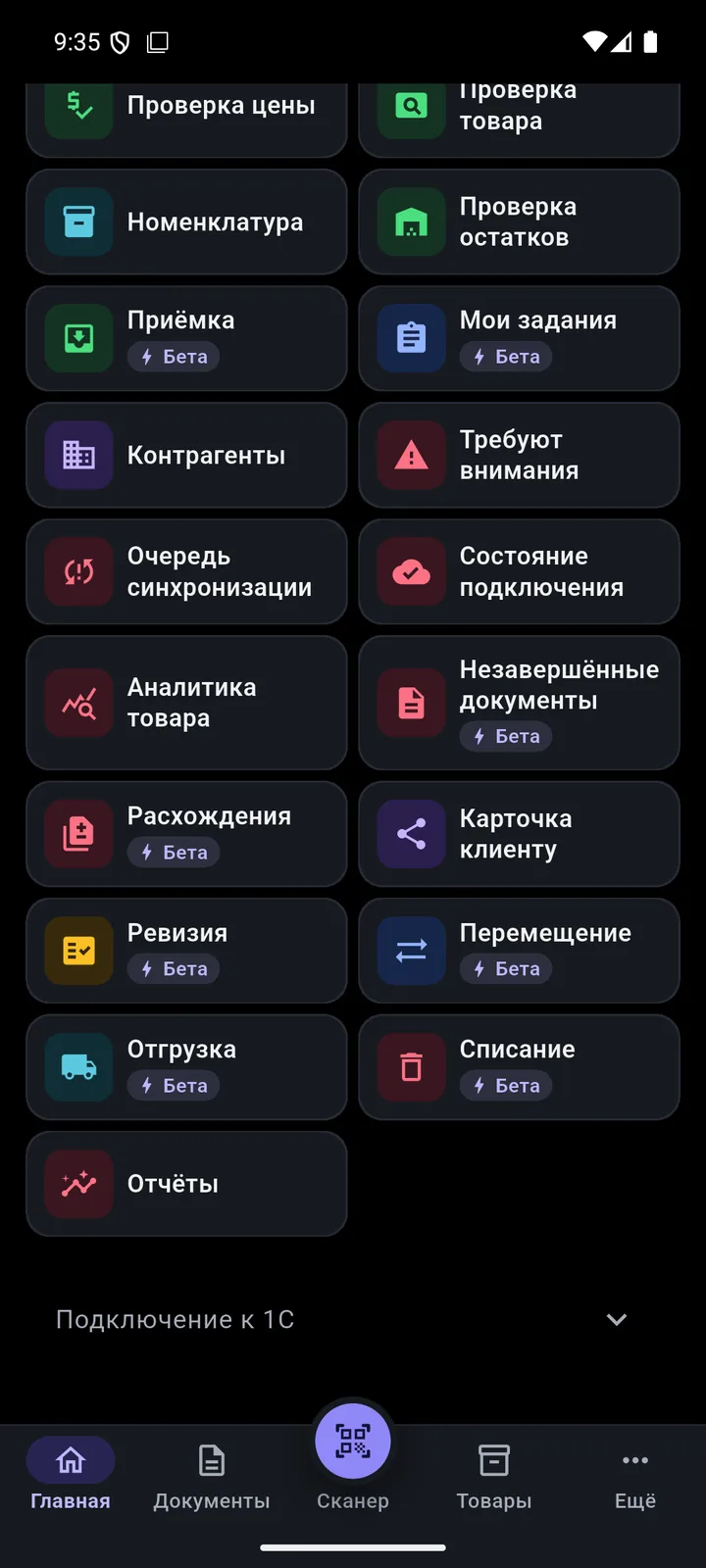
Scroll — each point shows its own screen.
Phone camera, built-in terminal scanner or a Bluetooth scanner. The product is found in your 1C right away.
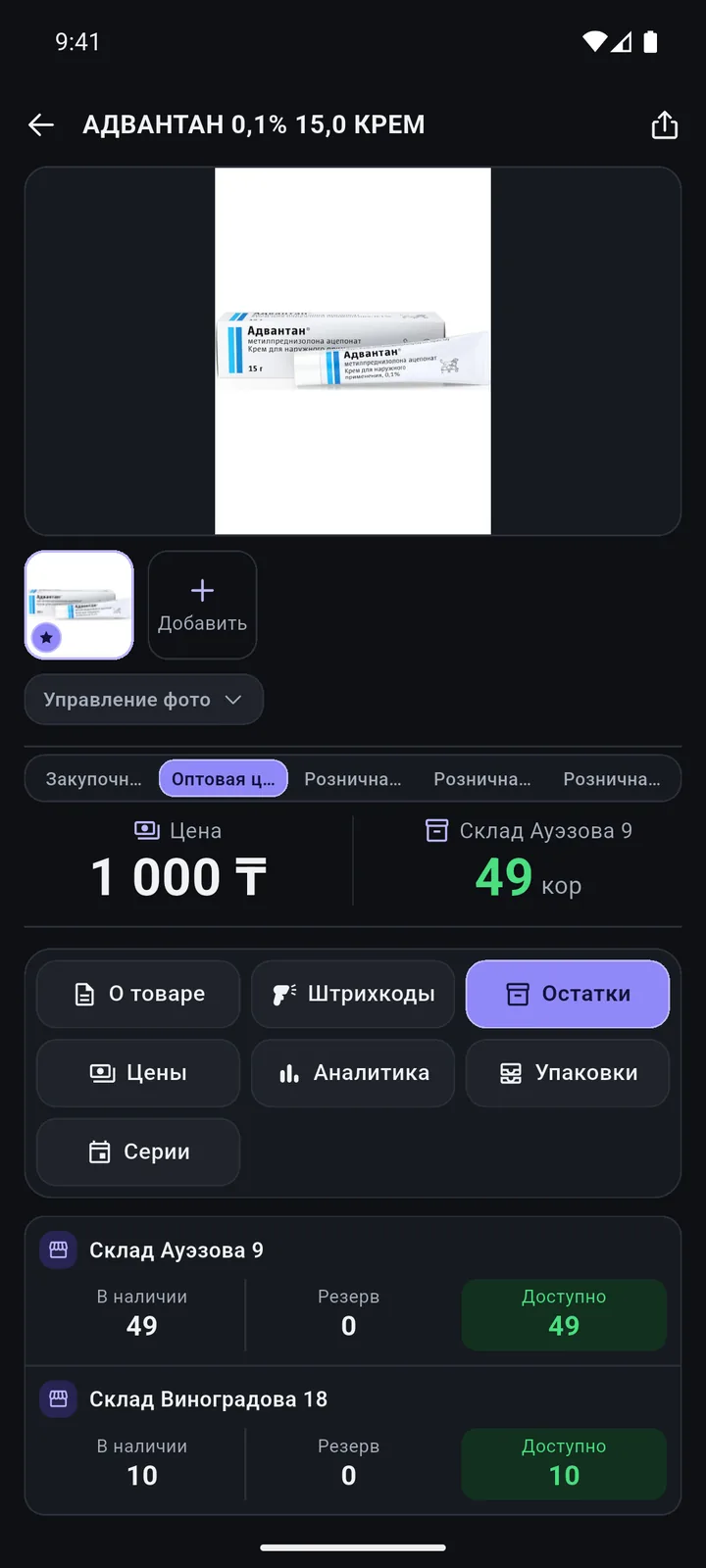
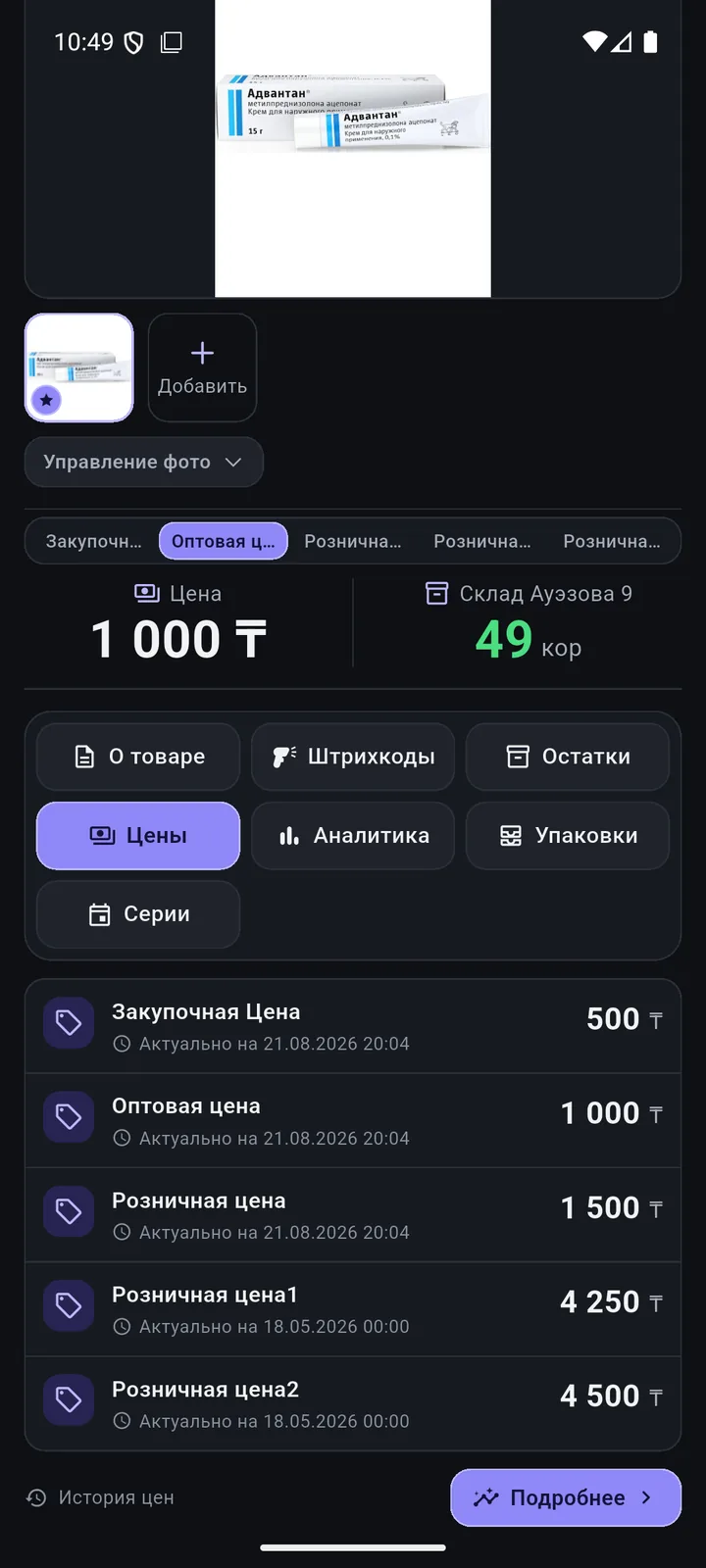
Stock by warehouse, prices, batches and analytics. Changed a description, brand or package? Tap «Сохранить в 1С» (Save to 1C).
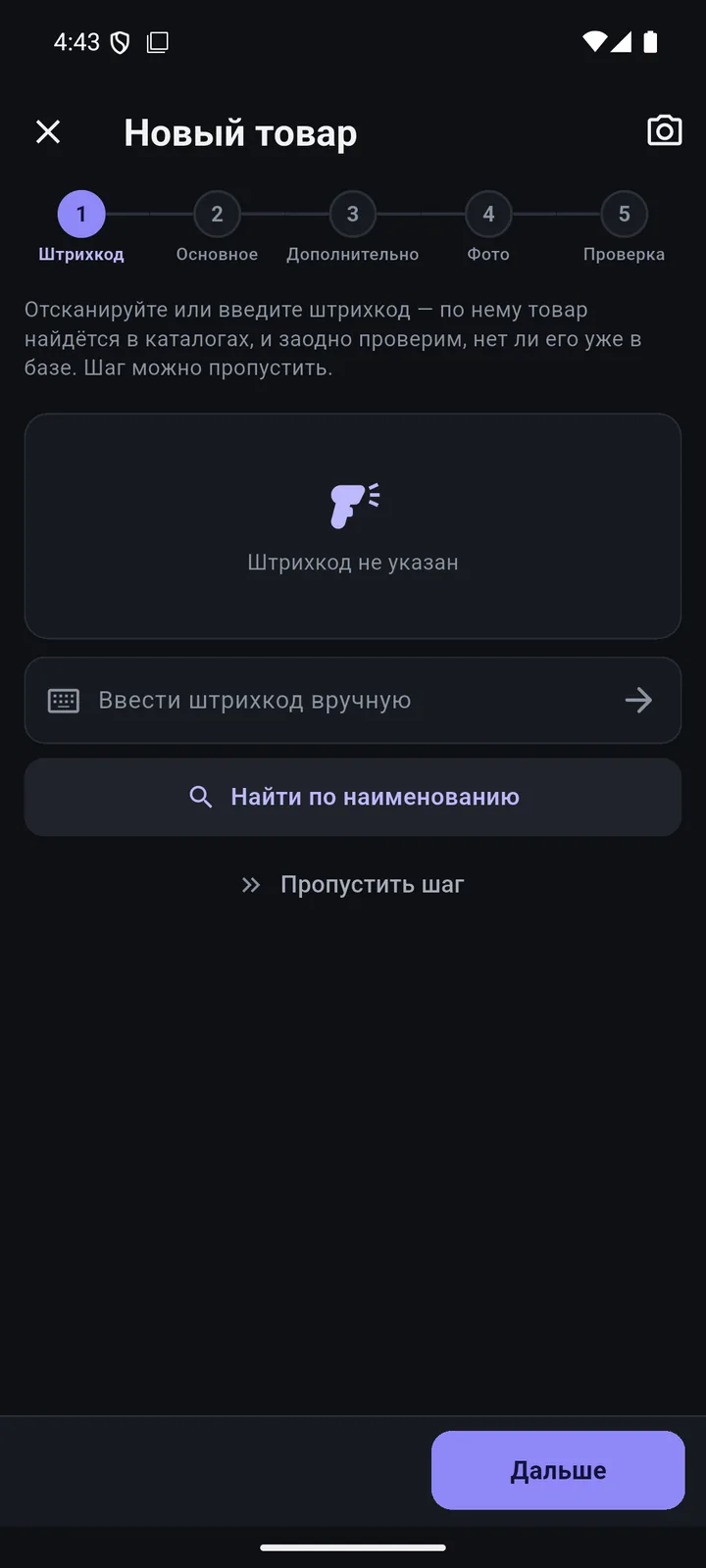
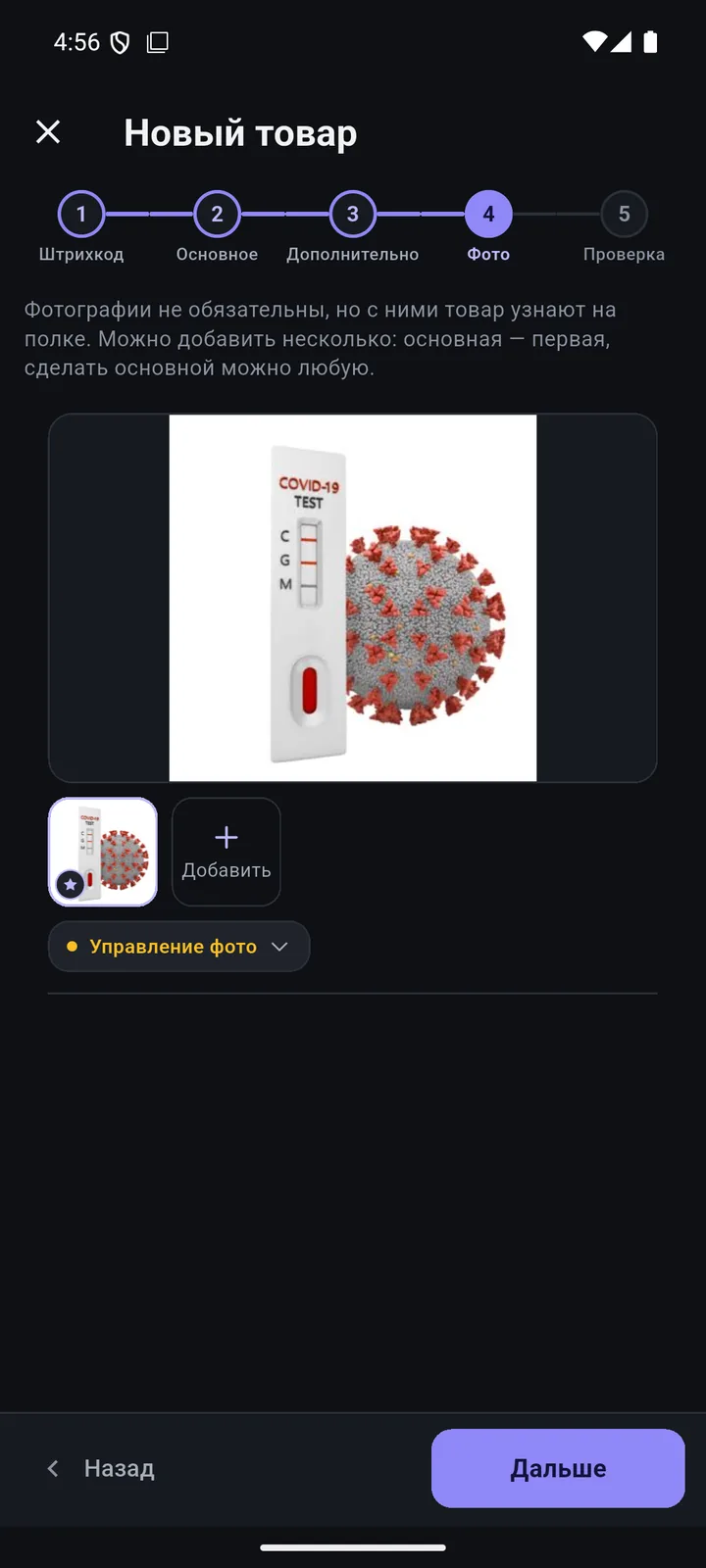
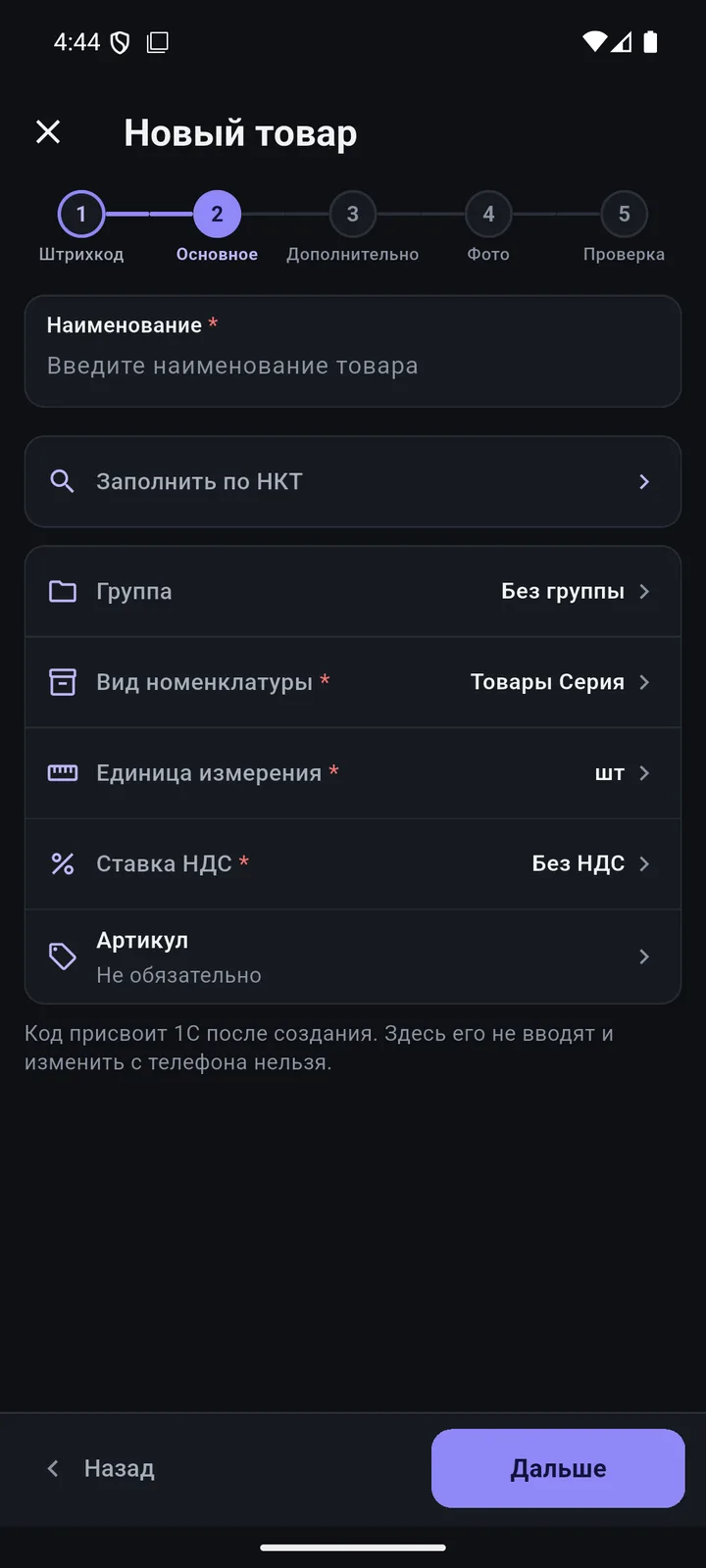
Barcode → main → extra → photo → review. The name, brand and code come from Kazakhstan’s National Catalogue of Goods.
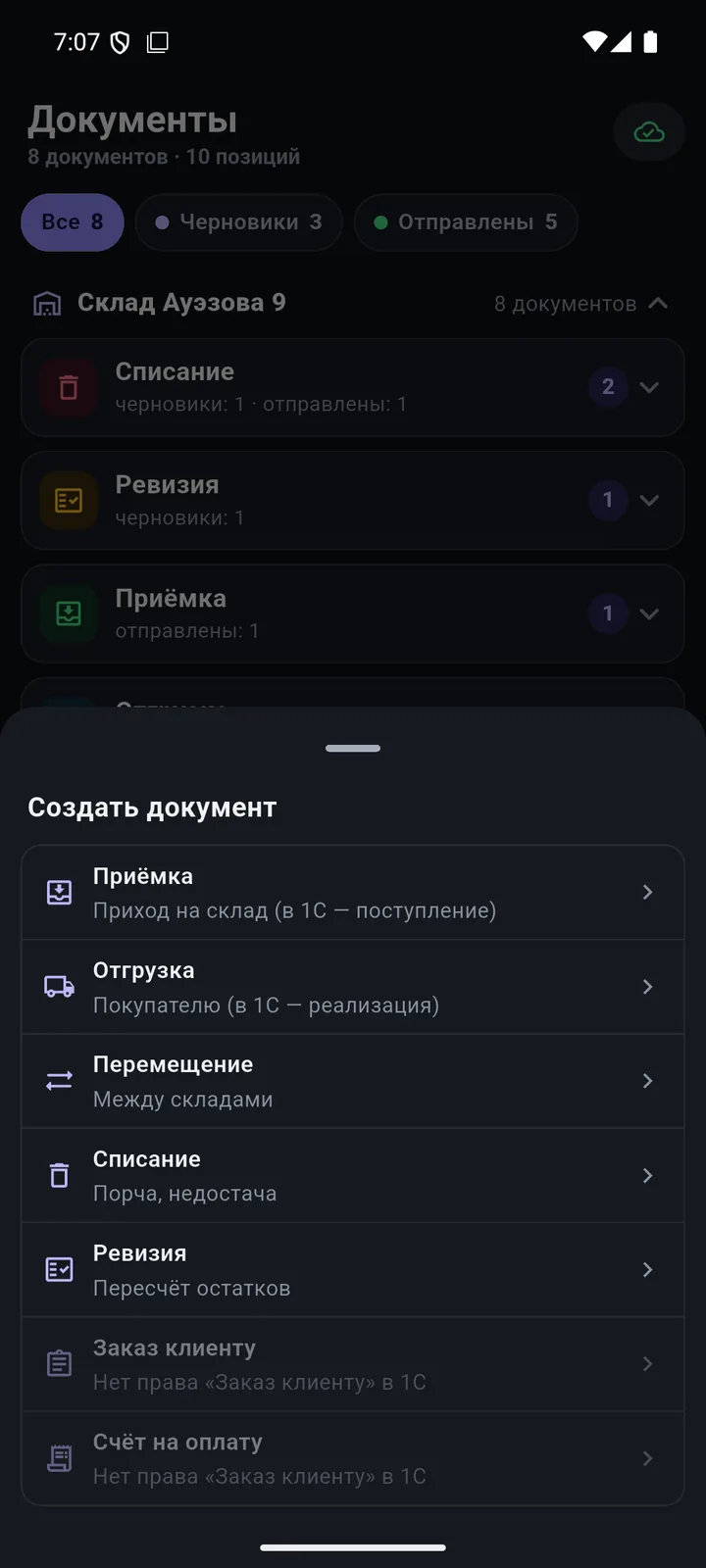
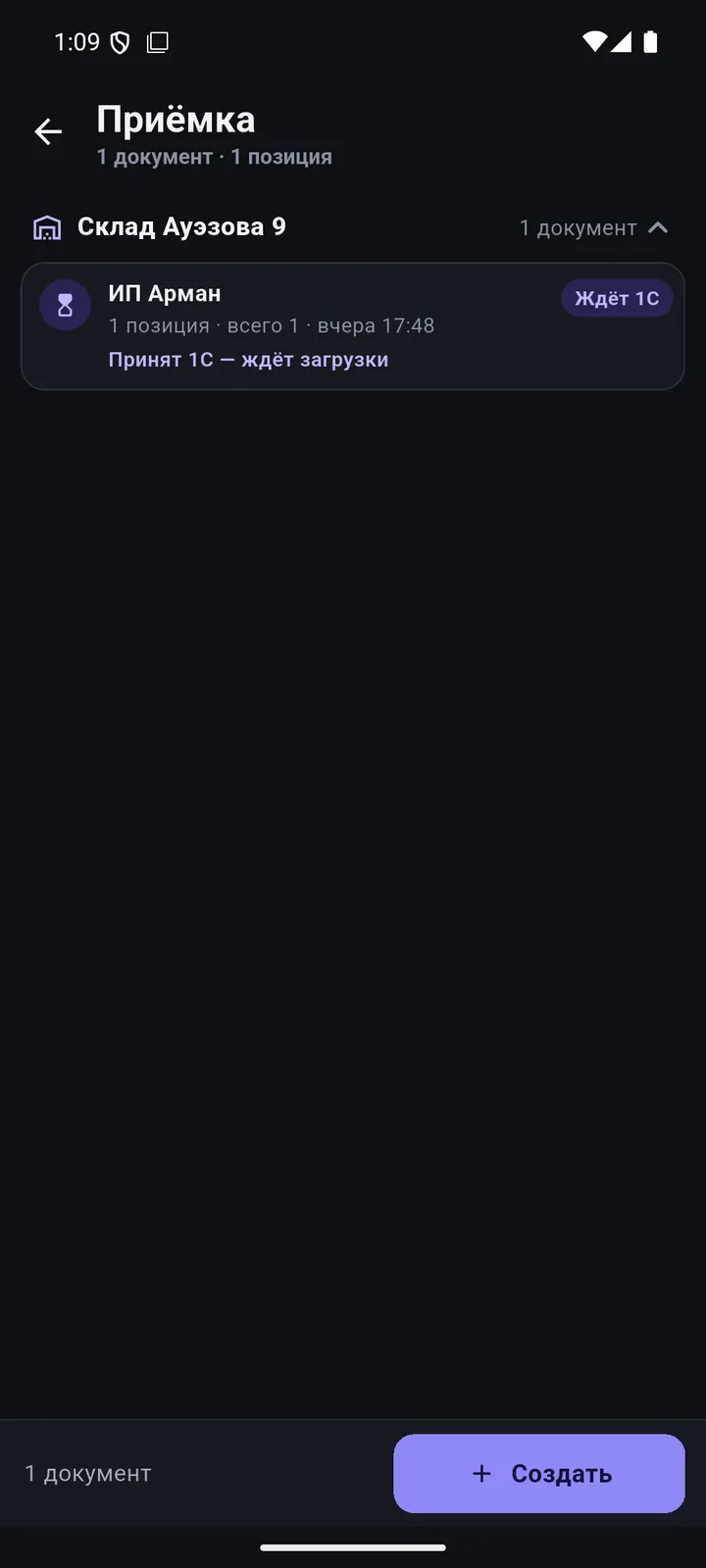
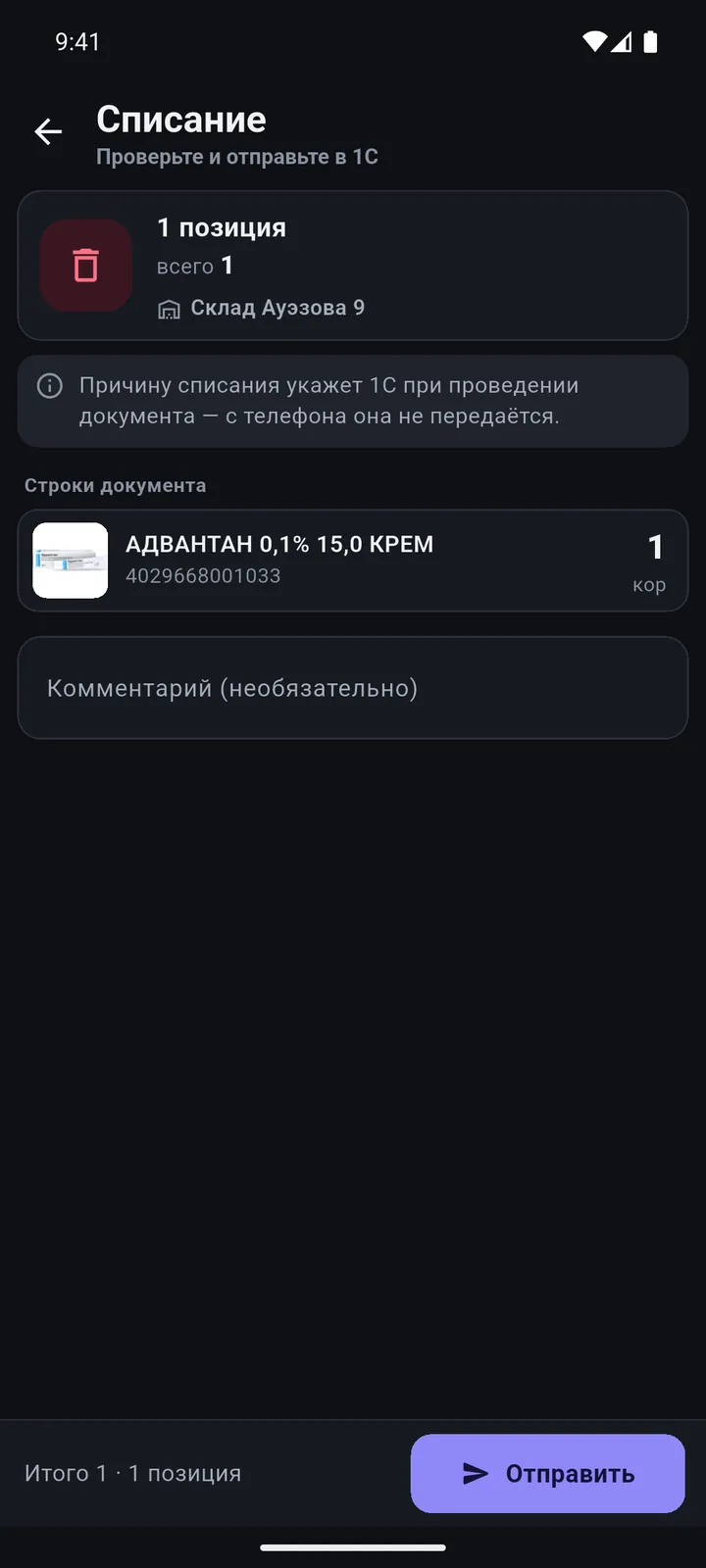
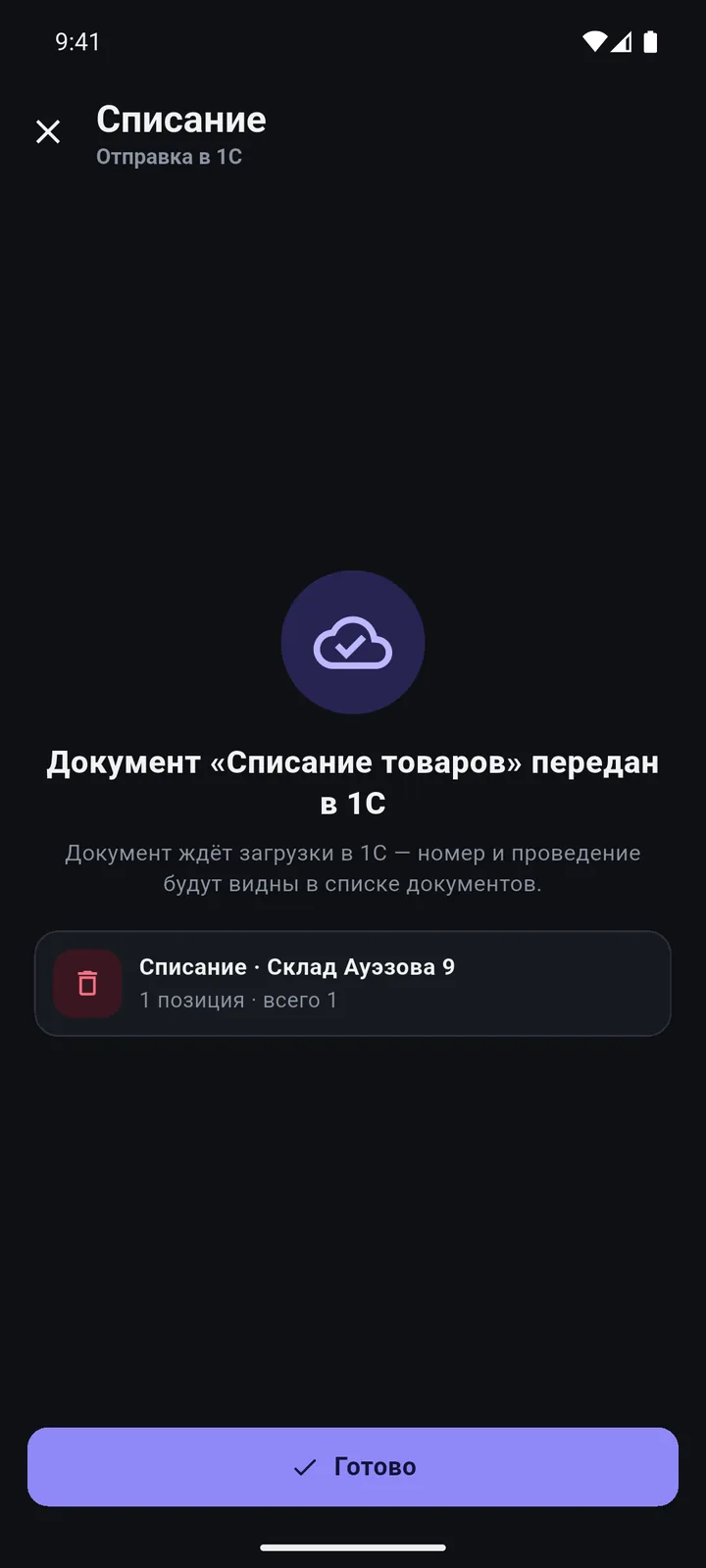
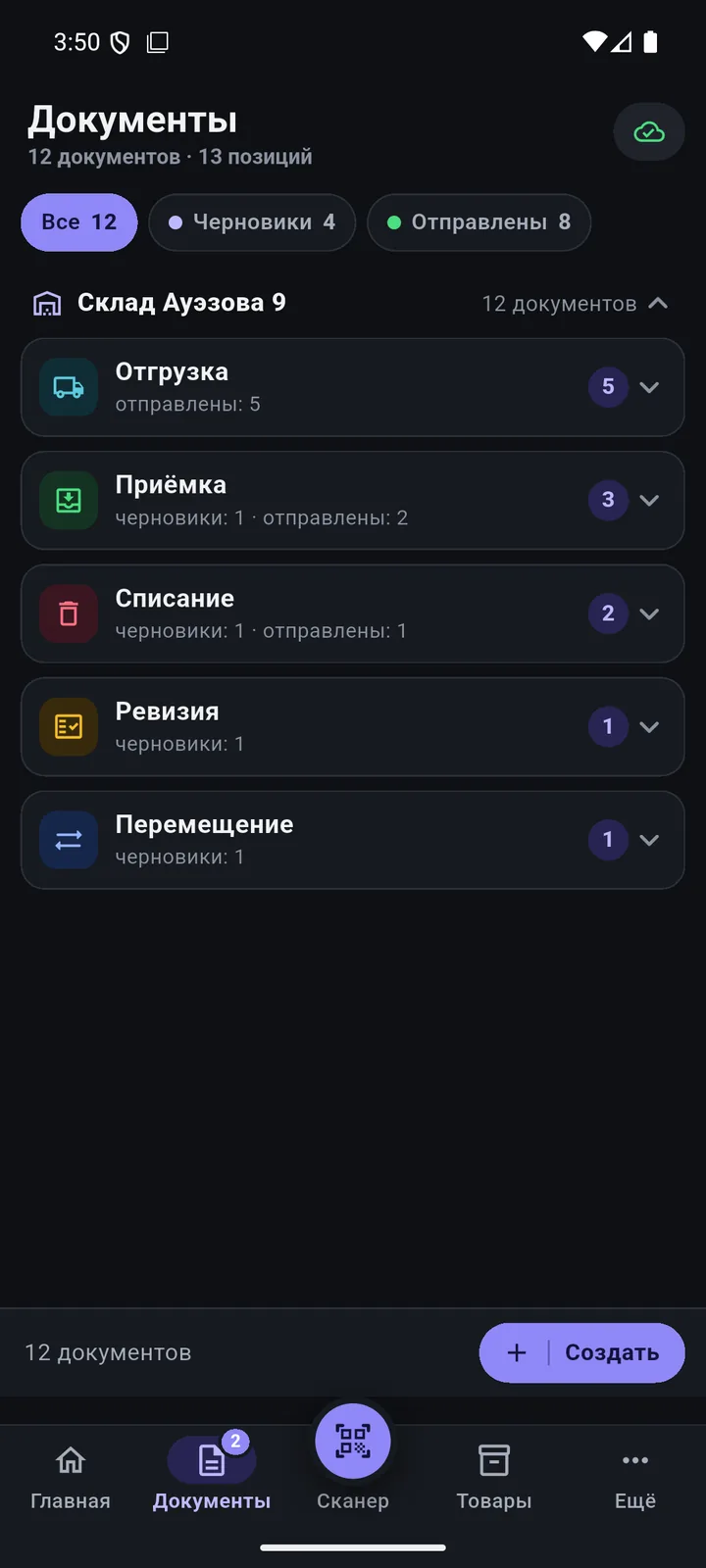
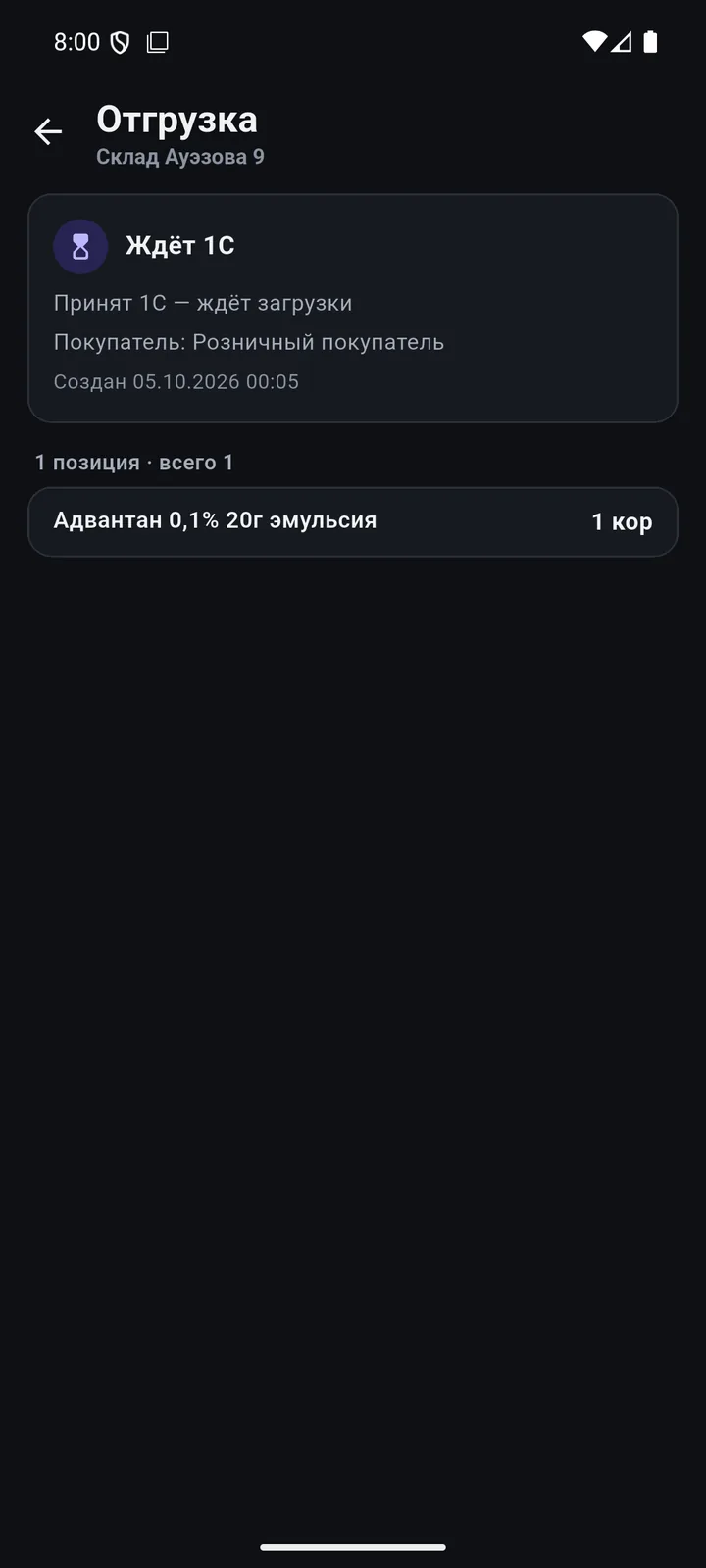
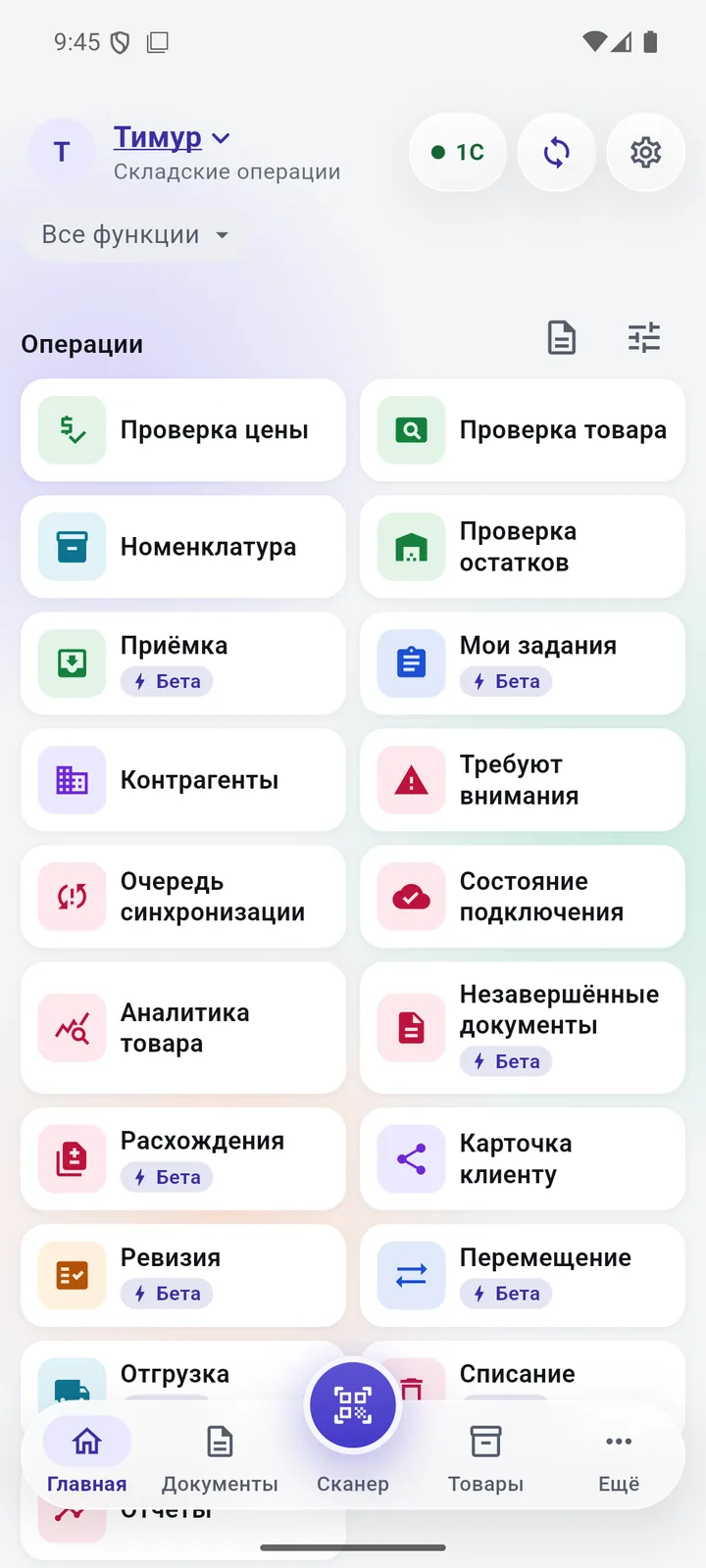
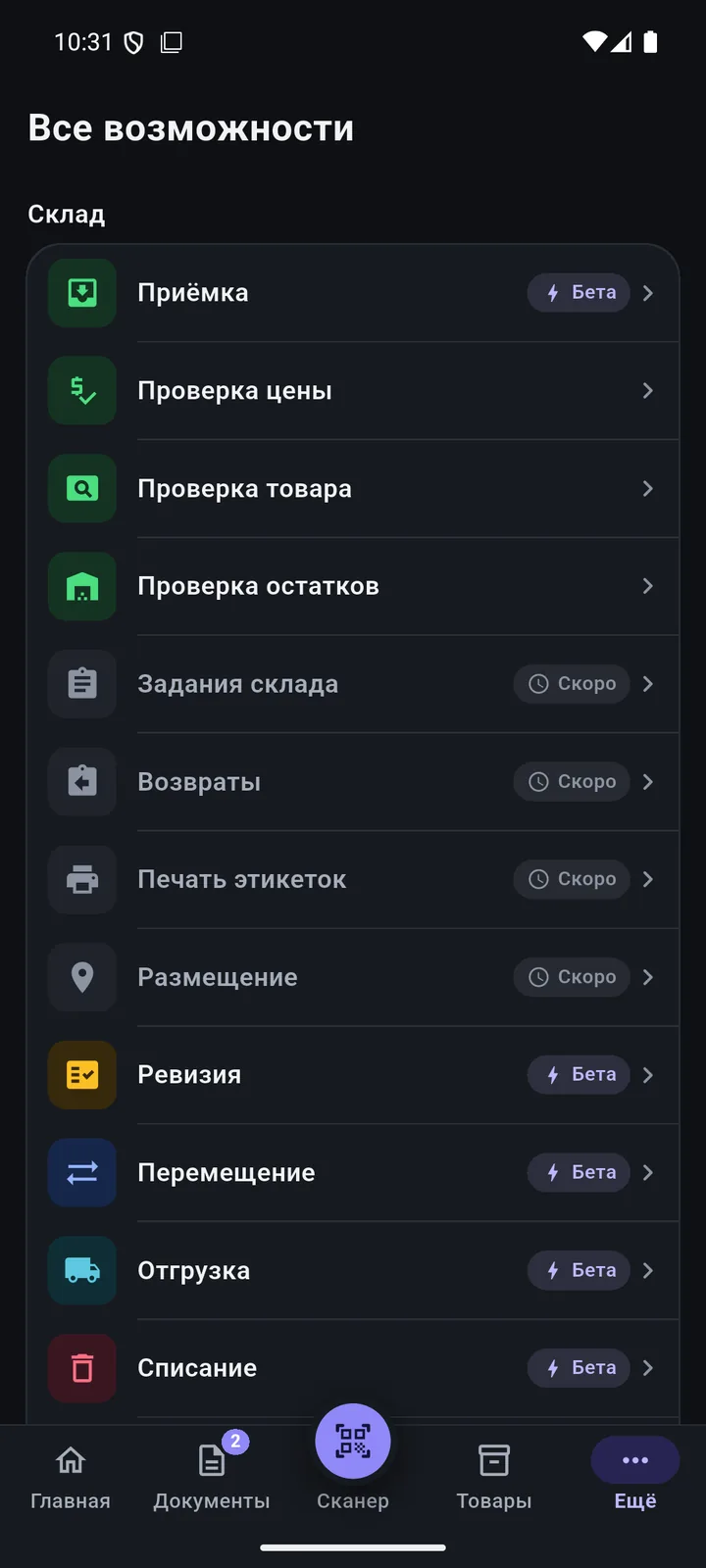
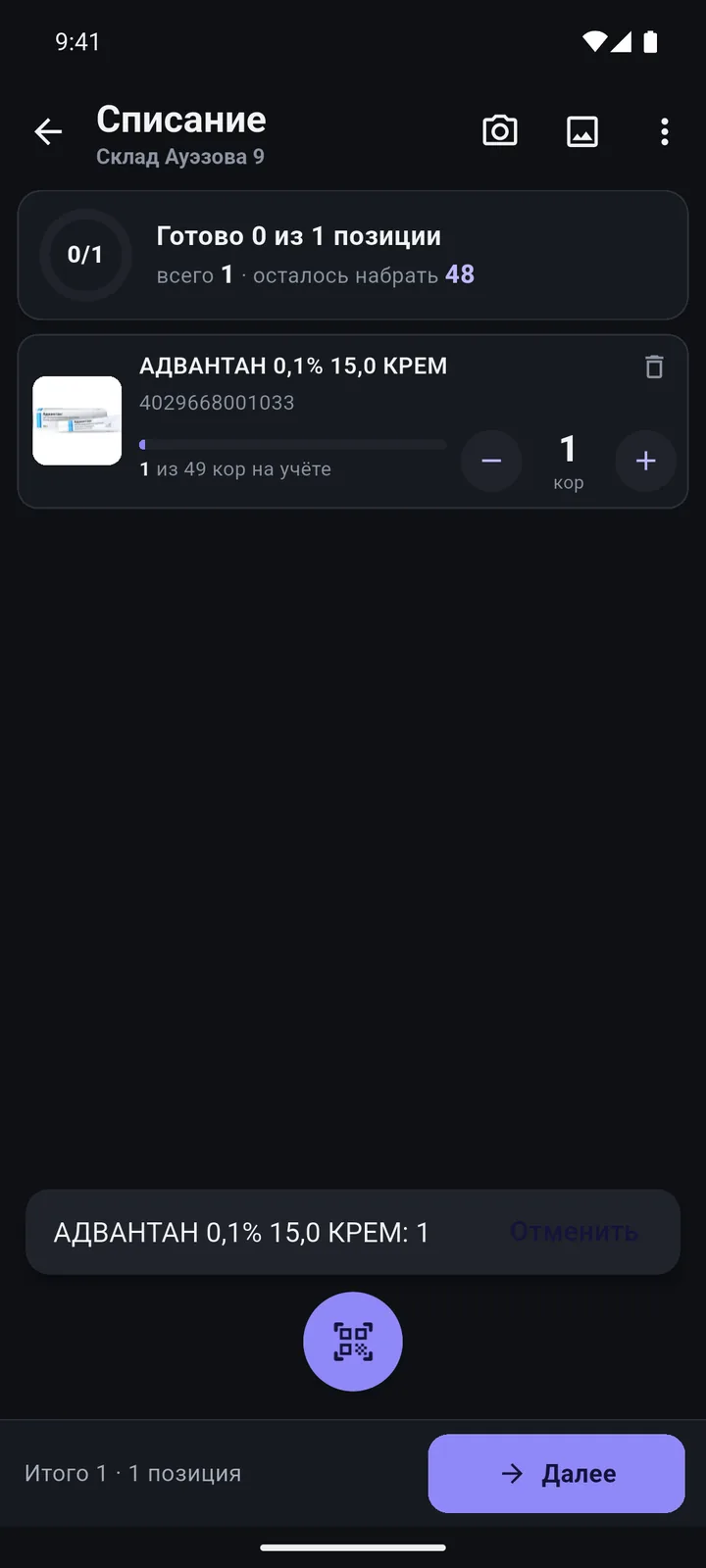
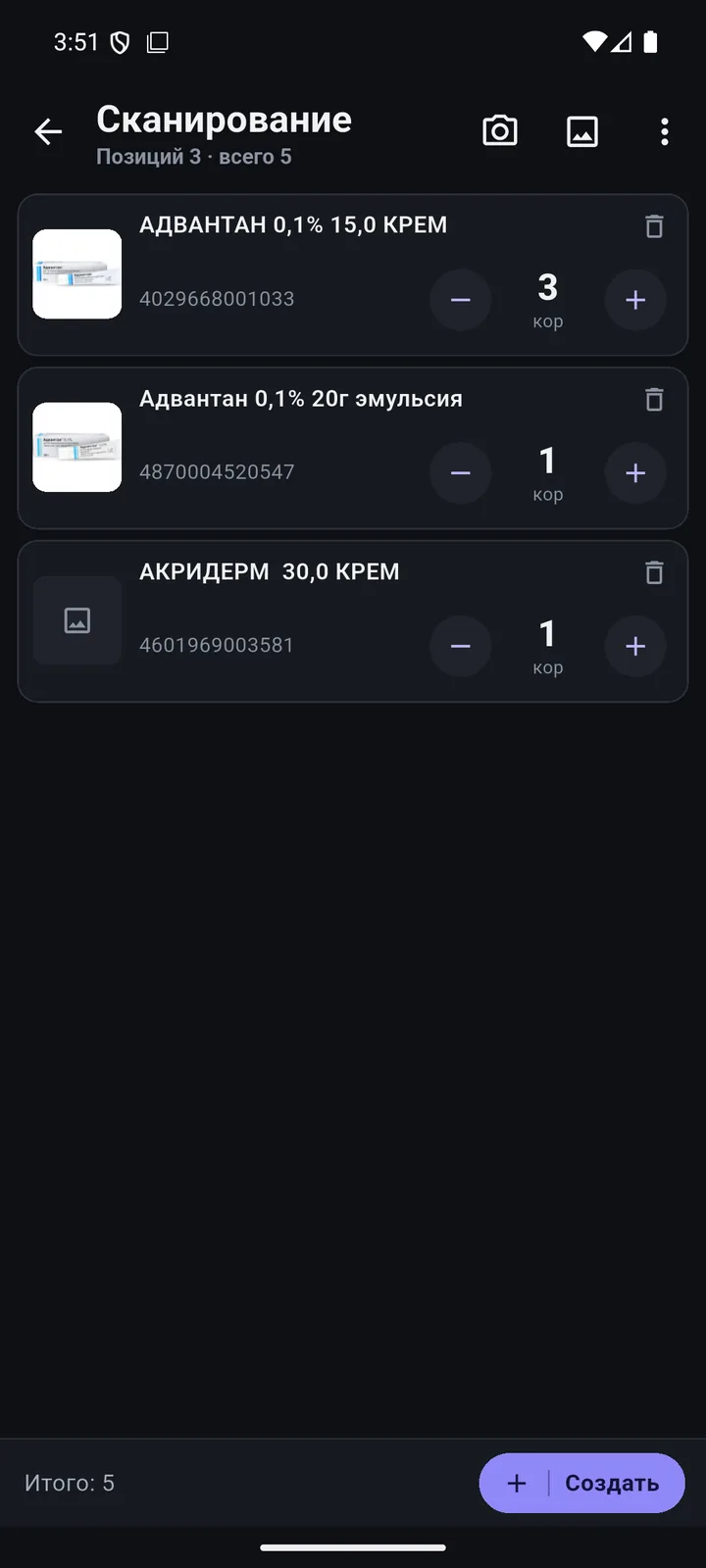
Goods receipt, shipment, transfer, stock count, write-off. Scan products — the document goes to 1C.
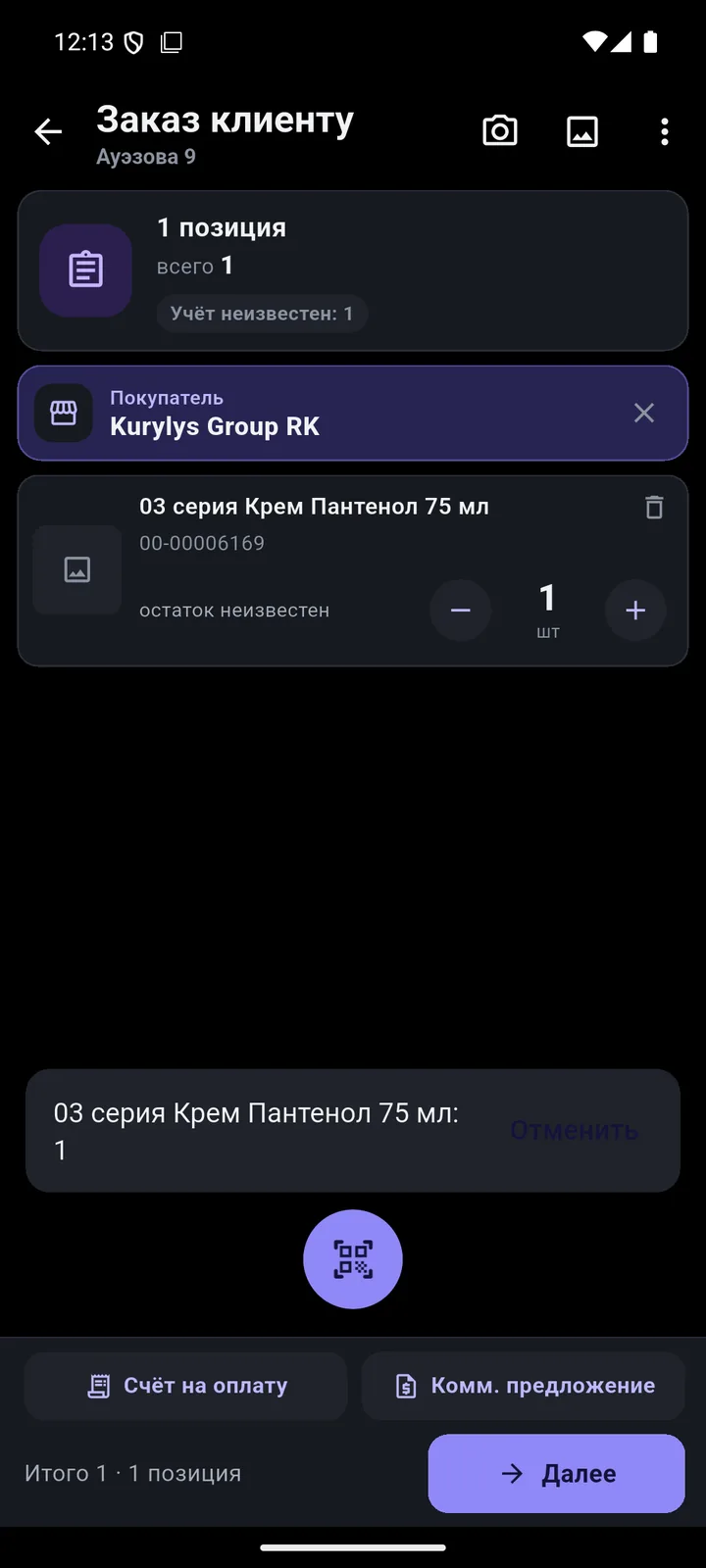
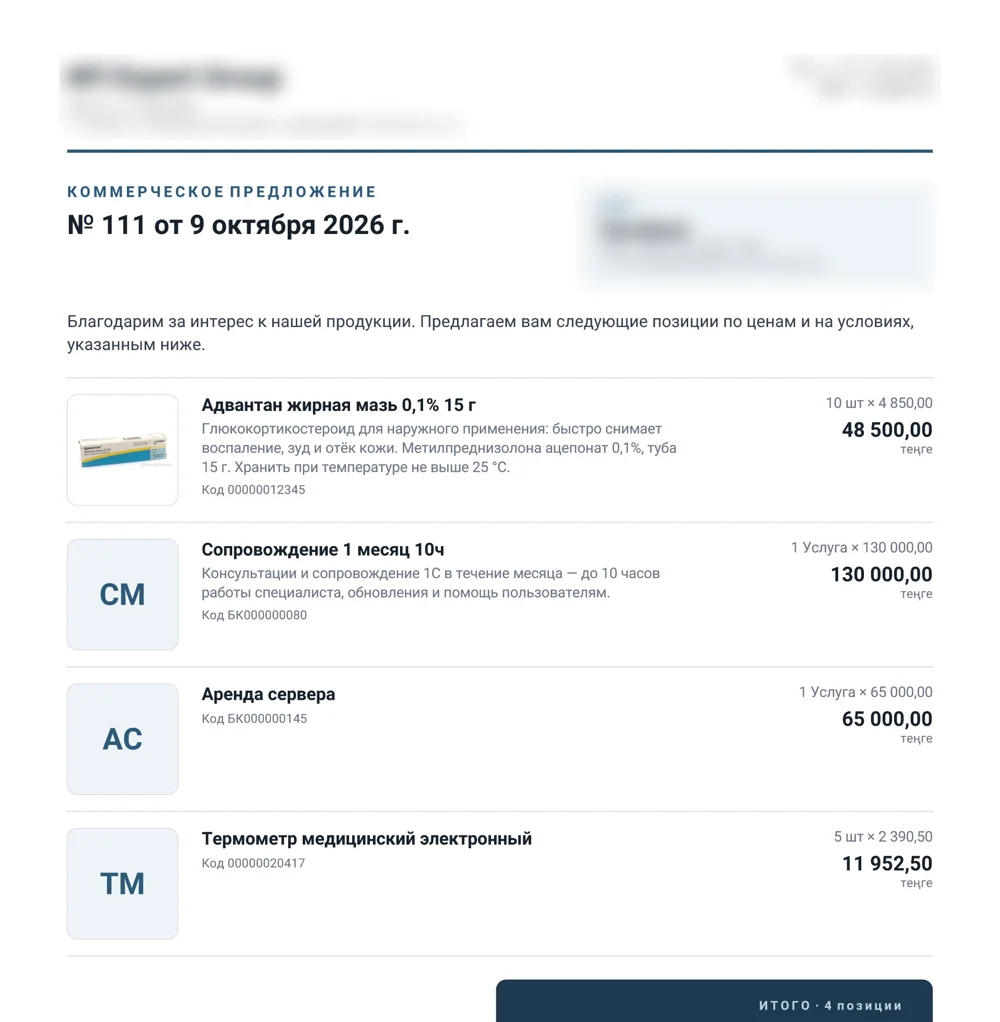
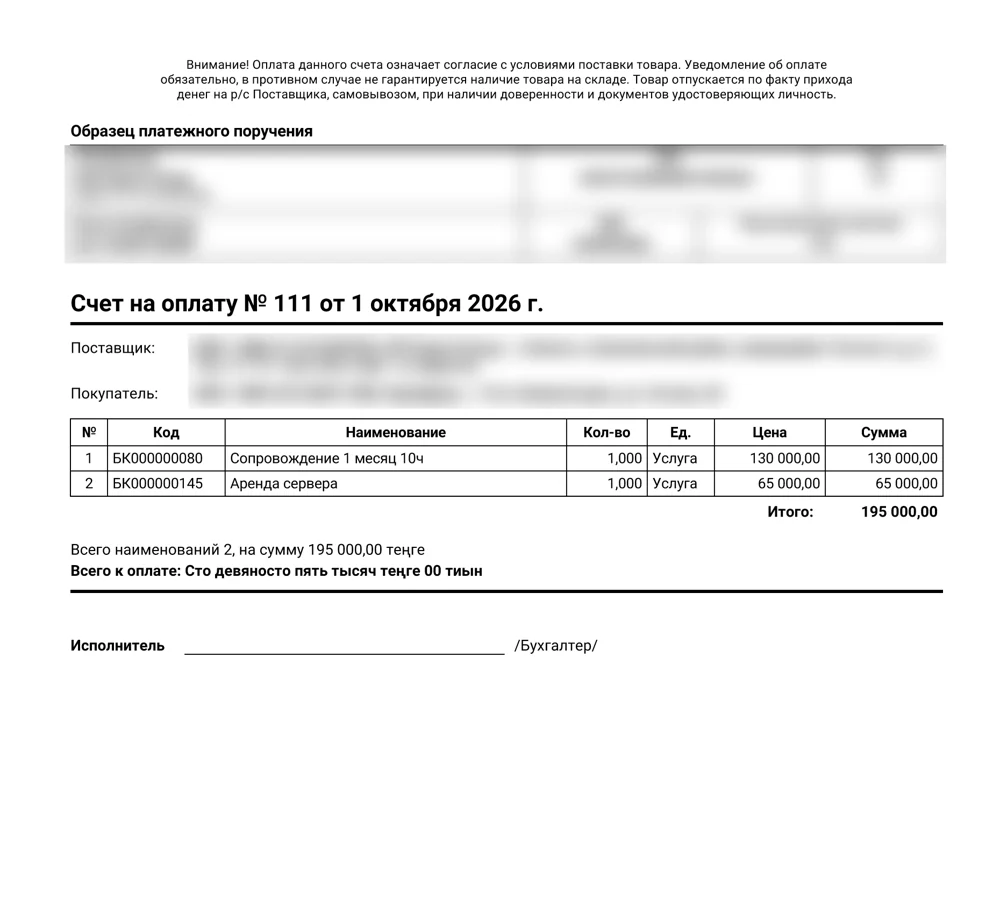
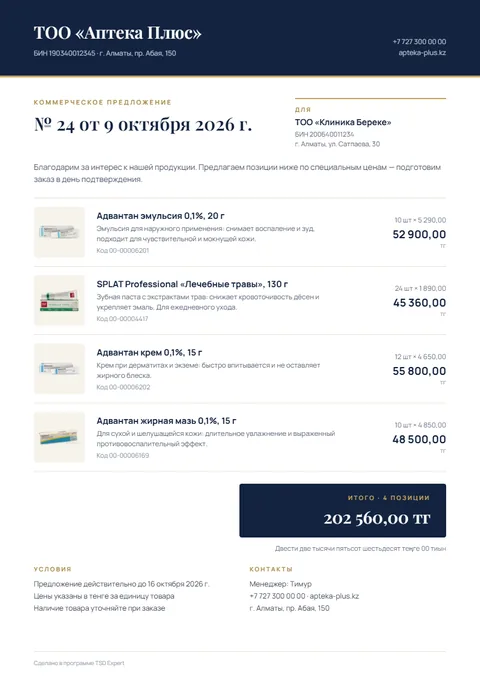
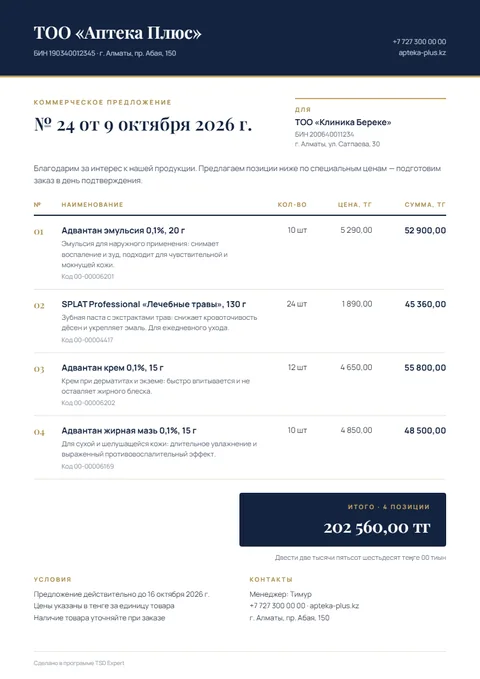
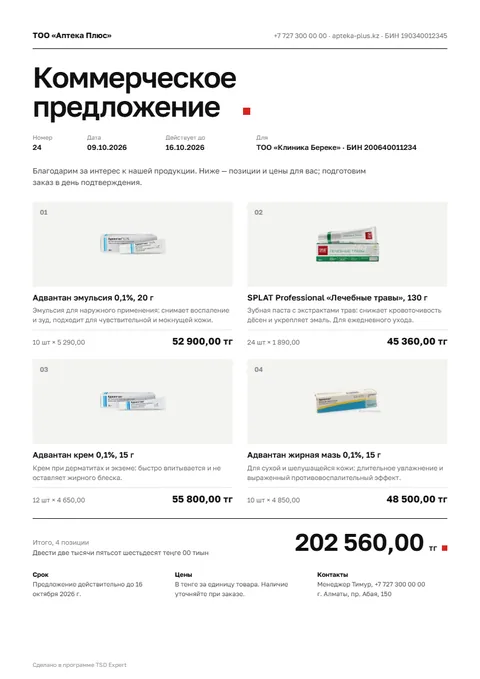
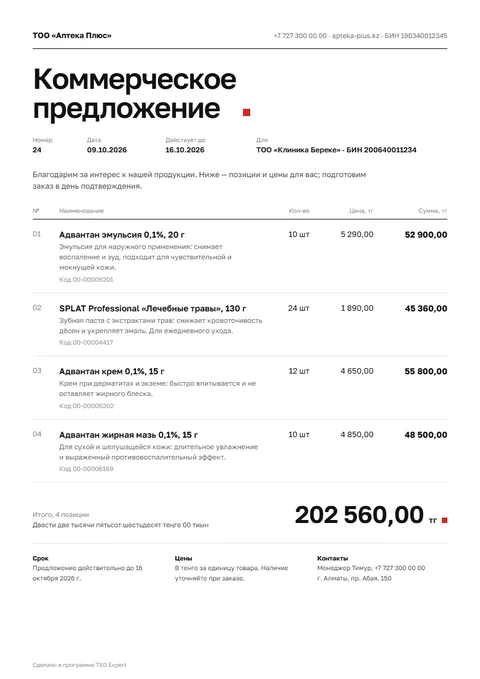
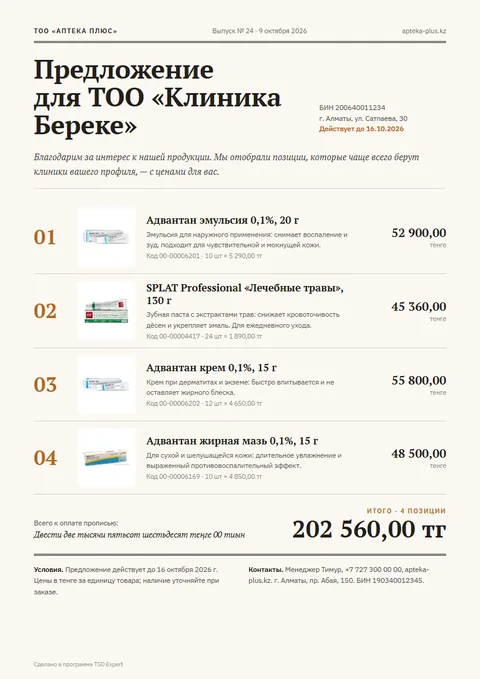
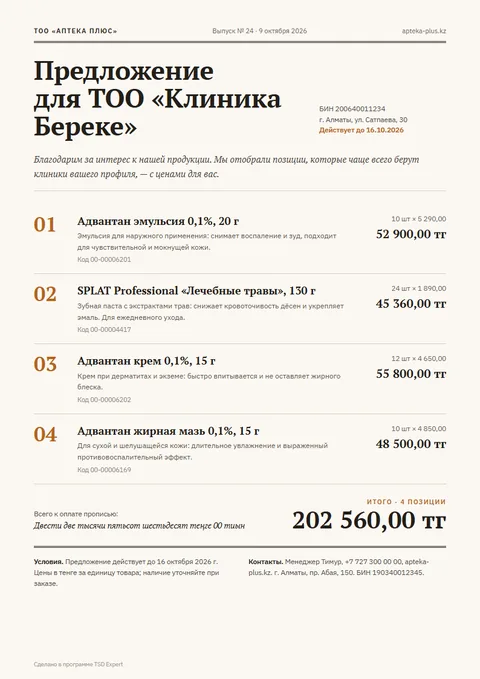
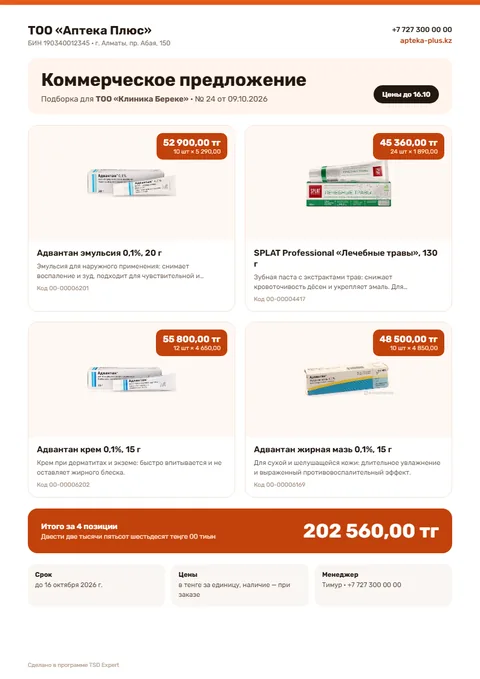
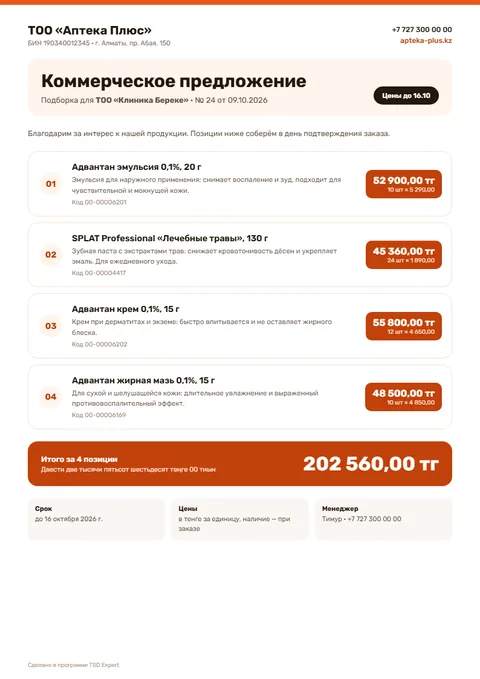
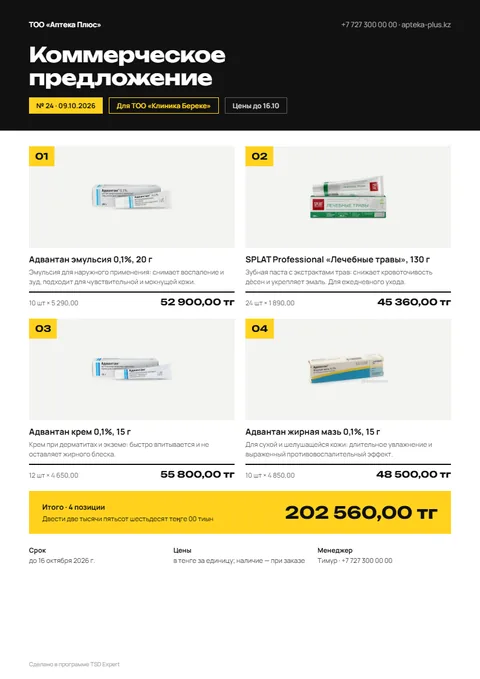
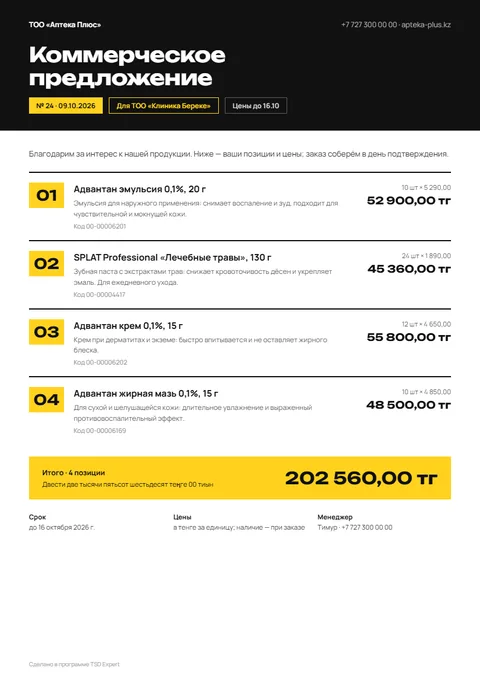
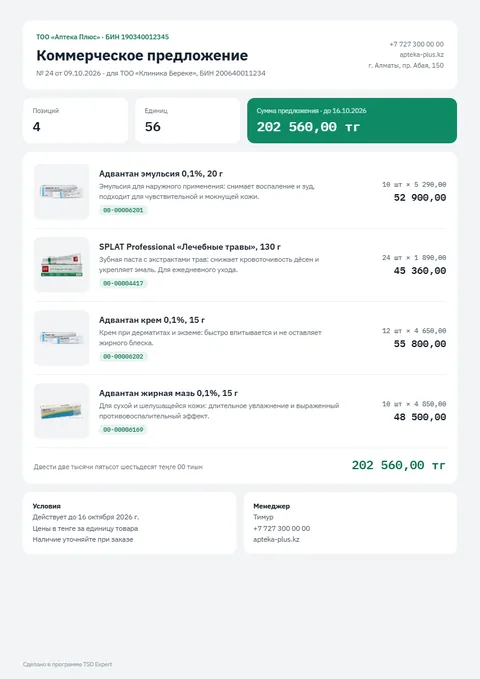
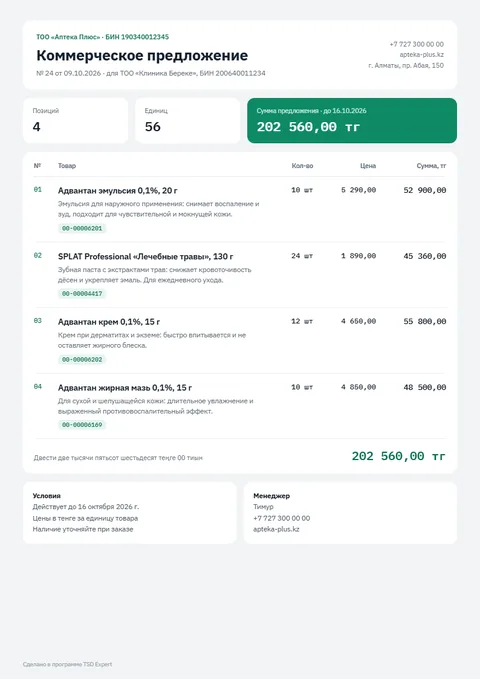
A customer order on the phone, an invoice and a commercial offer (quote) in PDF — in seconds, even offline.
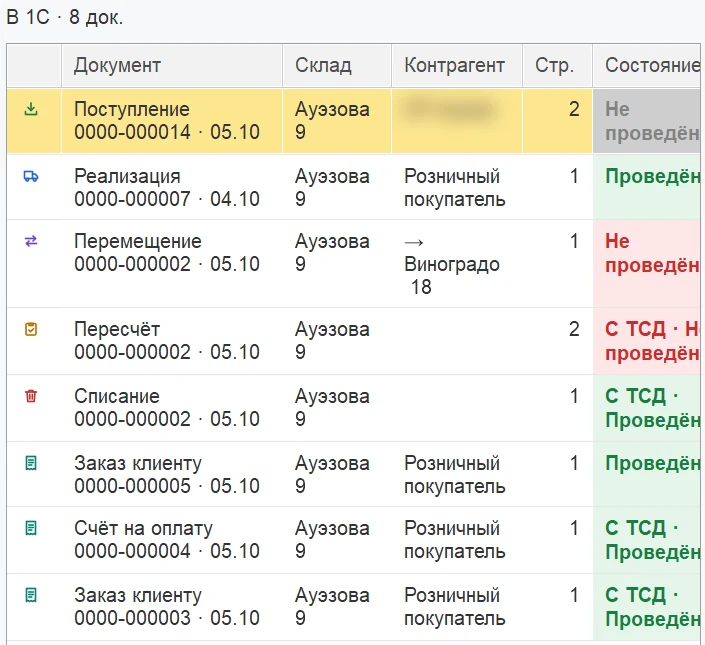
The phone works with your 1C directly. You see what was sent, what was posted and what was not — and why.
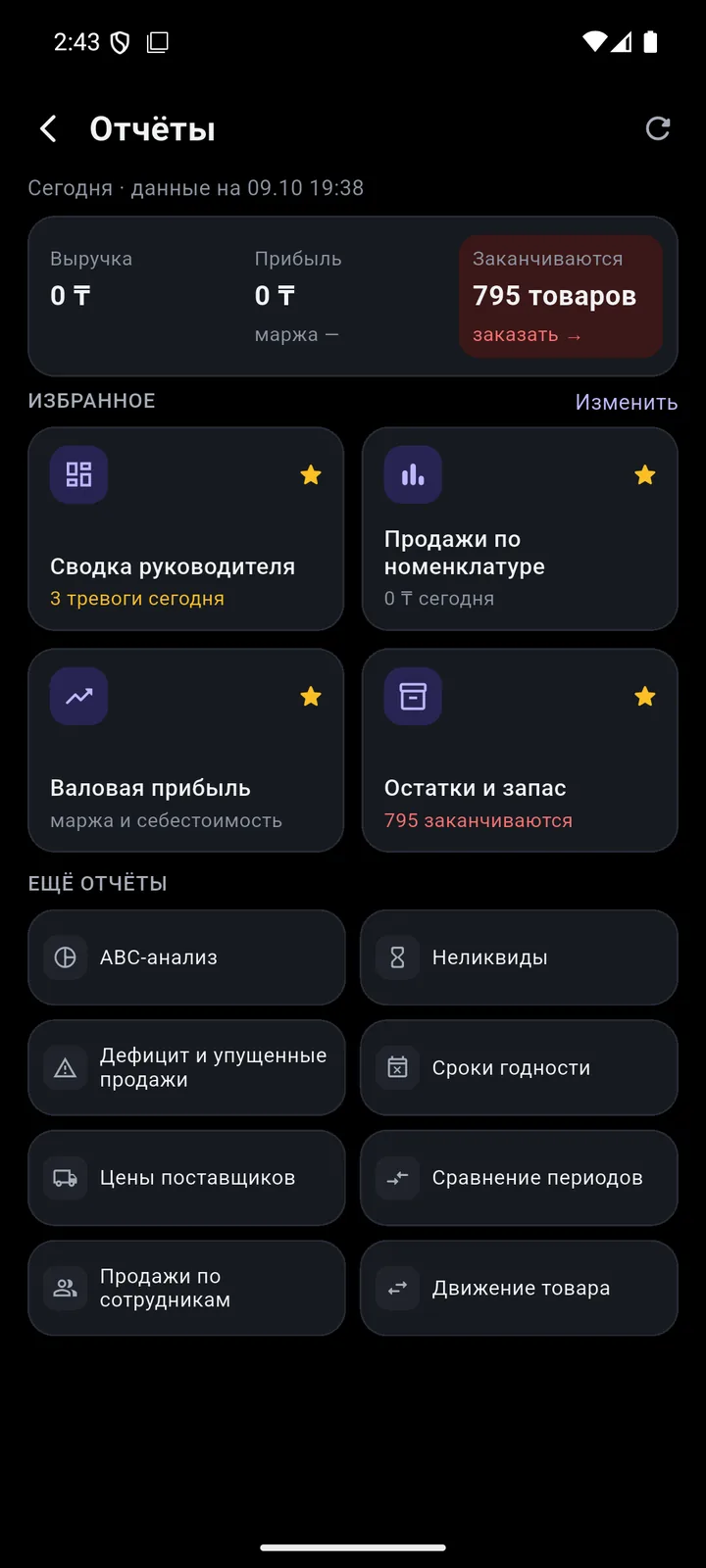
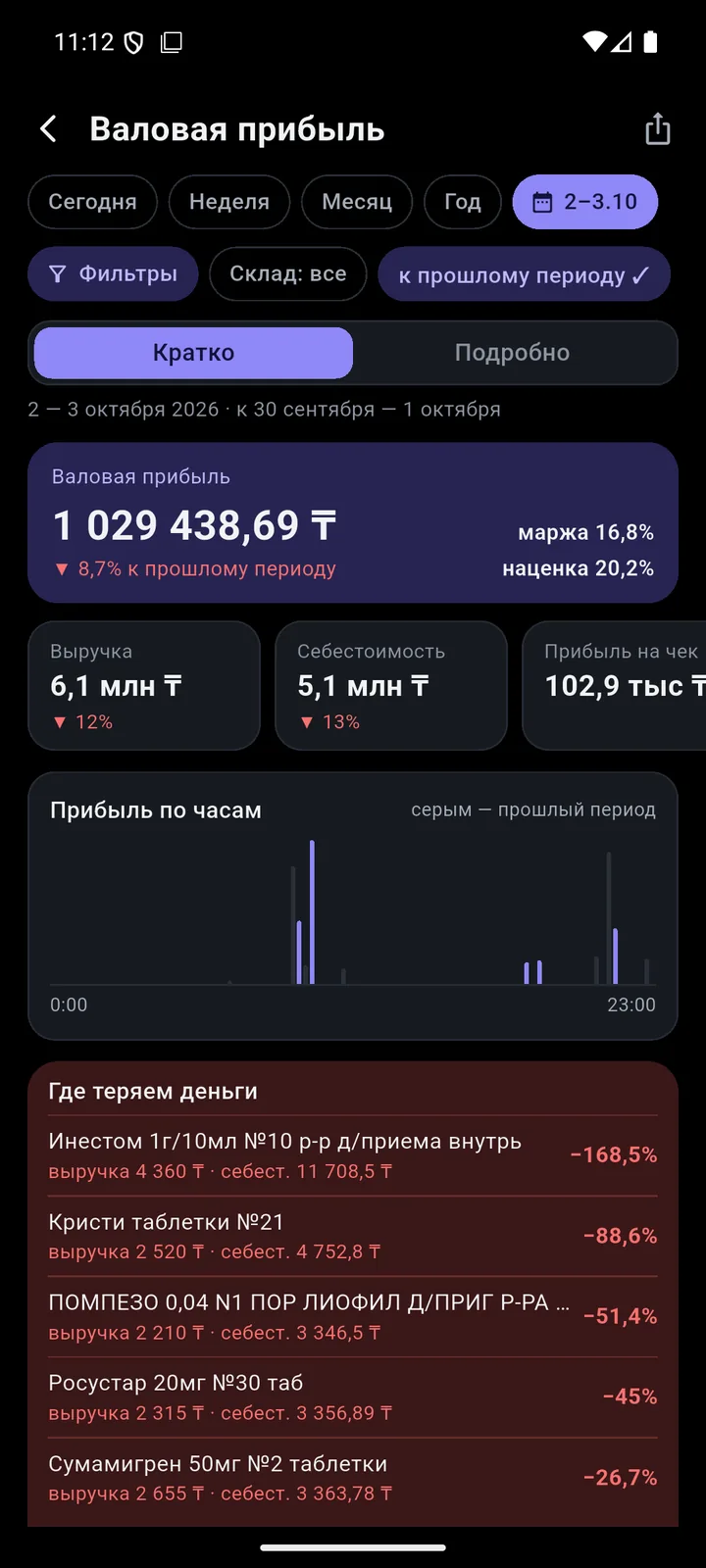
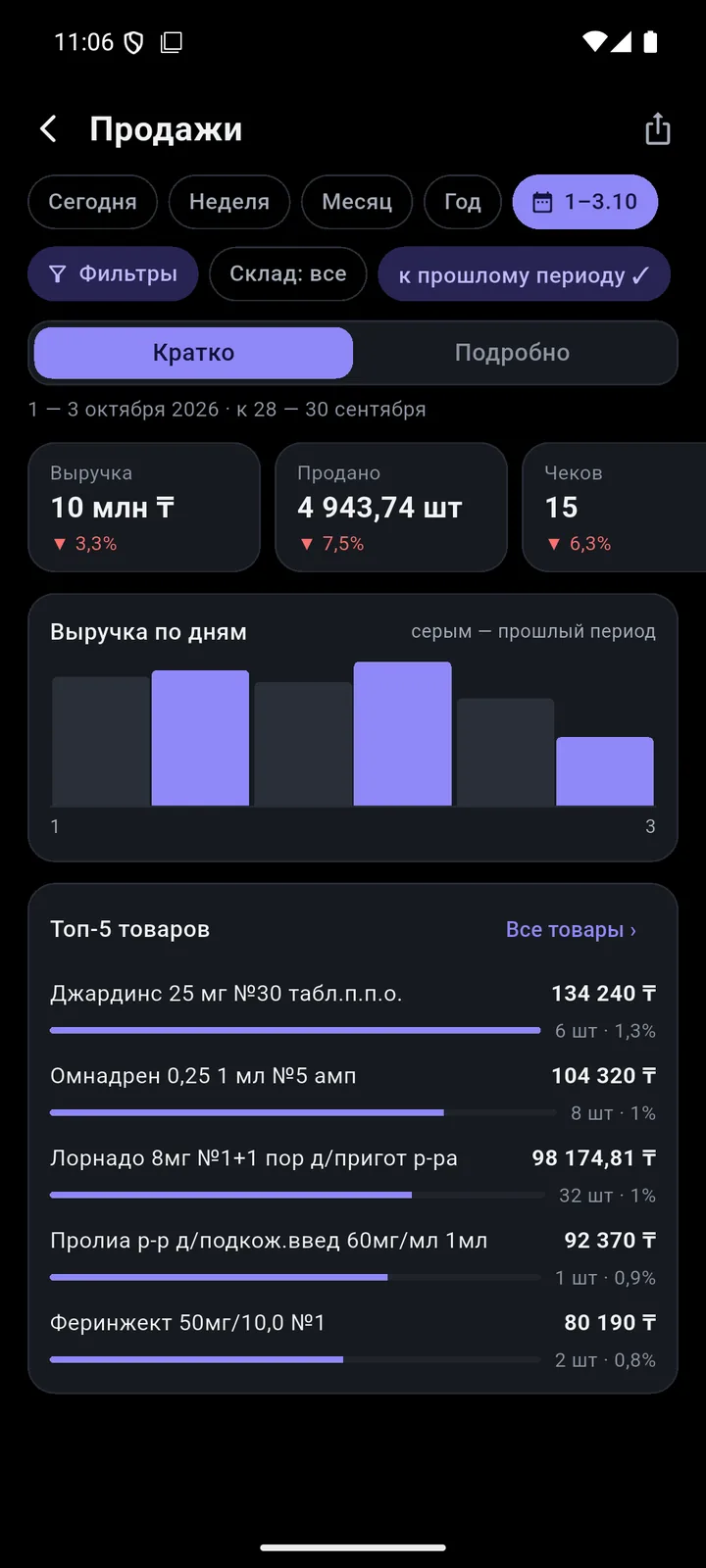
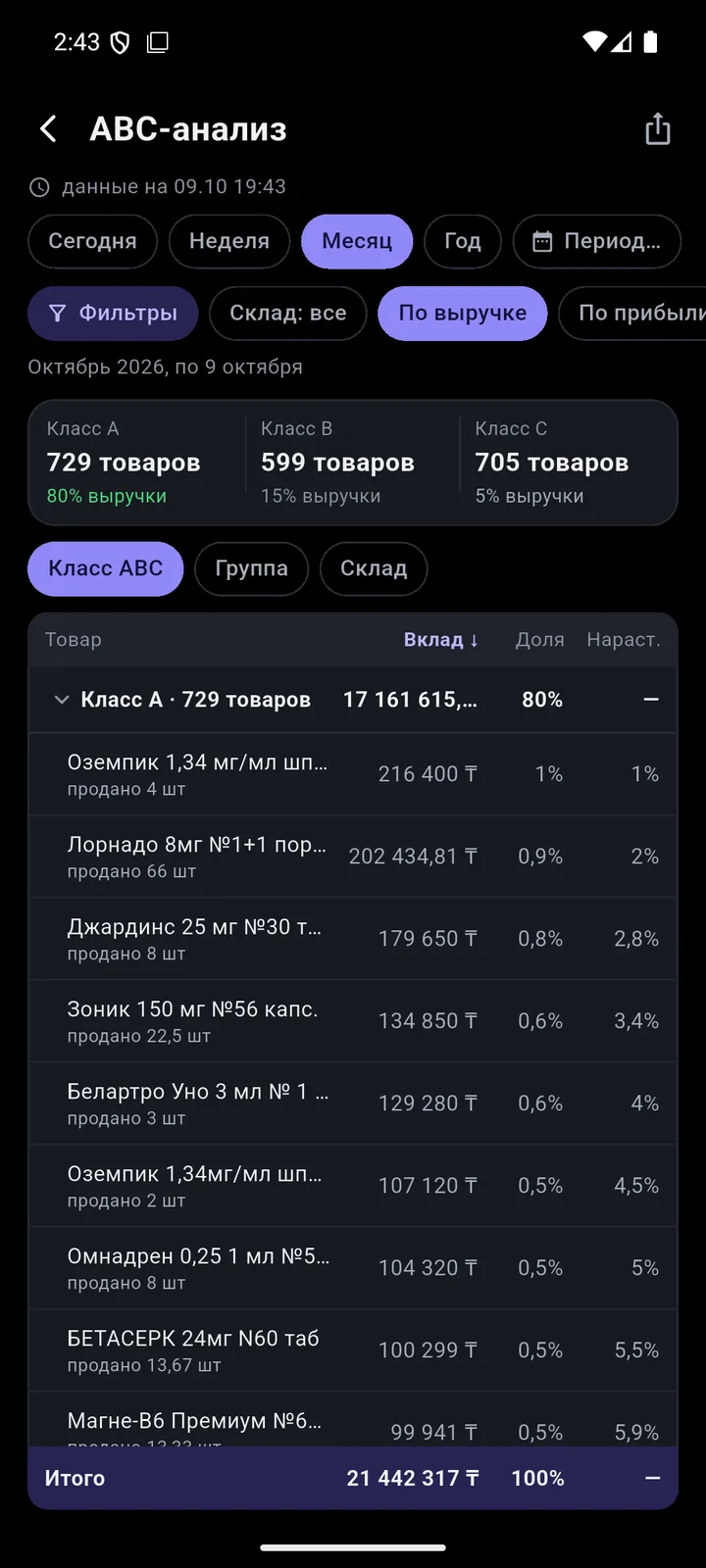
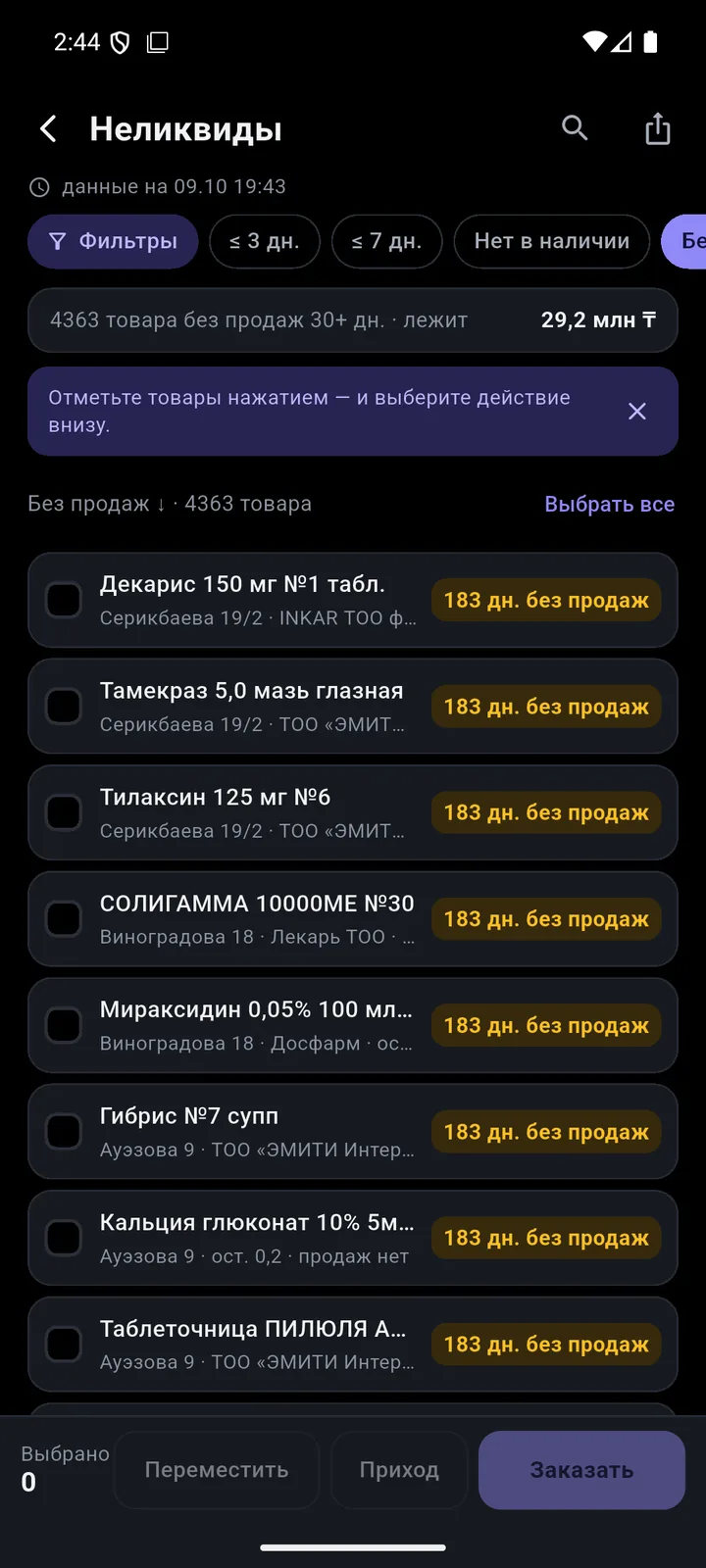
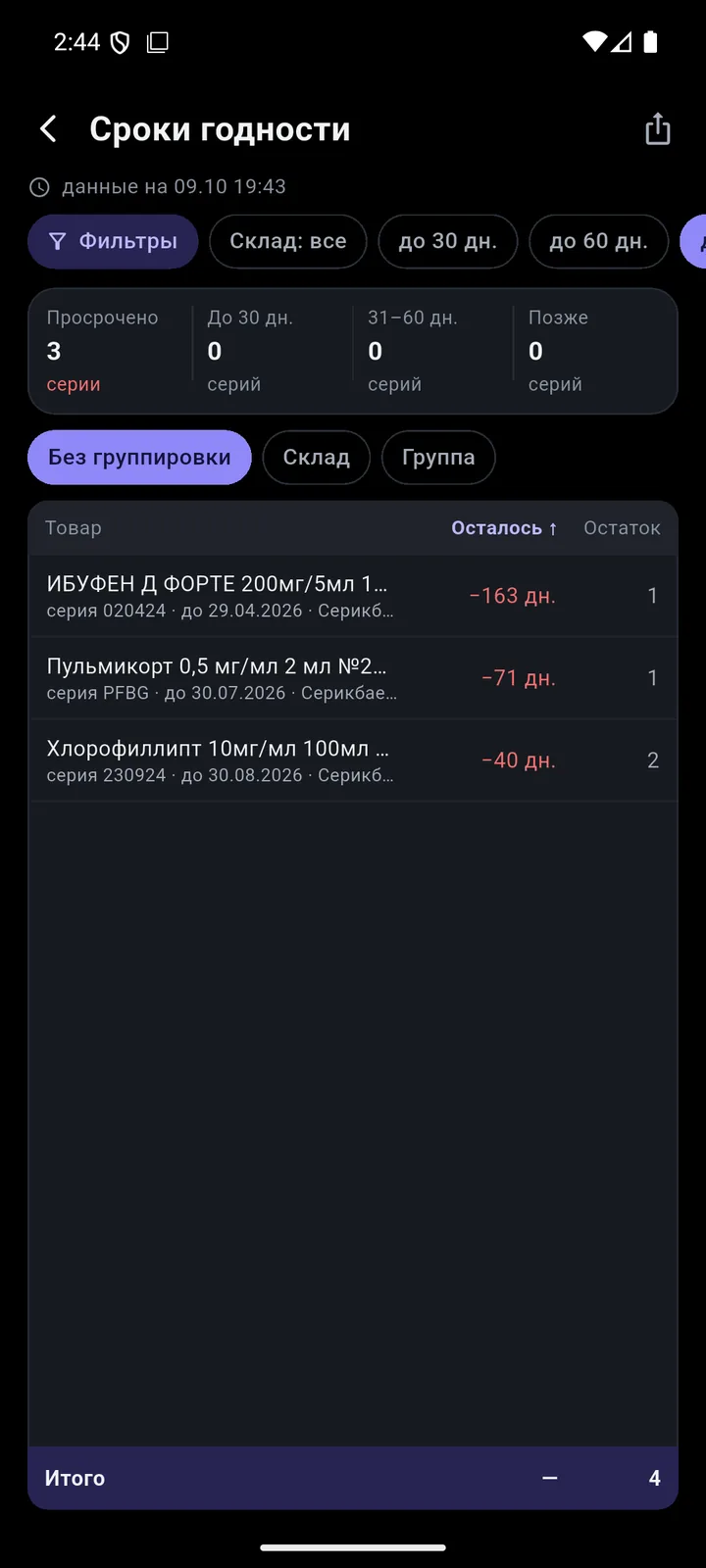
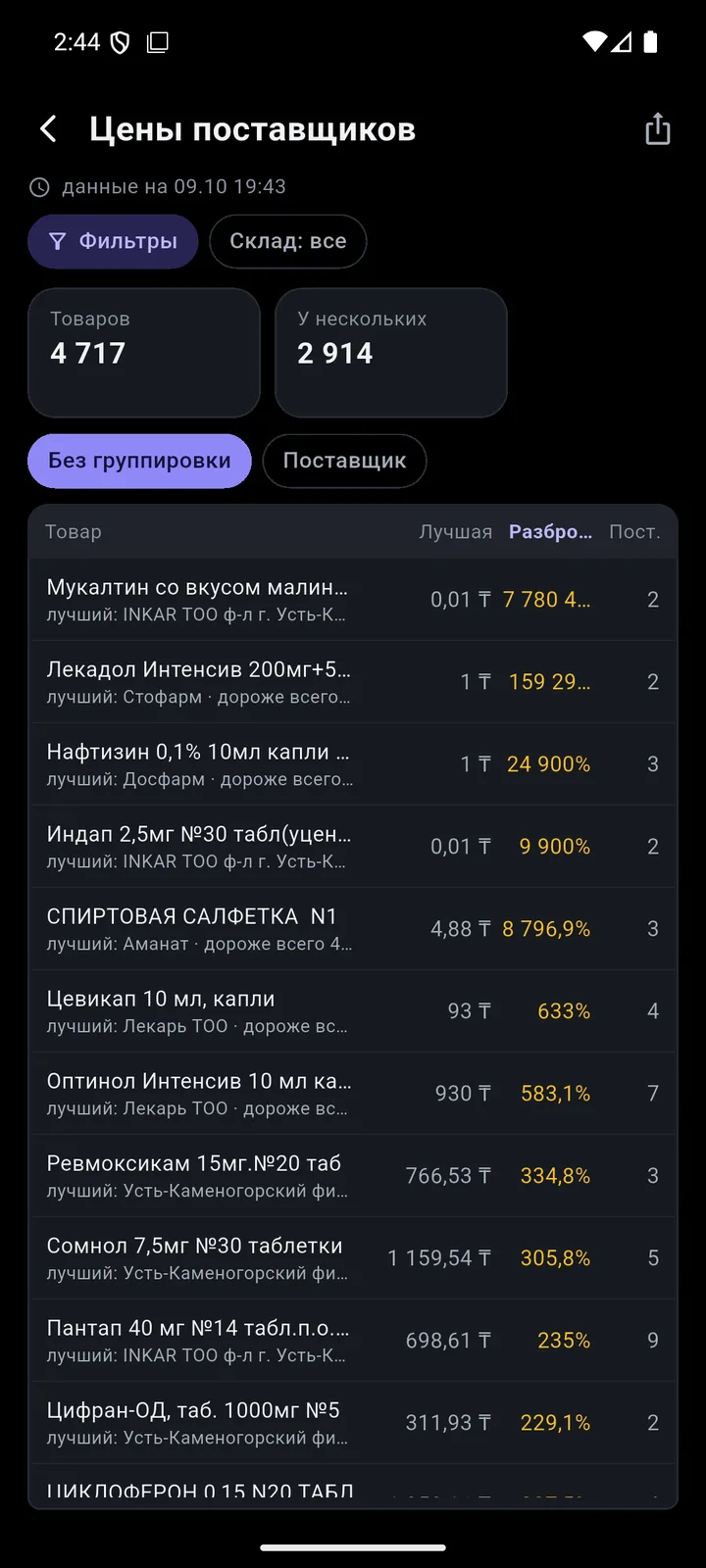
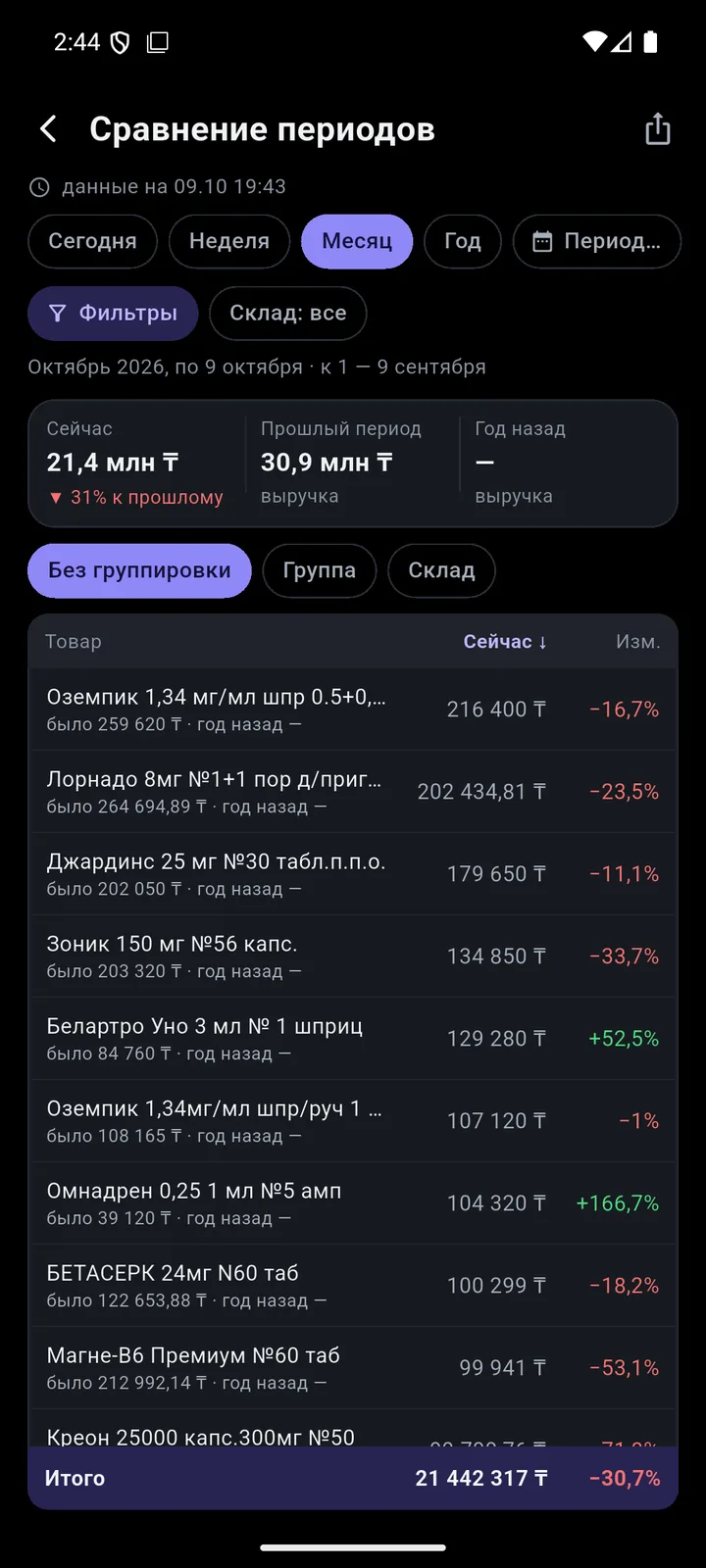
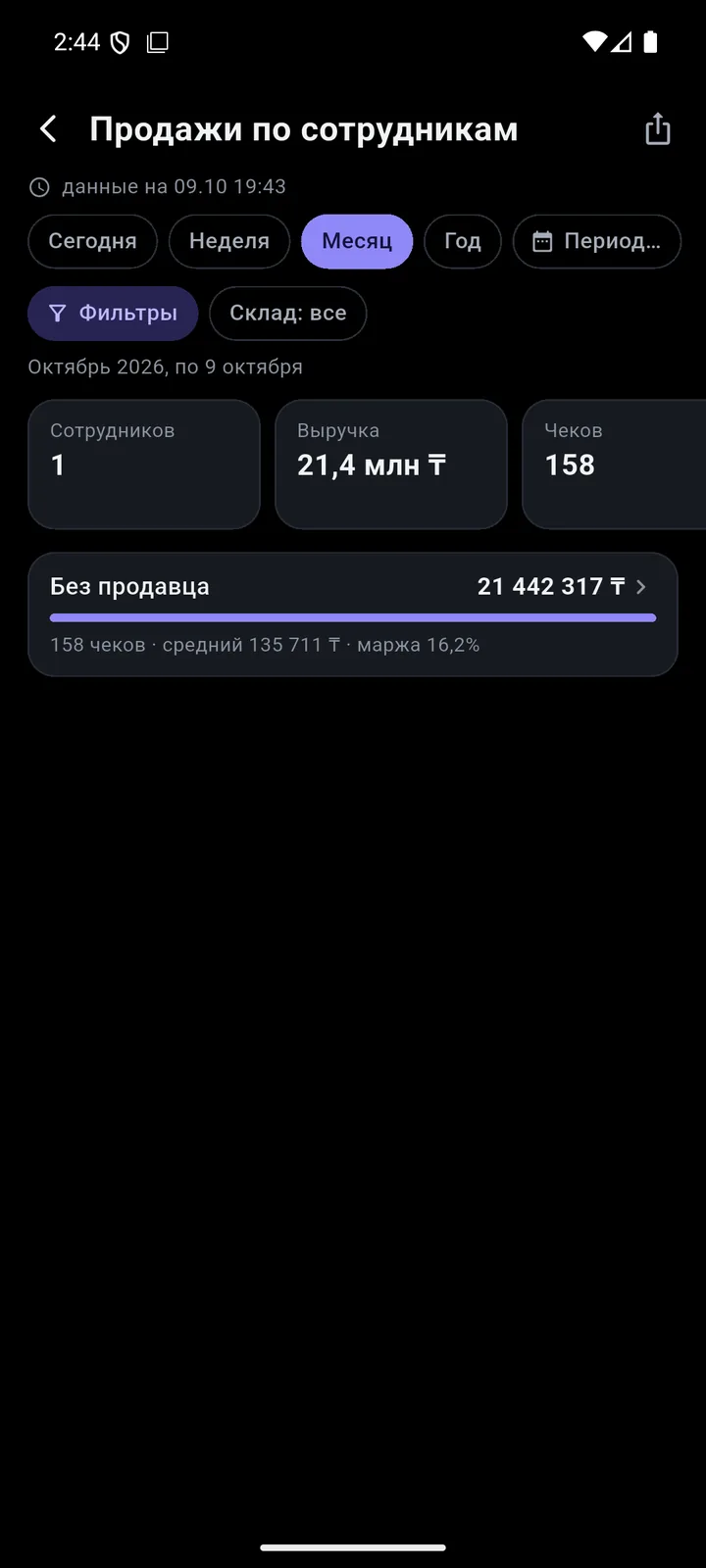
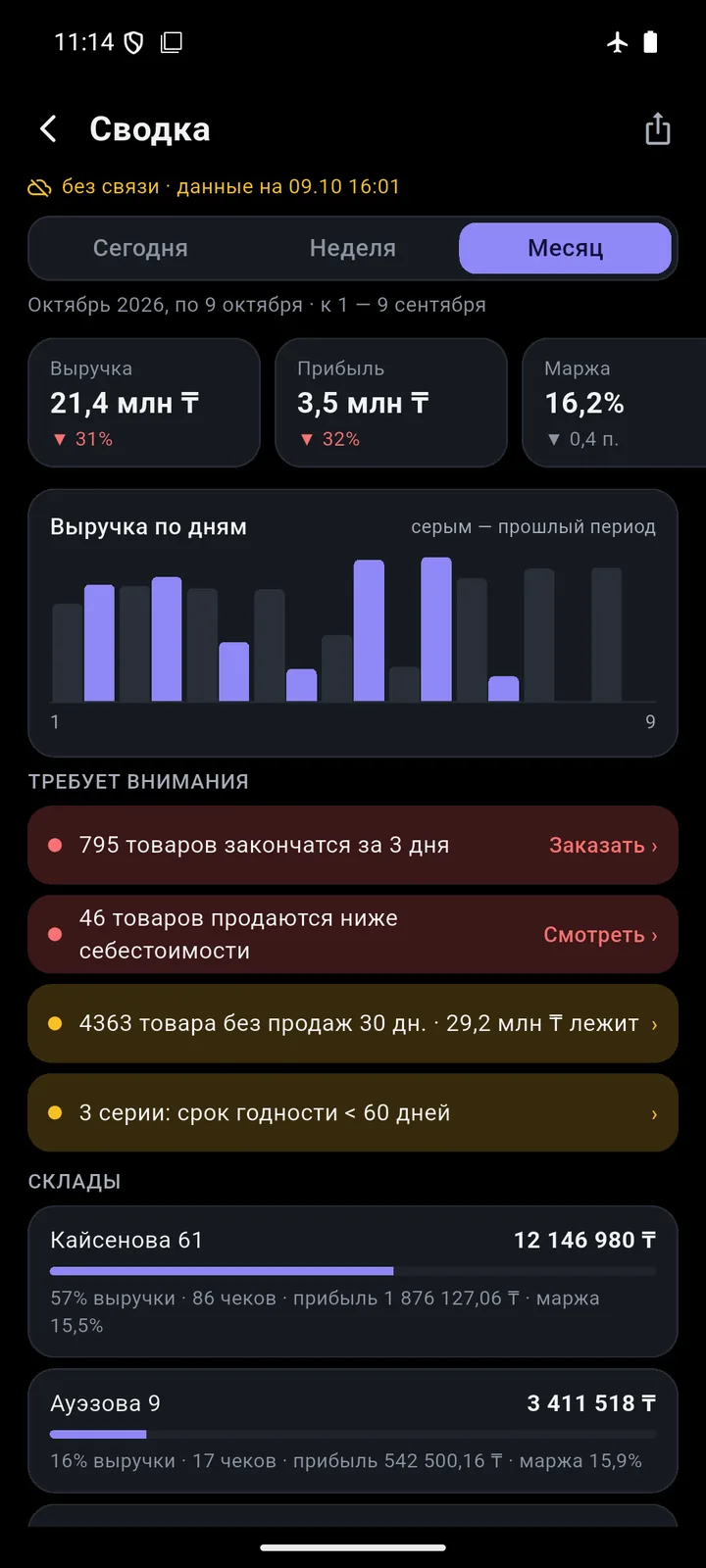
12 reports built on your 1C data. Offline, they cover the last 6 months.
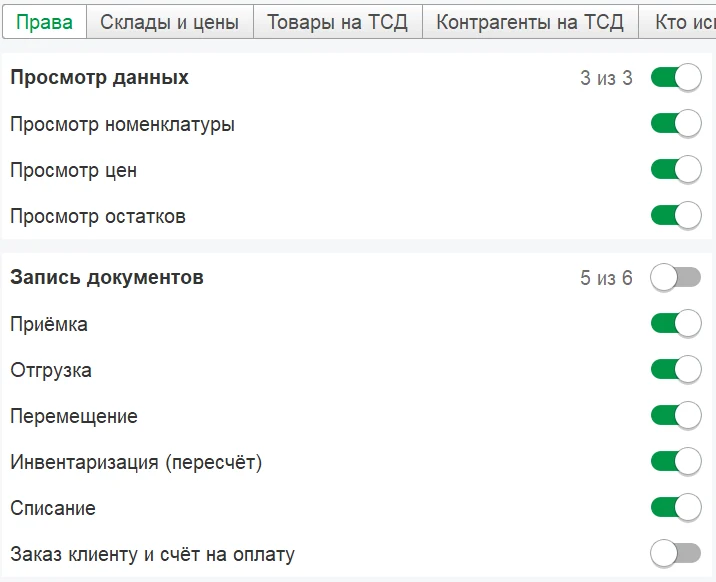
Staff permissions are set with checkboxes in your 1C. 1C passwords never reach the phone.
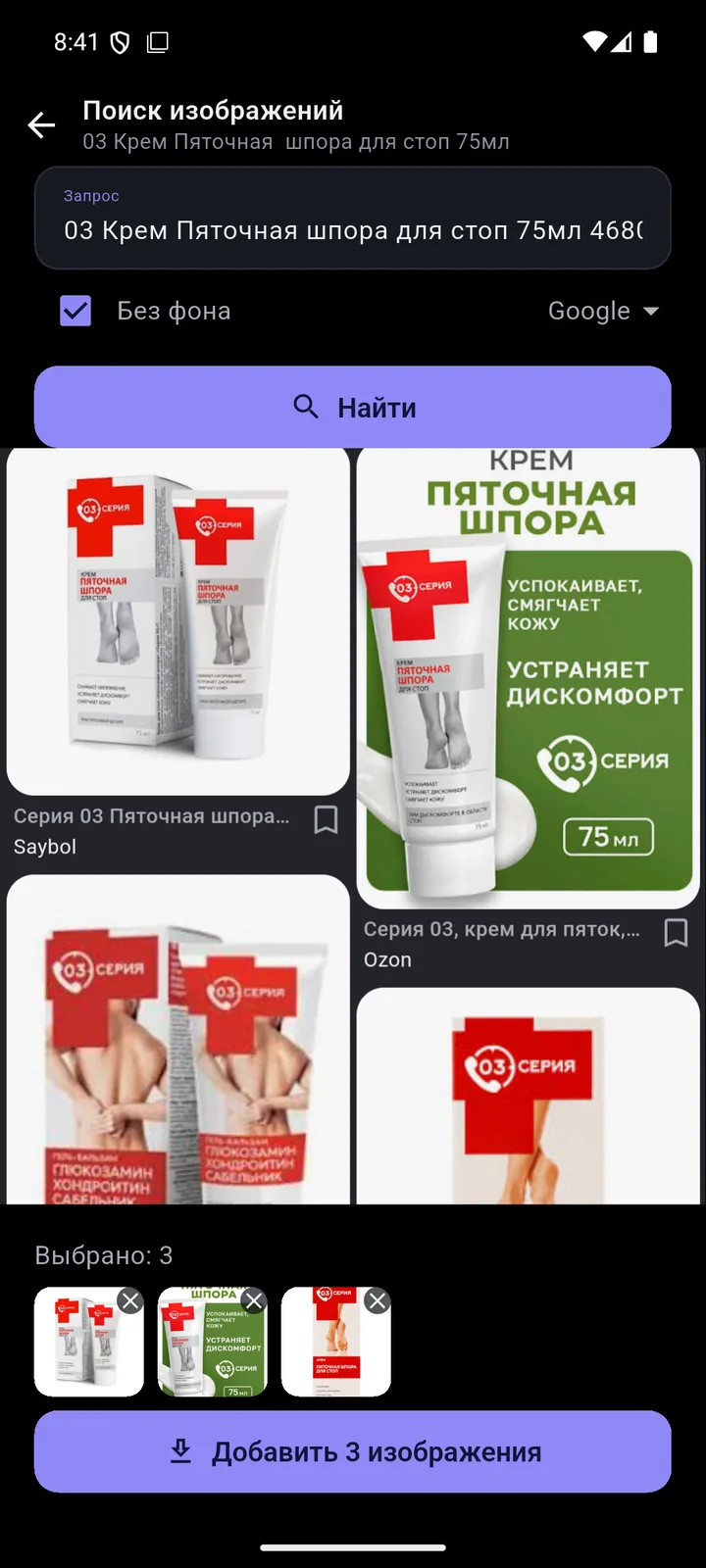
The National Catalogue of Goods code (NTIN) is required on receipts, e-invoices (ESF) and waybills (SNT). Deadline for stores: 1 July 2026. TSD Expert fills in the product card right at the shelf.
13- and 14-digit codes, EAN with a leading zero.
Several cards? You see all of them, marked “active” or “deactivated”.
Name, brand, description, unit, catalogue code. There is also a “Catalogue only” mode.
If the brand from the catalogue isn’t in 1C yet, the app creates it.
10 steps to fill in National Catalogue codes in 1C:Retail and get NTINs right. A 2-page PDF (in Russian).
Pick what you’d like to see.
Groups, brands, filters and bulk editing of dozens of products at once.
Create a group, brand or country right at the shelf. Offline? They reach 1C on their own.
Select products and change type, unit, brand, manufacturer, country, VAT or packages.
Move selected products to another group or to a new one created on the spot.
Availability, warehouse, brand, any attribute — including “not equal” and “does not contain”.
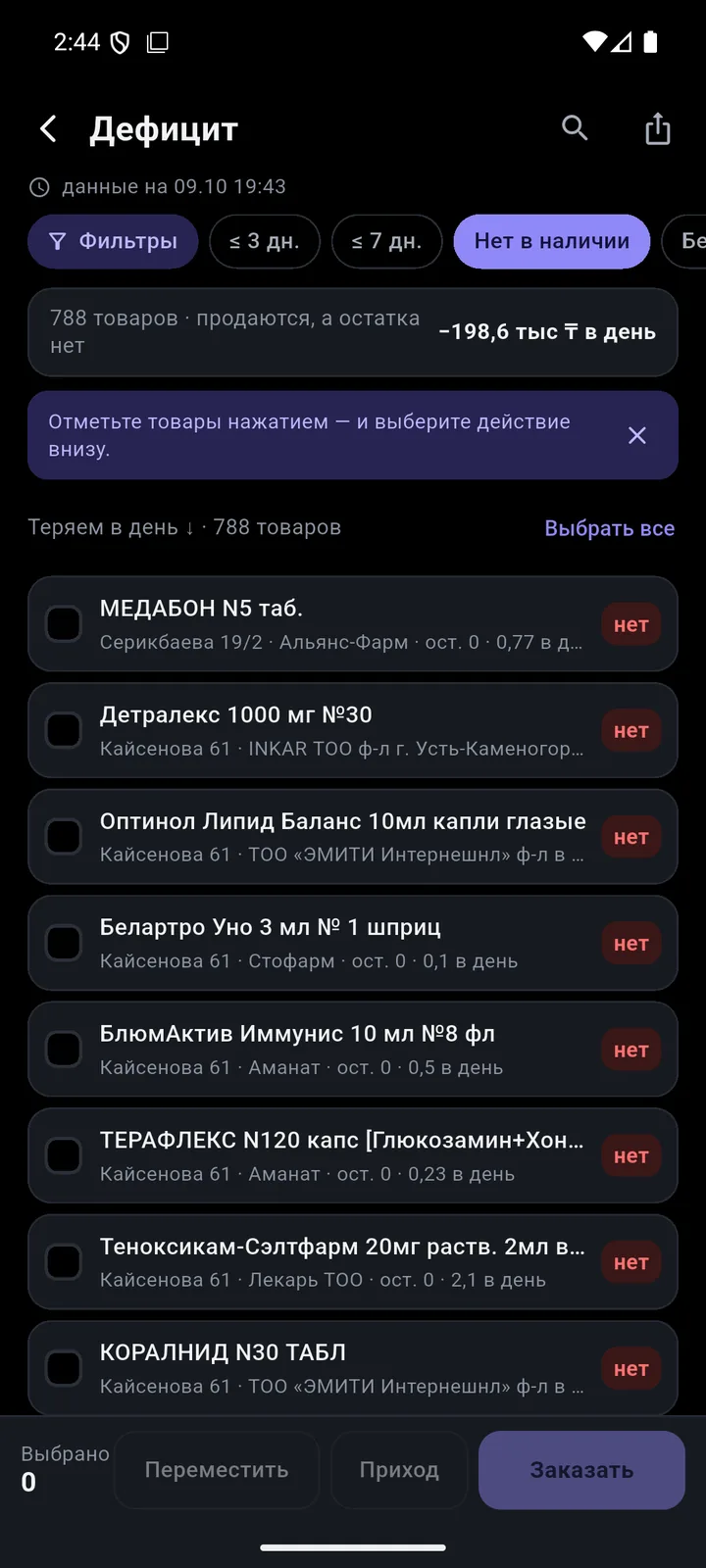
Select products and create a goods receipt, transfer or order.
“Share” it as an image, an A4 PDF or text with the fields you need.
Tiles in 2–3 columns or a list, sorting, no row limit.
Fill all selected products from the National Catalogue at once.
Periods up to a year, filters, “My filters”. Export to PDF, Excel and WhatsApp. Offline: the last 6 months.
Now: a neat template with or without images. Soon: 10 styles to choose from in settings, each in two versions.
The phone builds quotes and invoices in PDF. The footer says “Made in TSD Expert”.
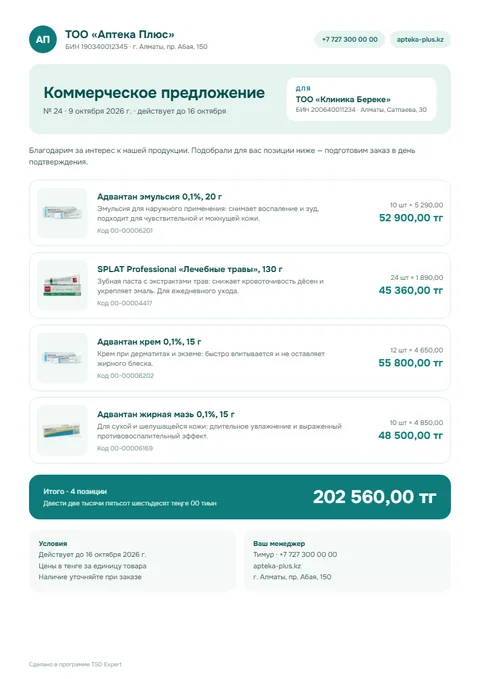
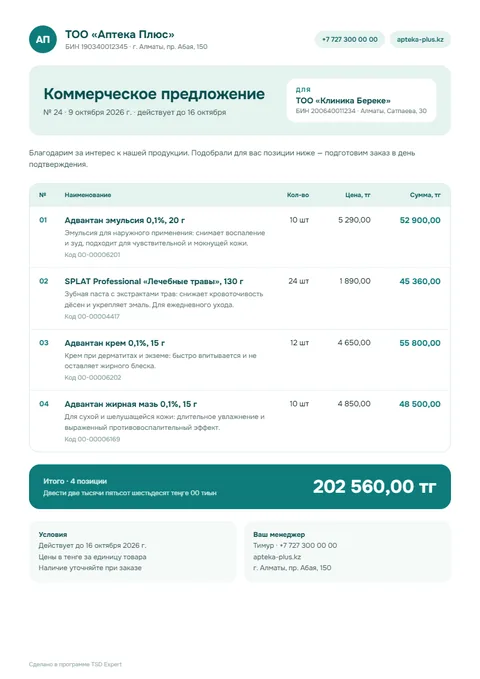
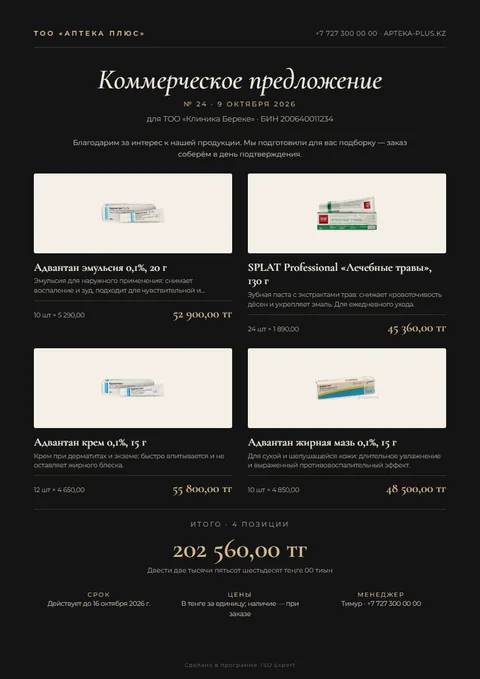
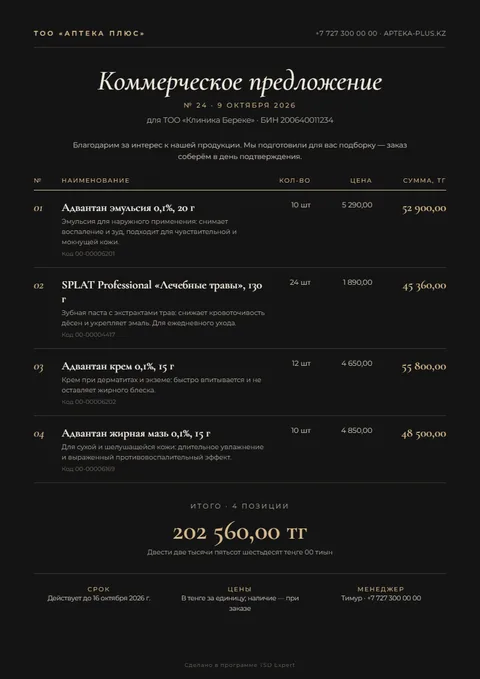
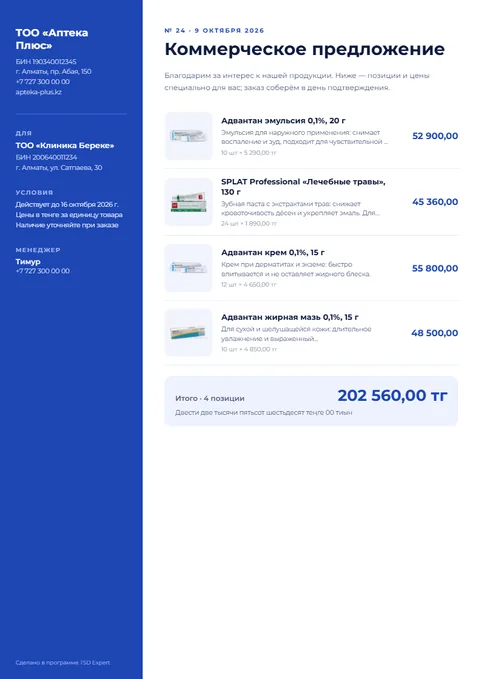
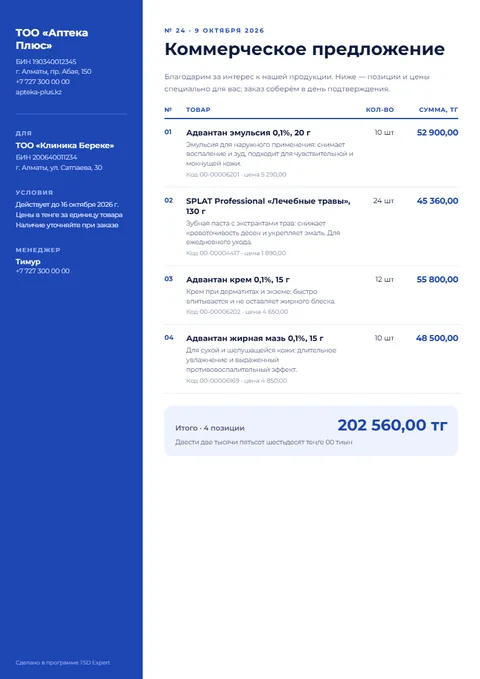
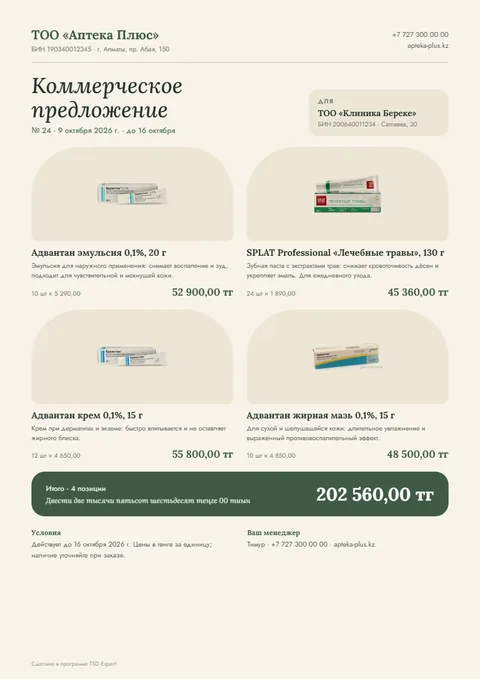
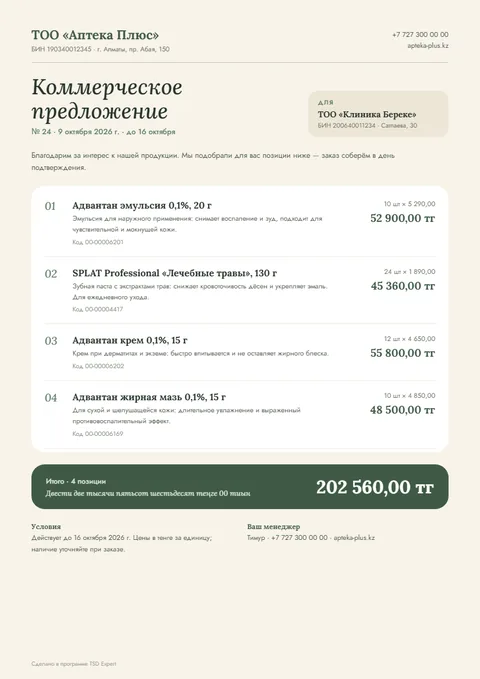
The features that matter most in your type of retail.
No 1C programmer needed. The installer sets up the extension and publishes the database on your local network.
A single Windows program.
Enter the 1C admin login and password — the installer does the rest.
License → access profile → staff with PINs.
The phone is connected — you’re ready to go.
Requires: Windows 64-bit, 1C 8.3 (64-bit, 8.3.27+) with a web server, administrator rights.
We compared it with typical 1C terminal solutions and cloud POS systems.
| TSD Expert | Typical 1C terminal solution | Cloud POS with inventory | |
|---|---|---|---|
| Built for 1C:Retail for Kazakhstan | yes | generic, often made for Russia | its own accounting instead of 1C |
| National Catalogue on the device | yes | no | varies |
| New product from the phone | 5 steps, with photo and catalogue data | rarely | yes, in its own catalogue |
| Invoice with Kazakhstan bank details | yes, PDF from the phone | no | no |
| Manager reports on the phone | 12, even offline | no | yes, but not on 1C data |
| Smartphone instead of a terminal | yes | yes | yes |
| Installation | installer with rollback | server, connector, activation | switch to a new system |
| Staff permissions | checkboxes in your 1C | in its own system | in the cloud |
| Price | ₸ per device per month | license in RUB + updates | subscription per store |
Every plan includes every feature. You choose the number of device licenses and the term.
Preliminary prices. They may change before sales start.
| Devices | ₸ per device per month |
|---|---|
| 1–4 devices | 5 000 ₸ |
| 5–9 devices | 4 500 ₸ |
| 10+ devices | 4 000 ₸ |
Exact versions, no asterisks. Plans with honest labels.

1C, Android, Apple, Kaspi, Wildberries, Ozon, MoySklad, Umag, Tañba are trademarks of their owners.
An app for Android smartphones and data collection terminals (TSD), plus an extension for 1C:Retail for Kazakhstan. Staff scan products, build documents, create products from the National Catalogue of Goods and view reports — all directly in your 1C.
1C:Retail for Kazakhstan, editions 2.2 and 2.3, on platform 8.3.27 or newer. 1C:Retail 3.0 is in progress; 1C:Small Business (UNF) and 1C:Accounting are planned.
No. Any Android 8+ smartphone will do — the camera does the scanning. A terminal or Bluetooth scanner helps if you scan a lot.
Yes, with no time limit: the employee stays signed in. The catalogue, prices, stock and 6 months of report data are on the phone; documents and new products wait in a queue and reach 1C on their own.
Download the installer, choose the 1C database and enter the administrator login and password — it sets up the extension and publishes the database on your local network. Then run the setup wizard in 1C and scan a QR code with the phone.
The new product wizard and the product card have a «Заполнить по НКТ» (Fill from catalogue) button: the app searches nct.gov.kz and nationalcatalog.kz by barcode or name and fills in the code, name, brand and description.
Leave your number — we’ll call you back, answer your questions and help with installation.
By sending, you agree to the processing of your data so we can reply.