Staff, PINs and access permissions
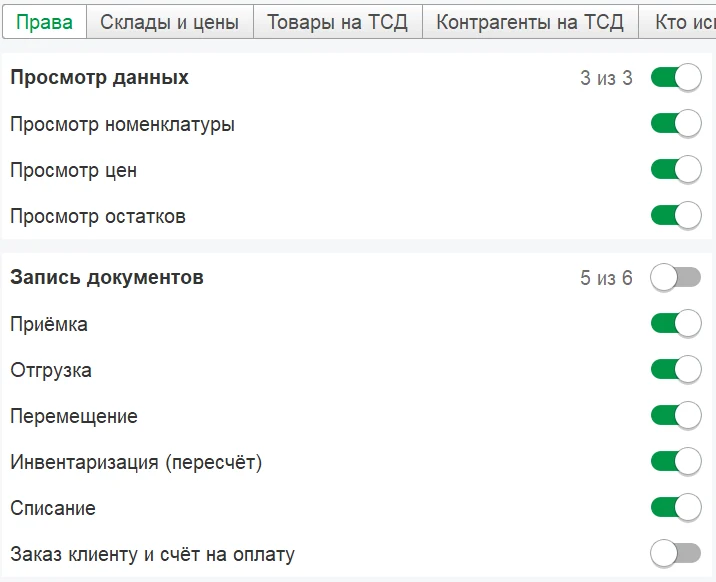
Staff permissions are set with checkboxes in your 1C. 1C passwords never reach the phone.
Screens
In detail
- Access profile: 17 checkboxes in 5 groups, warehouses and price types, product and customer/supplier filters by rules, with preview.
- Employees with 4–8-digit PINs, lockout after failed attempts, 8-, 12- or 24-hour sessions.
- The connection QR code is valid from 5 minutes to 24 hours; «Отозвать доступ» (Revoke access) is in 1C.
- The employee’s “1C user” becomes the responsible person in documents.
- Setup wizard in 1C: license → profile → staff → QR → check.
How it works
Profile in 1C QR PIN Their own tiles
-
17 checkboxes in a profile
Prices, stock, new products, documents, reports — in 5 groups.
-
Warehouses, prices, product filters
Each employee gets their own warehouses, price types and products filtered by rules.
-
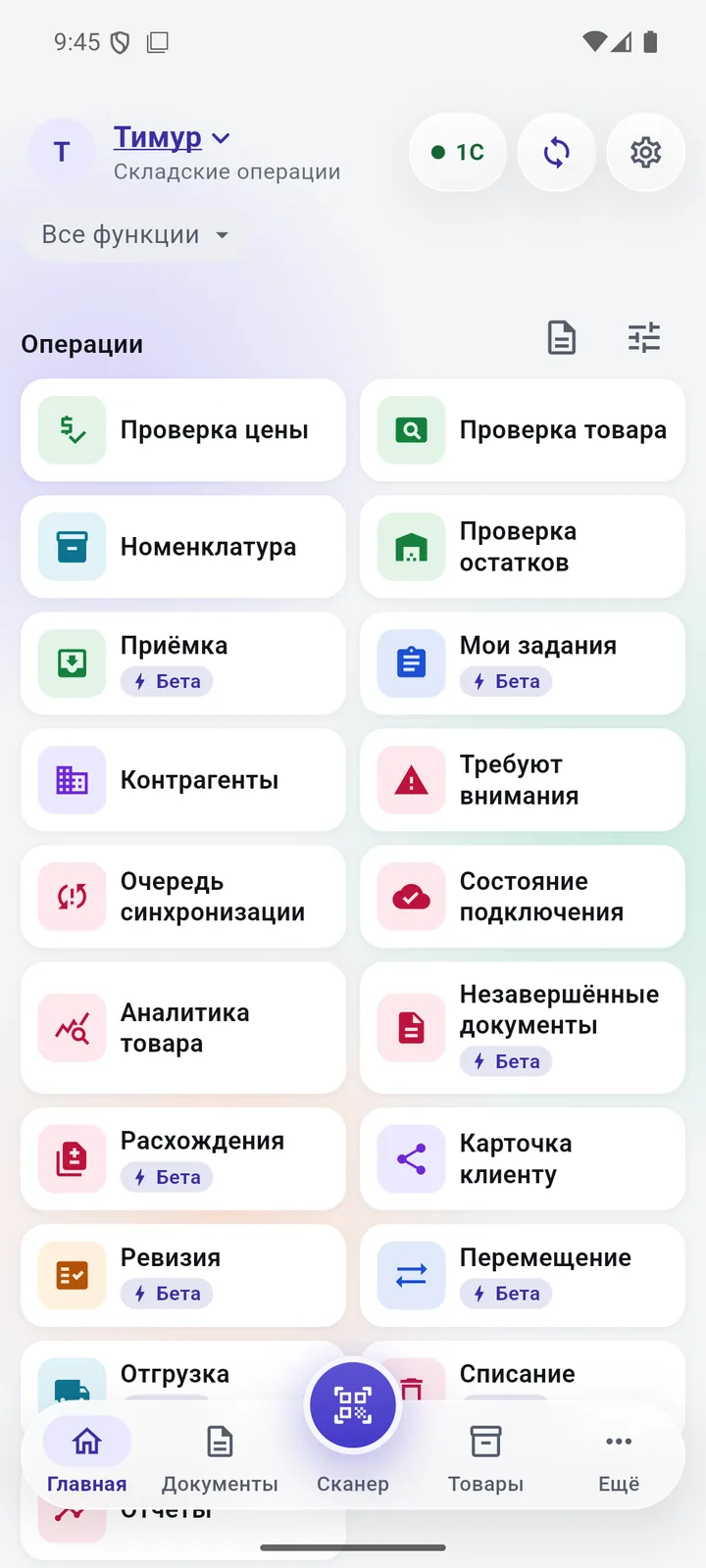
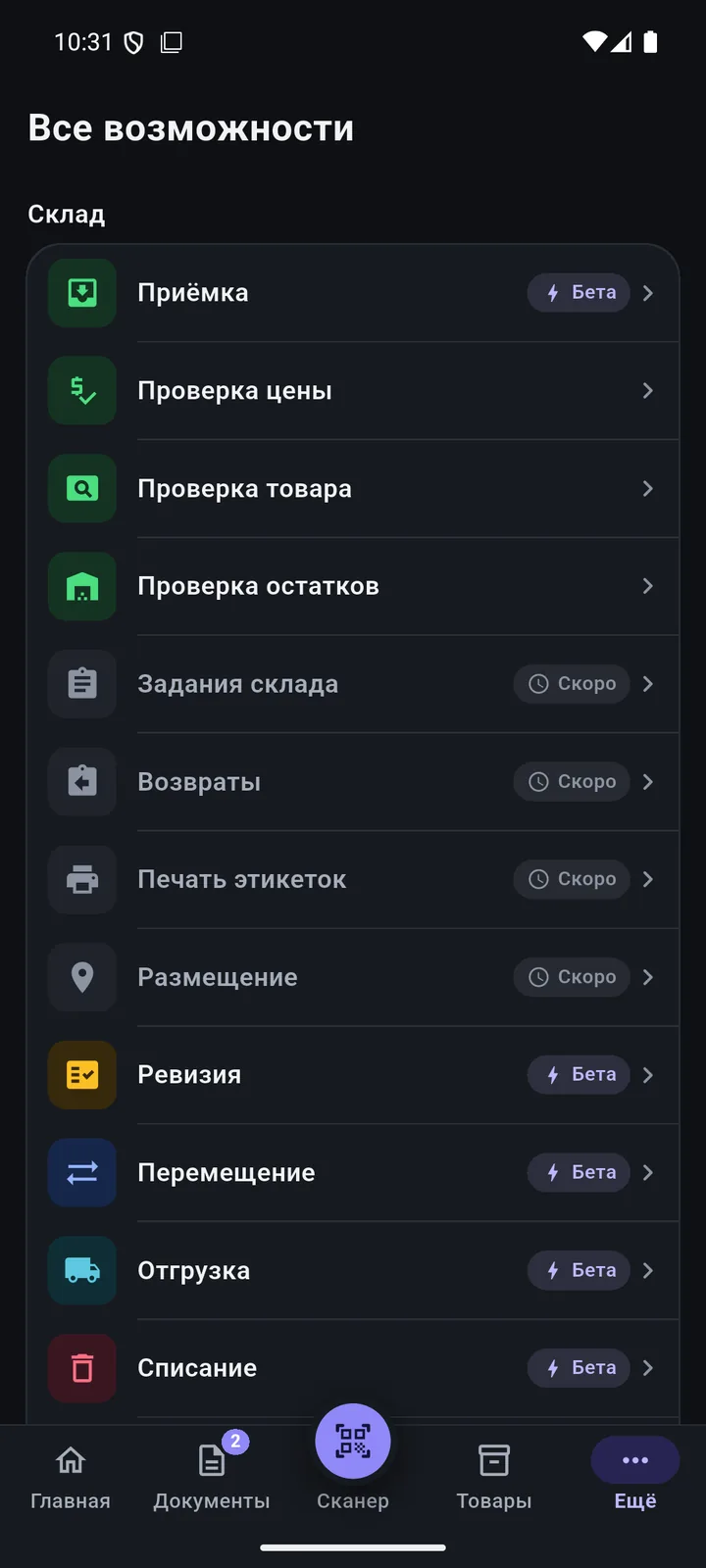
Permission-based home screen
Staff see only their own tiles and sections.
-
QR and PIN sign-in
The phone connects by QR code, staff sign in with a PIN. Access can be revoked.
Permissions & sign-in
Questions
Are 1C passwords stored on the phone?
No. The phone connects by QR code, and employees sign in with their own PIN.
Can I hide purchase prices?
Yes: price types and price permissions are set in the access profile.
Other features
Scanner & searchPoint and see it all Product card & photosThe whole product card — on your phone New product & catalogueA new product in 5 steps — with a catalogue code Documents at the shelfBuild documents right at the shelf Order, invoice & quoteThe customer is at the shelf — and already has the invoice 1C exchangeAnd the document is already waiting in 1C ReportsRevenue and margin — on the owner’s phone LearnAny employee can pick it up PricingPay for devices, not for features
We’ll show it on your 1C
Leave your number — we’ll call you back, answer your questions and help with installation.
- +7 777 156 5103
- info@1s-expert.kz