Stock count (stocktake) with a phone in 1C:Retail
Staff count goods with smartphones or data collection terminals (TSD) — no paper sheets, no retyping. The count goes to 1C as a “Goods recount” document, and you see discrepancies before posting.
In short
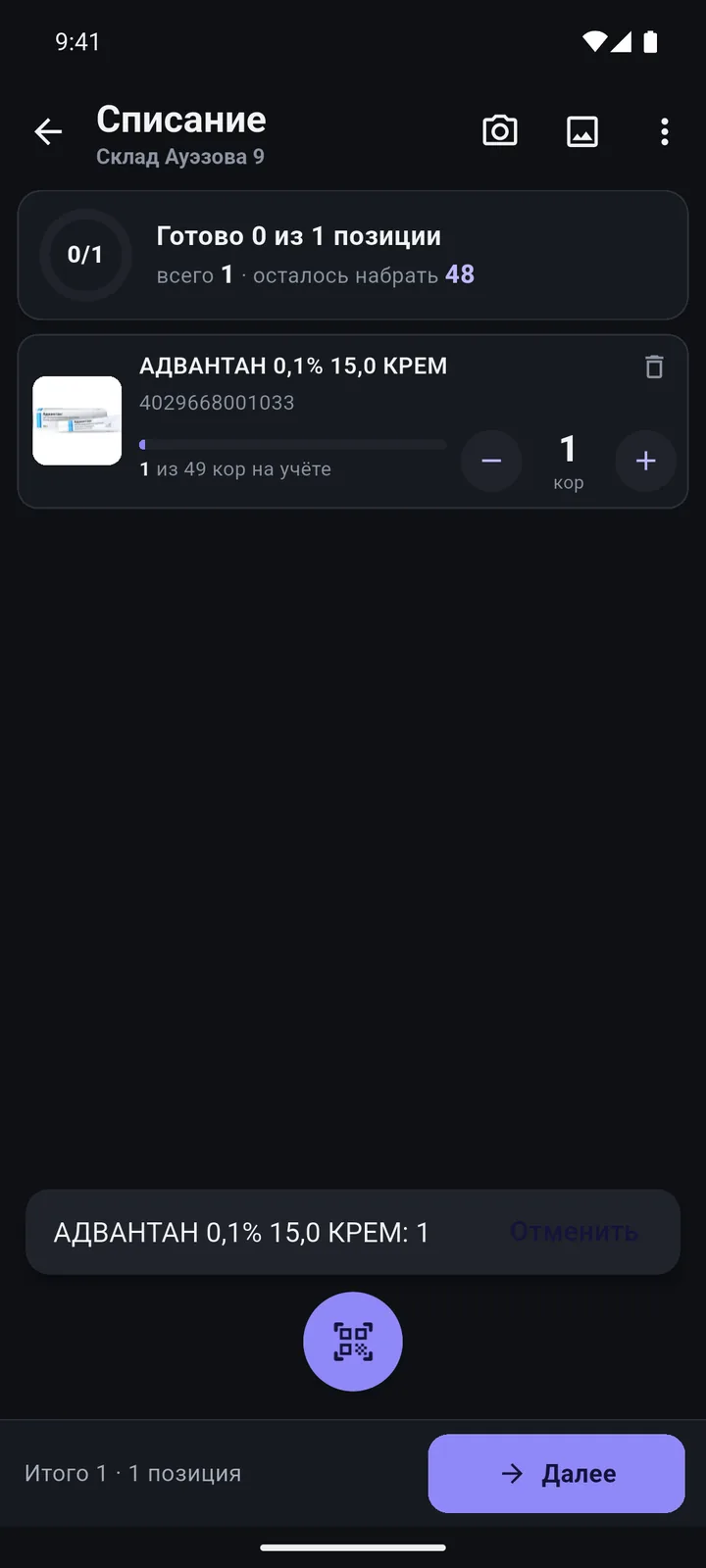
Scan — and +1
Each scan adds one; products without a barcode are picked from the app catalogue.
Several people at once
Each device has its own document, so zones are counted in parallel.
No internet on the sales floor
The catalogue and stock live on the phone; documents wait in the queue.
Results go to 1C
“Goods recount” in 1C: compare with book stock and post as usual.
A one-day stock count plan
- Split the store into zones and hand out phones or terminals with TSD Expert.
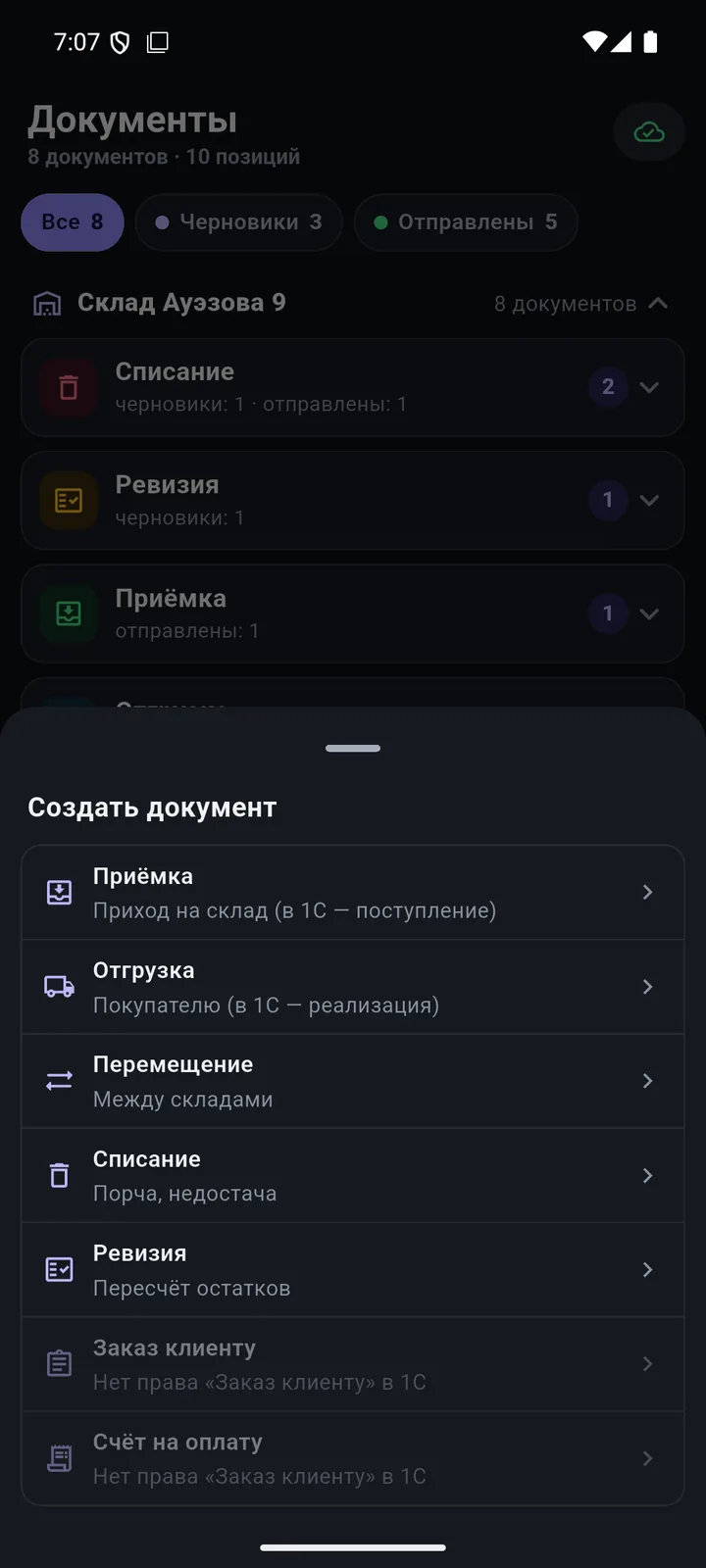
- In each zone, create a «Ревизия» (Stock count) document and choose the warehouse.
- Scan shelf by shelf; pick products without a barcode from the app catalogue.
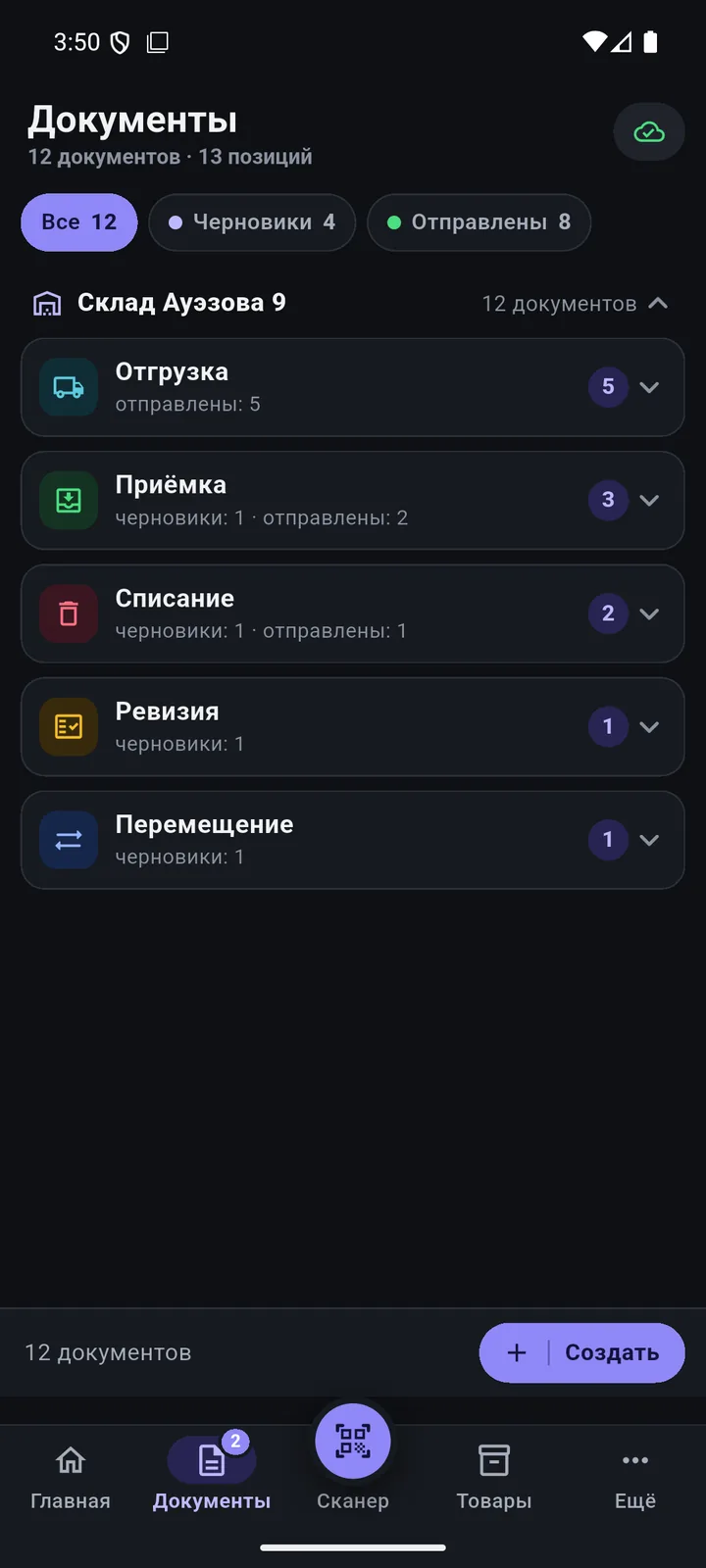
- Check the document total and send it to 1C.
- In 1C, compare the count with book stock and post the documents.
Questions
How many people can count at once?
As many as you have licensed devices: each employee has their own stock count document.
Can I count offline?
Yes. The catalogue and stock are stored on the phone; documents go to 1C once the phone can reach it again.
How do I count products without a barcode?
Pick them from the app catalogue and enter the quantity manually.
We’ll show it on your 1C
Leave your number — we’ll call you back, answer your questions and help with installation.
- +7 777 156 5103
- info@1s-expert.kz