Barcode scanner for 1C: camera, Bluetooth or terminal
Phone camera, built-in terminal scanner or a Bluetooth scanner. The product is found in your 1C right away.
Screens
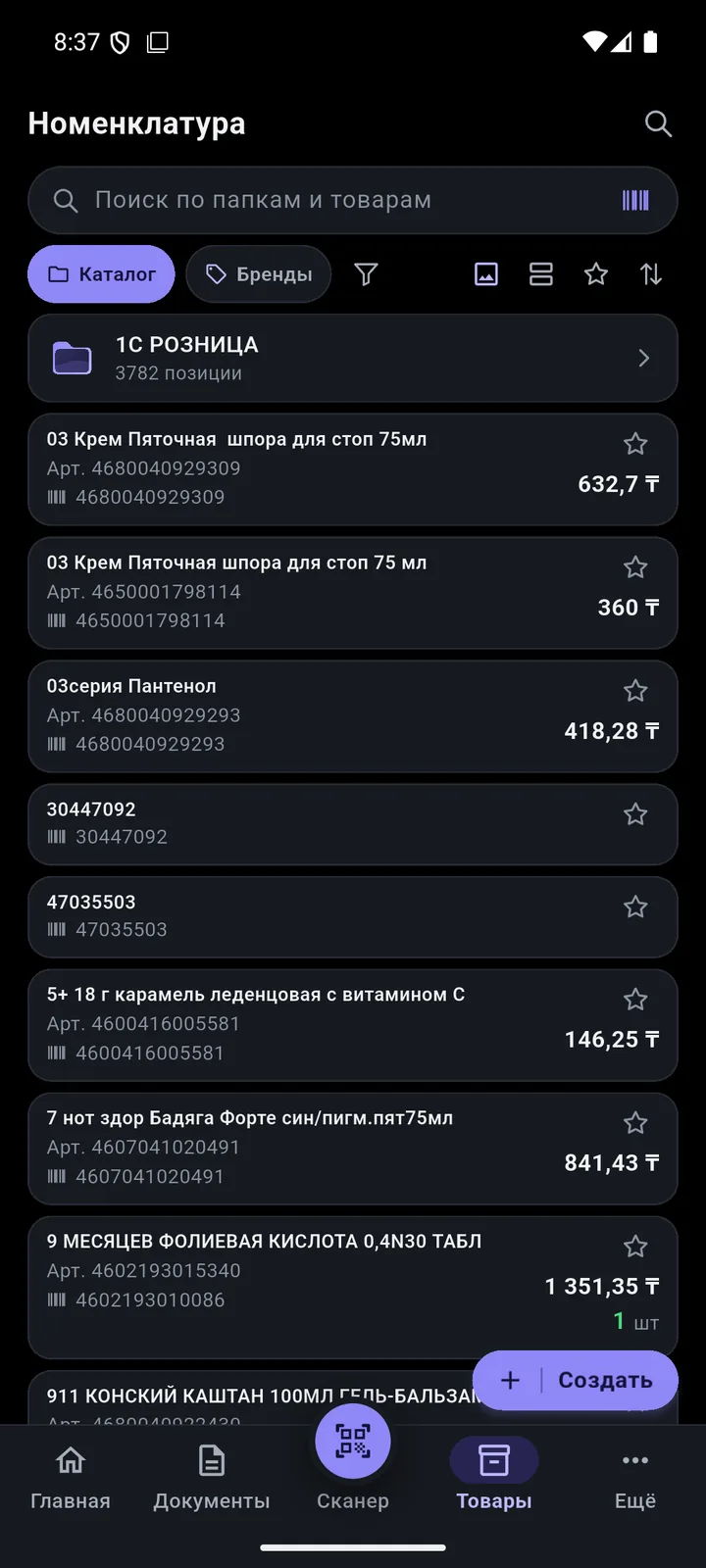
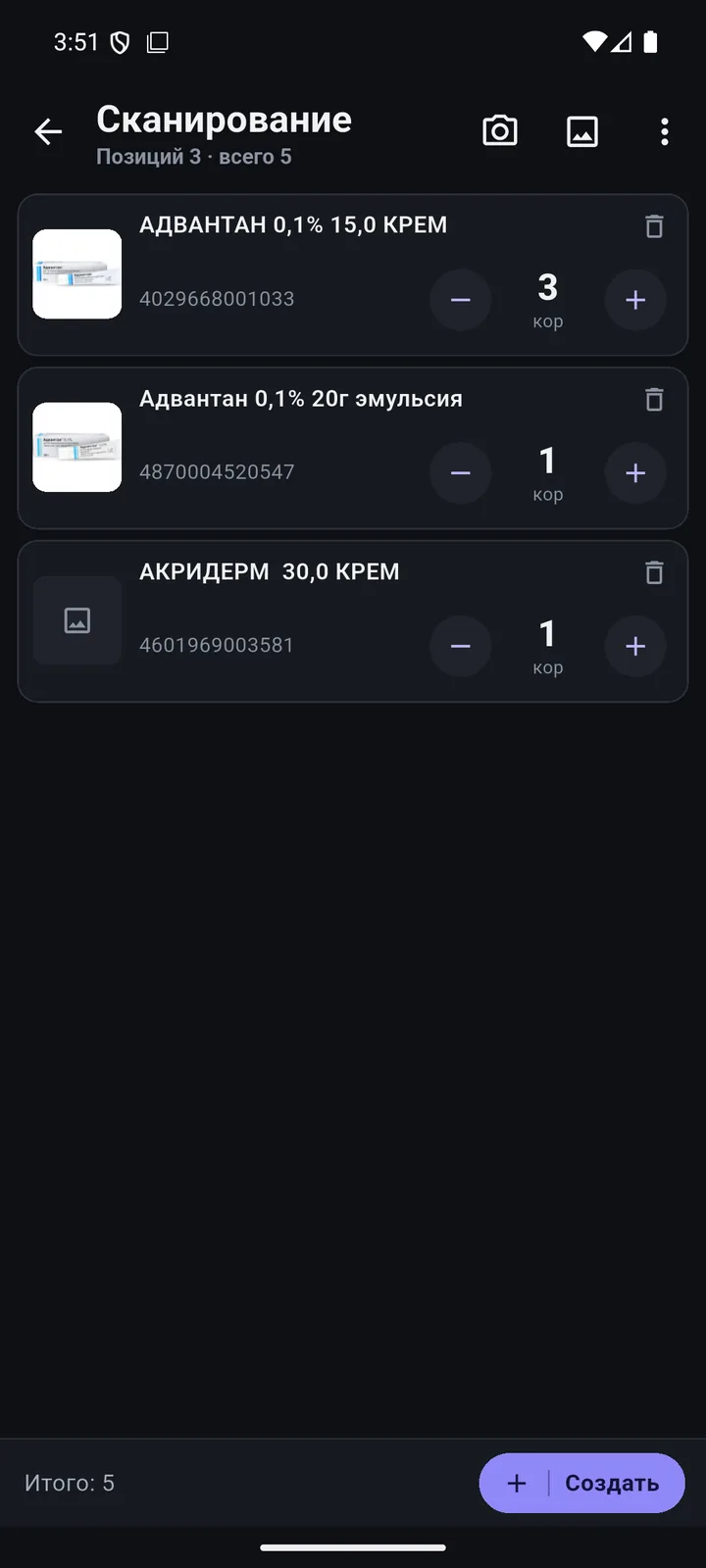
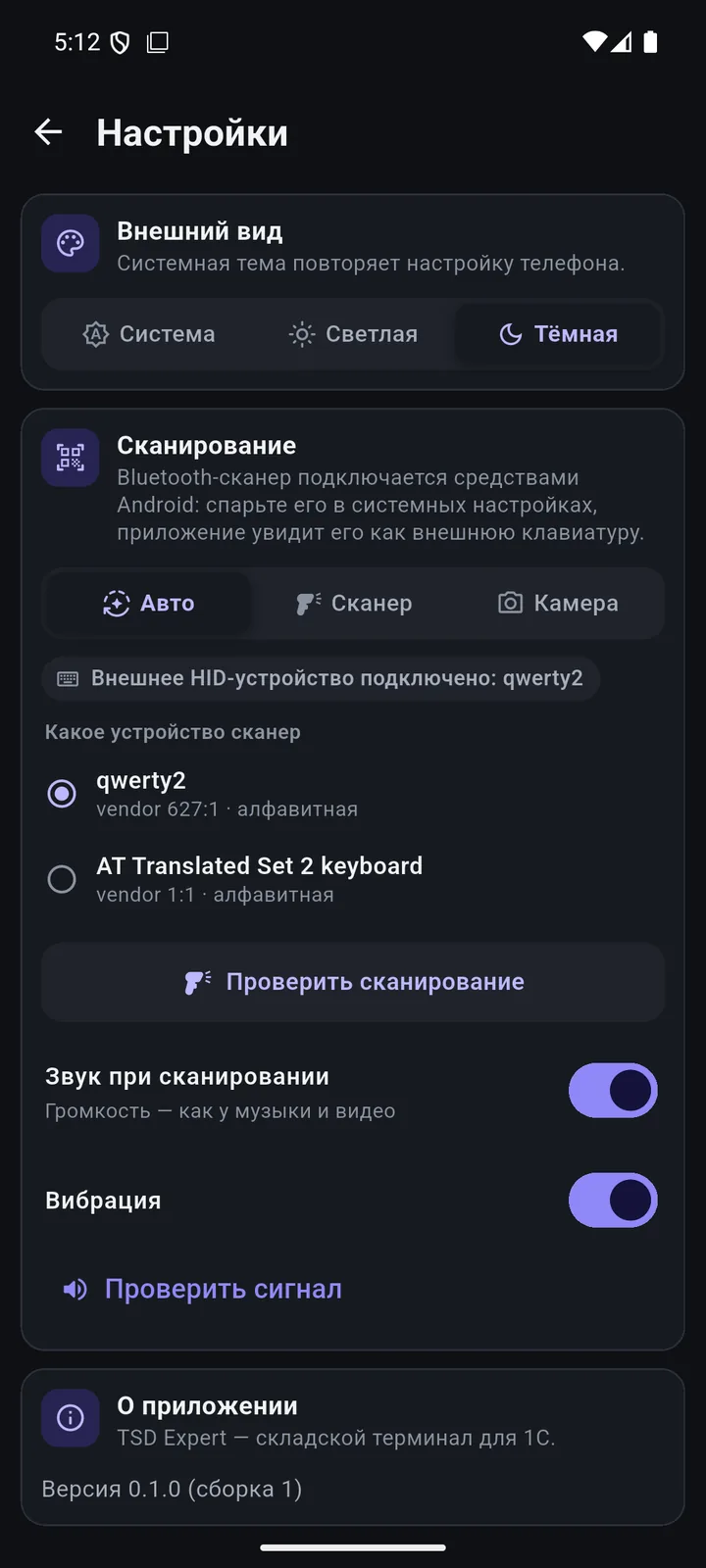
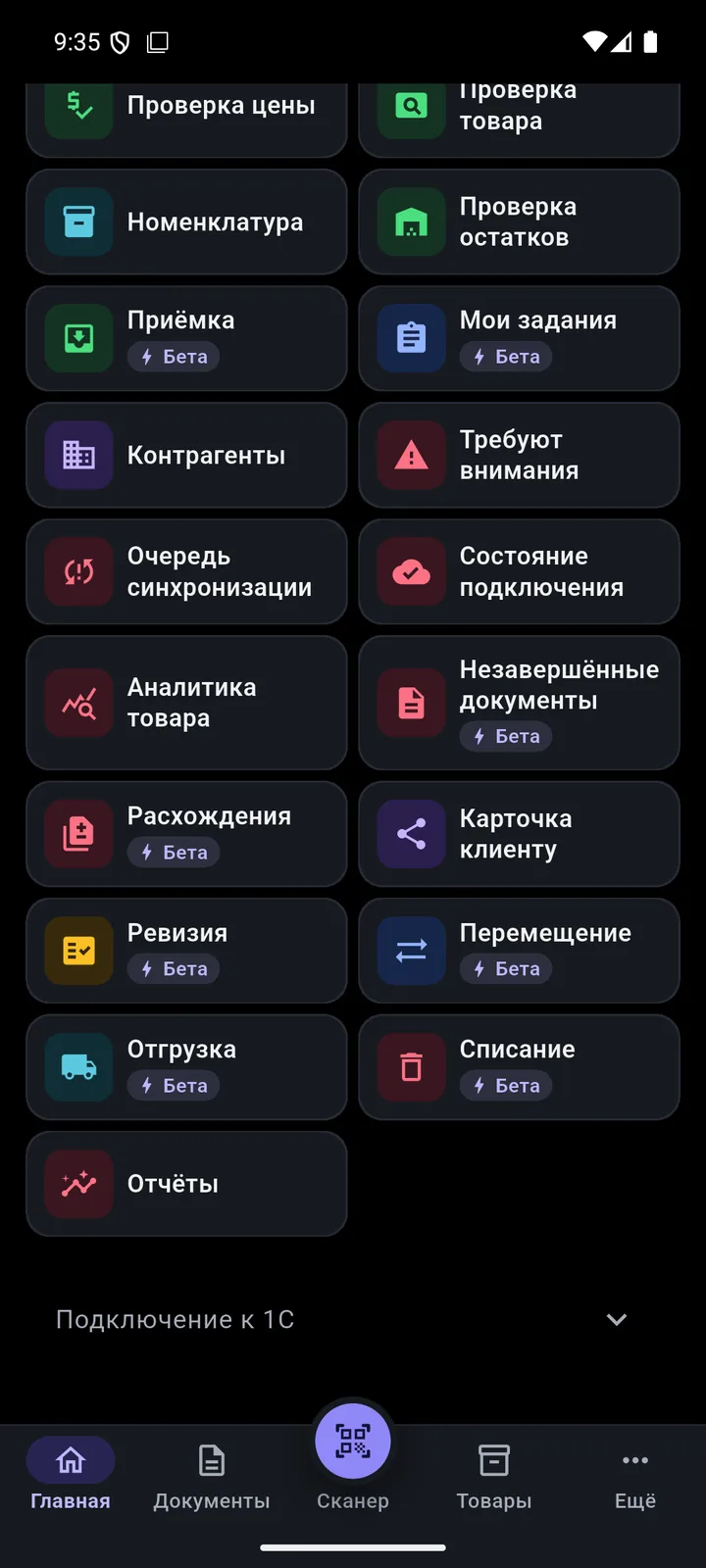
In detail
- The camera reads EAN-13, EAN-8, UPC, Code128, Code39, ITF-14 and DataMatrix.
- The built-in terminal scanner works in keyboard mode — most Android terminals will work.
- A Bluetooth scanner connects after pairing in Android; the settings have a «Проверить сканирование» (Test scanning) button.
- “Auto / Scanner / Camera” modes, “found”, “not found” and “attention” sounds, and vibration.
- The “Scanner” list is never cleared automatically: you can create any of the 8 documents from it.
- Search by name, barcode and SKU; folders, favourites, tile or list view.
How it works
-
Search by barcode and name
One match opens the card right away. Filter by brand, warehouse and availability.
-
“Scanner” list
Keep scanning and items add up. Then turn them into any document with one tap.
-
Any scanner
Terminal, Bluetooth or camera. Sound and vibration let you work without looking at the screen.
-
Price and stock check
Dedicated modes on the home screen: point the camera and see the price or stock.
Questions
Do I need a separate terminal?
No. Any Android 8+ smartphone will do — the camera does the scanning. A terminal or Bluetooth scanner speeds things up if you scan a lot.
Which barcodes does the camera read?
EAN-13, EAN-8, UPC, Code128, Code39, ITF-14 and DataMatrix. QR codes are used to connect the phone to 1C.
Other features
We’ll show it on your 1C
Leave your number — we’ll call you back, answer your questions and help with installation.
- +7 777 156 5103
- info@1s-expert.kz