A terminal app for 1C that works offline
Lost the connection? Work goes on. TSD Expert keeps the catalogue, prices and stock on the phone. Documents, new products and photos wait in a queue and go to 1C on their own — exactly once.
In short
Catalogue on the phone
Products, prices, stock, batches, images, customers and suppliers.
Send queue
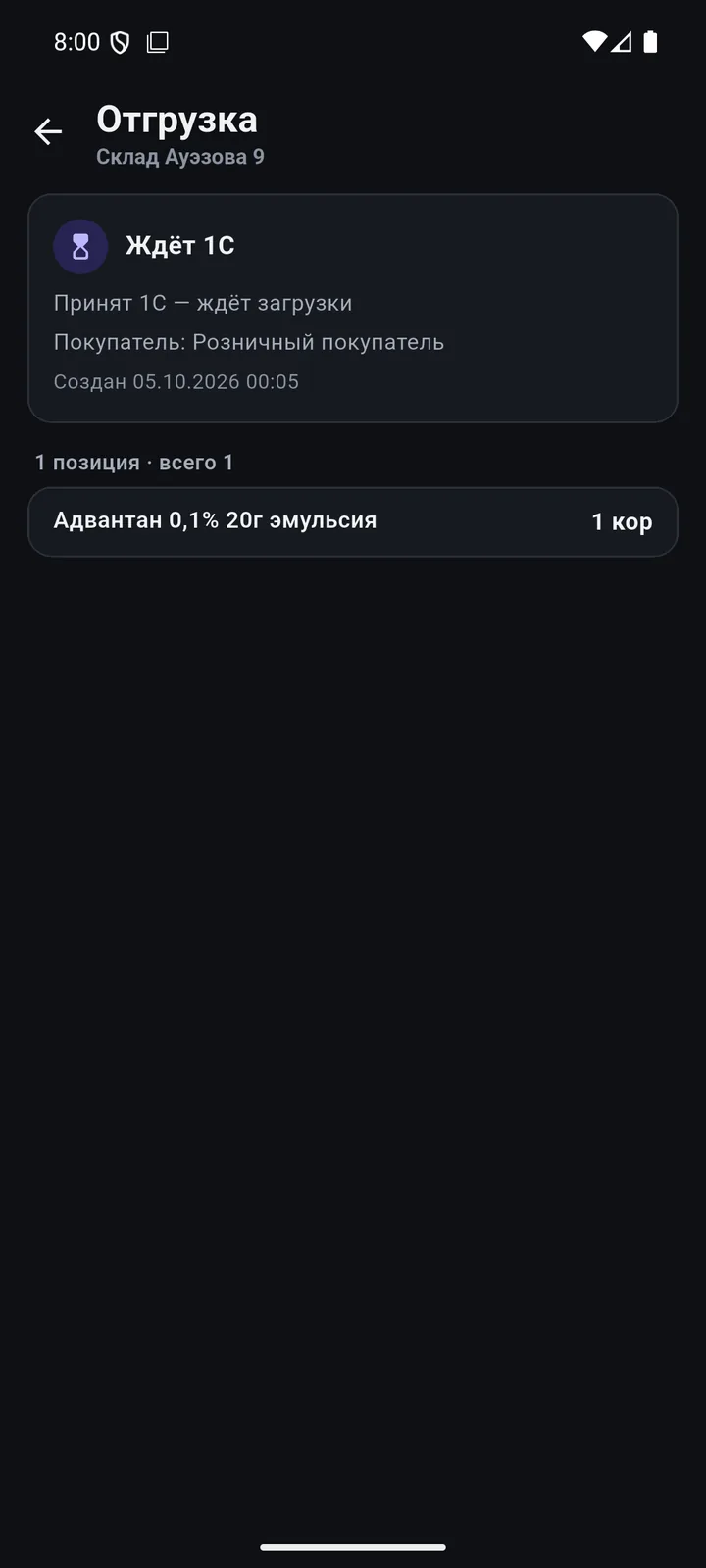
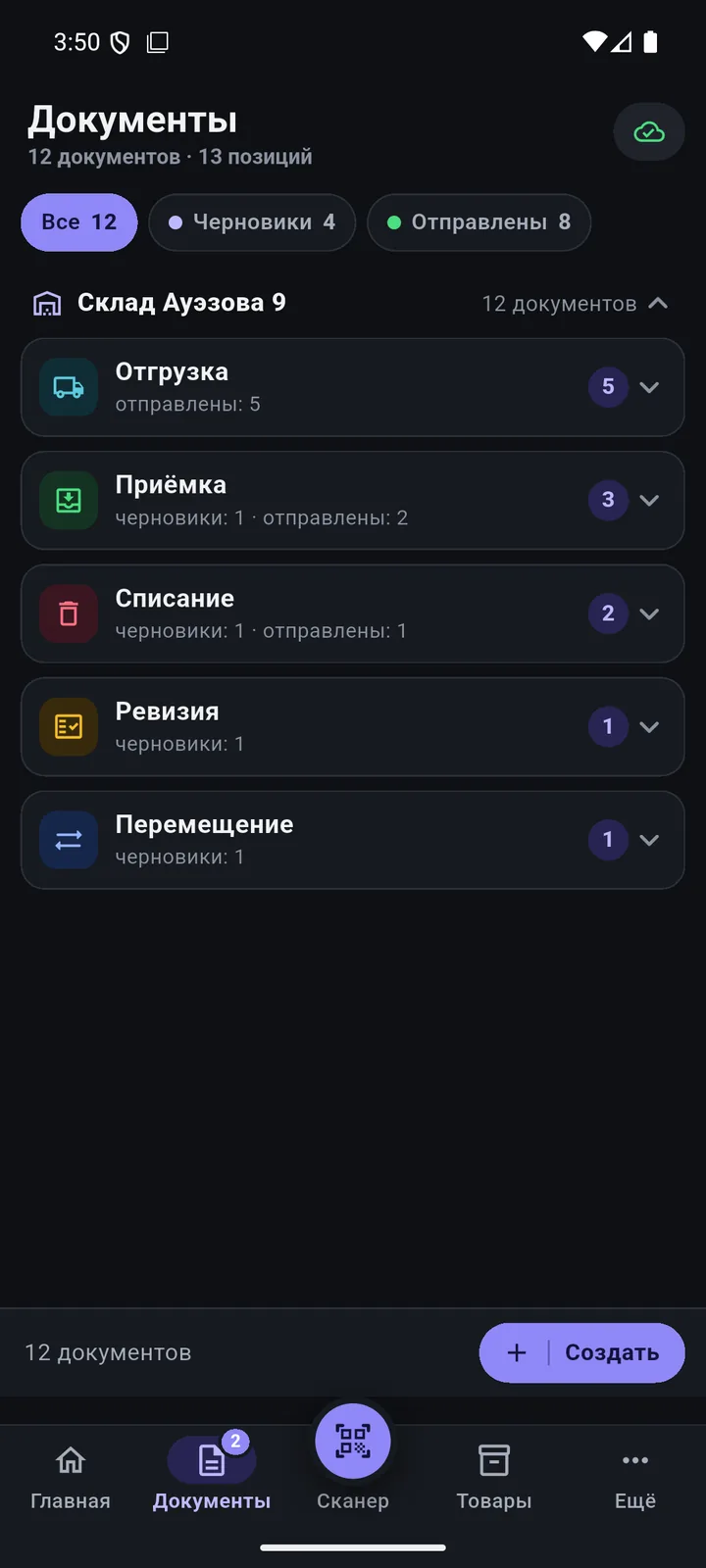
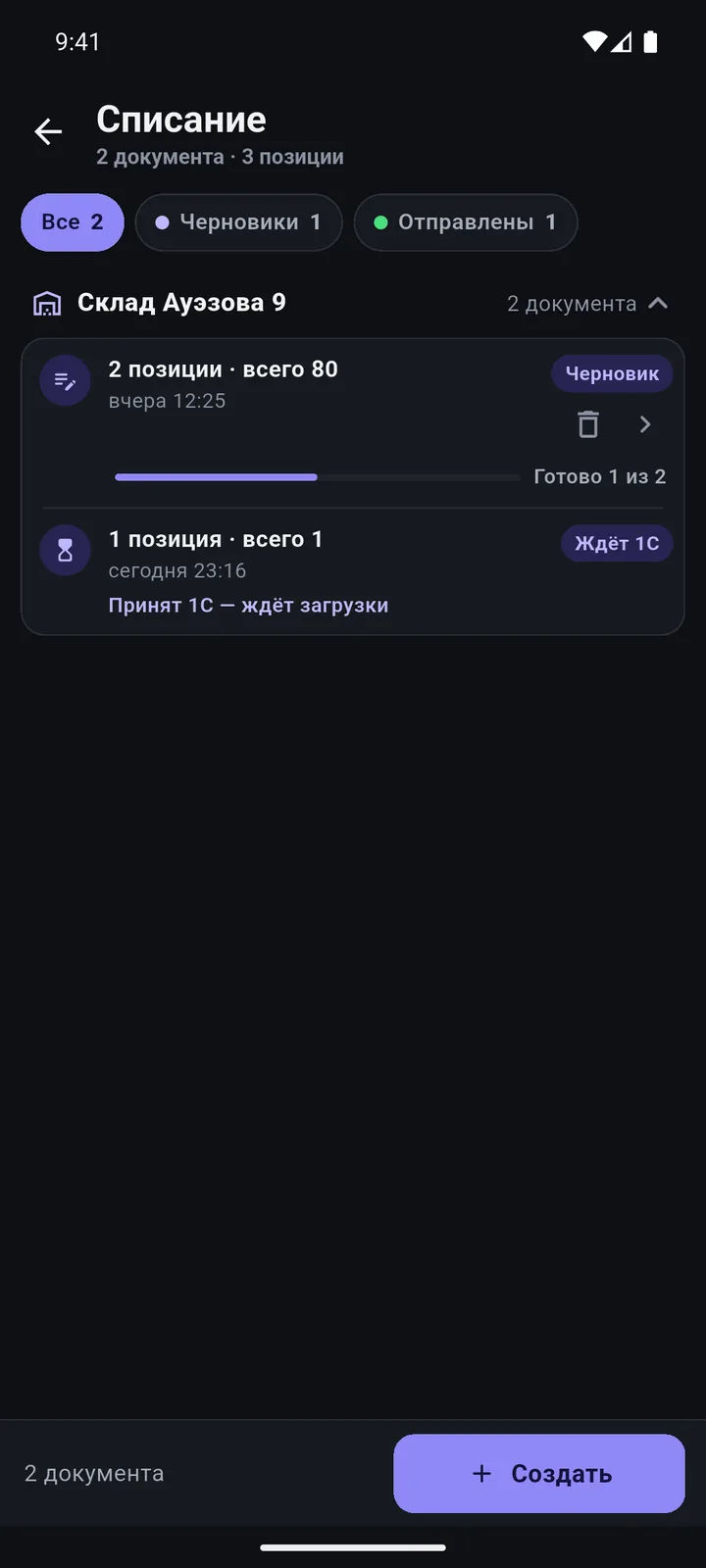
A document gets the “Waiting to send” status and goes out on its own.
Exactly once
Double-send protection: no duplicates in 1C.
Reports for 6 months
Sales, profit, stock — calculated on the phone.
How the queue works
- Work as usual: scan, create documents and products.
- Offline, a document gets the “Waiting to send” status.
- When the phone can reach 1C again, the queue is sent automatically — when an employee signs in and every 20 seconds while the app is open.
- To check the queue, open «Ещё» (More) → «Очередь синхронизации» (Sync queue).
Questions
What doesn’t work offline?
Employee sign-in with a PIN, and loading and posting documents in 1C. Everything else works.
Could a document be sent twice?
No. A document is sent exactly once — the protection is built into the exchange.
How much data is stored on the phone?
The full catalogue, prices and stock, plus report data for the last 6 months.
We’ll show it on your 1C
Leave your number — we’ll call you back, answer your questions and help with installation.
- +7 777 156 5103
- info@1s-expert.kz