1C product card on your phone: stock, prices, photos
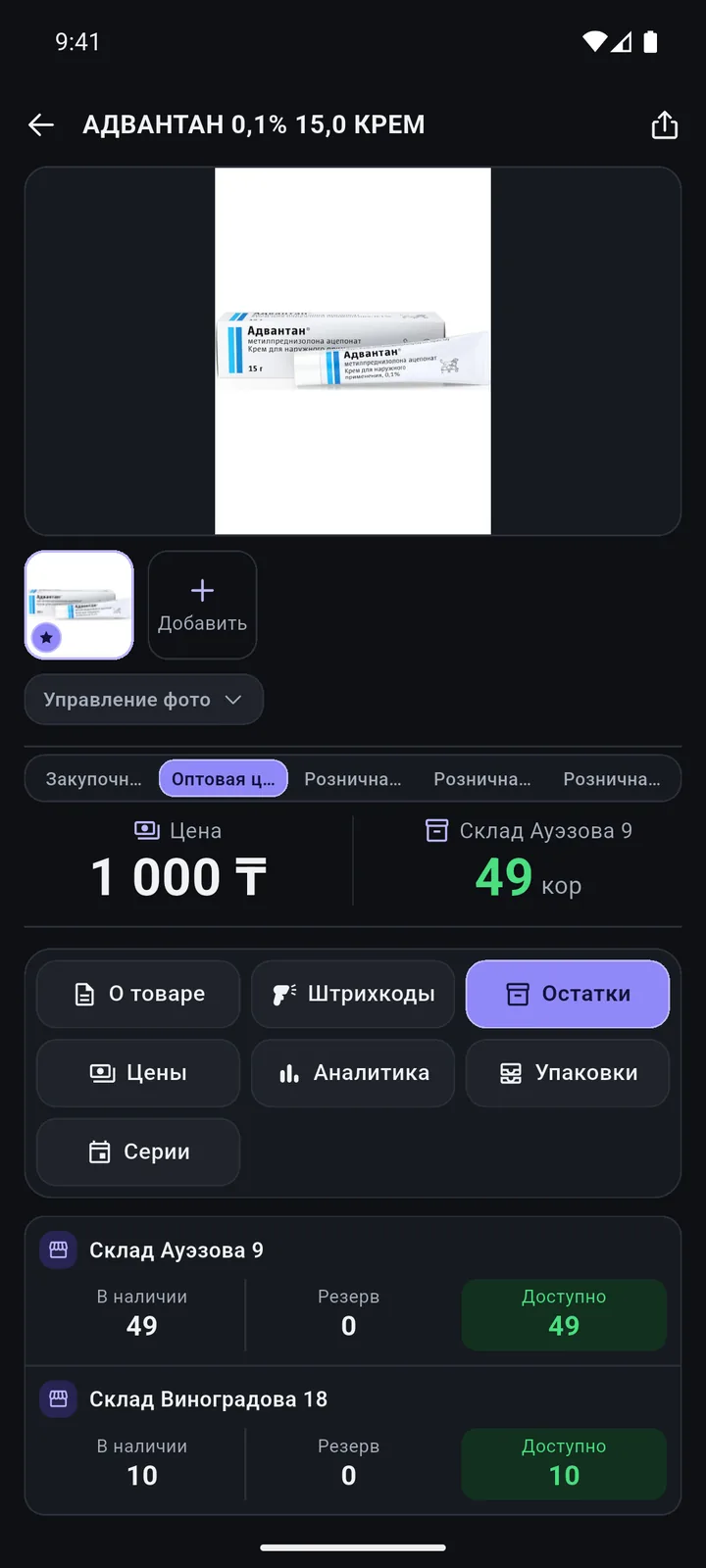
Stock by warehouse, prices, batches and analytics. Changed a description, brand or package? Tap «Сохранить в 1С» (Save to 1C).
Screens
In detail
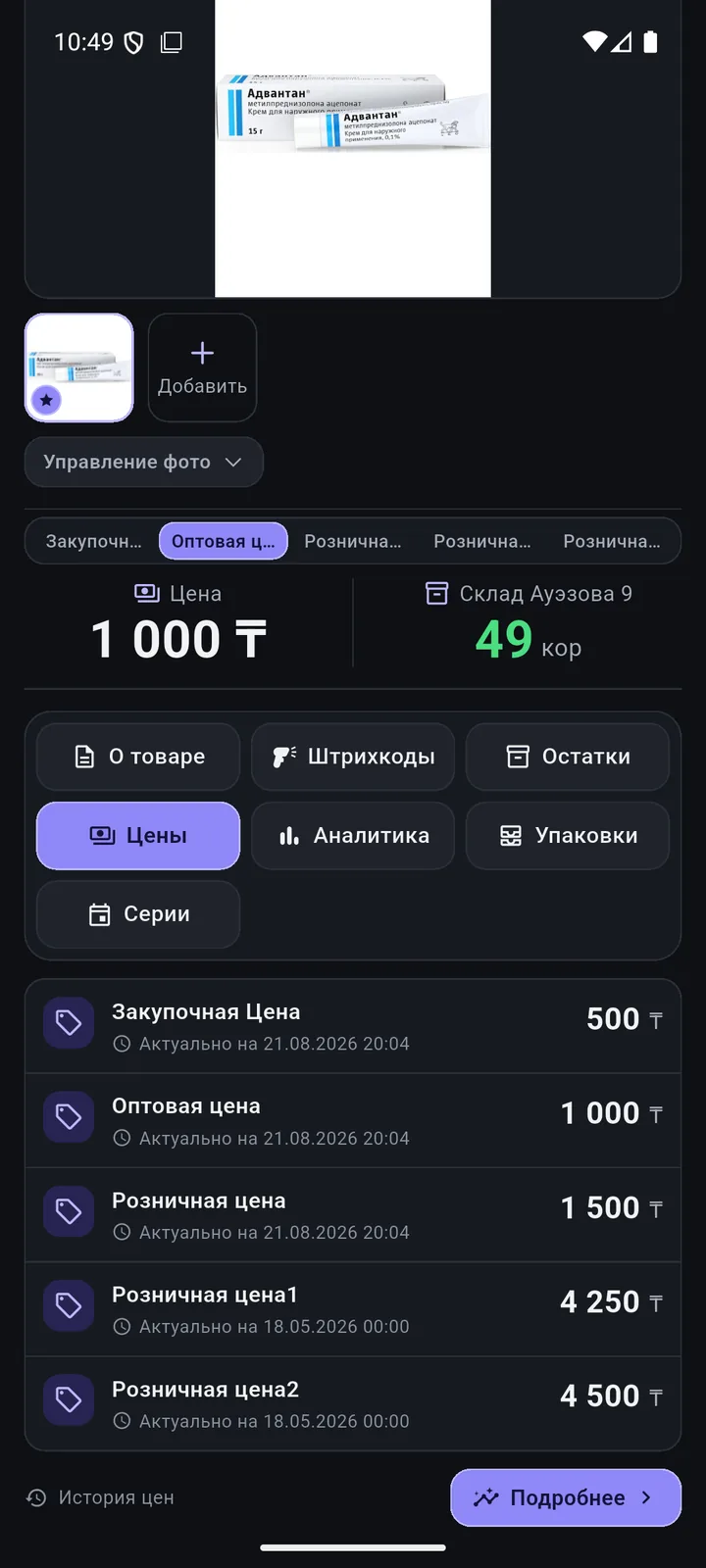
- Card tabs: “About”, “Barcodes”, “Stock”, “Prices”, “Analytics”; plus “Packages”, “Batches” and “Variants” if the product type has them.
- From the phone you can change the description, SKU, weight, HS code, catalogue code, category, manufacturer, brand, country, VAT and extra attributes.
- Add a new barcode, package or variant.
- Product analytics: sales, revenue, gross profit, margin, purchases, returns, sales rate, “stock will last”.
- Share a product as a PNG image, an A4 PDF or text, with “Customer”, “Internal” or “Manager” field sets.
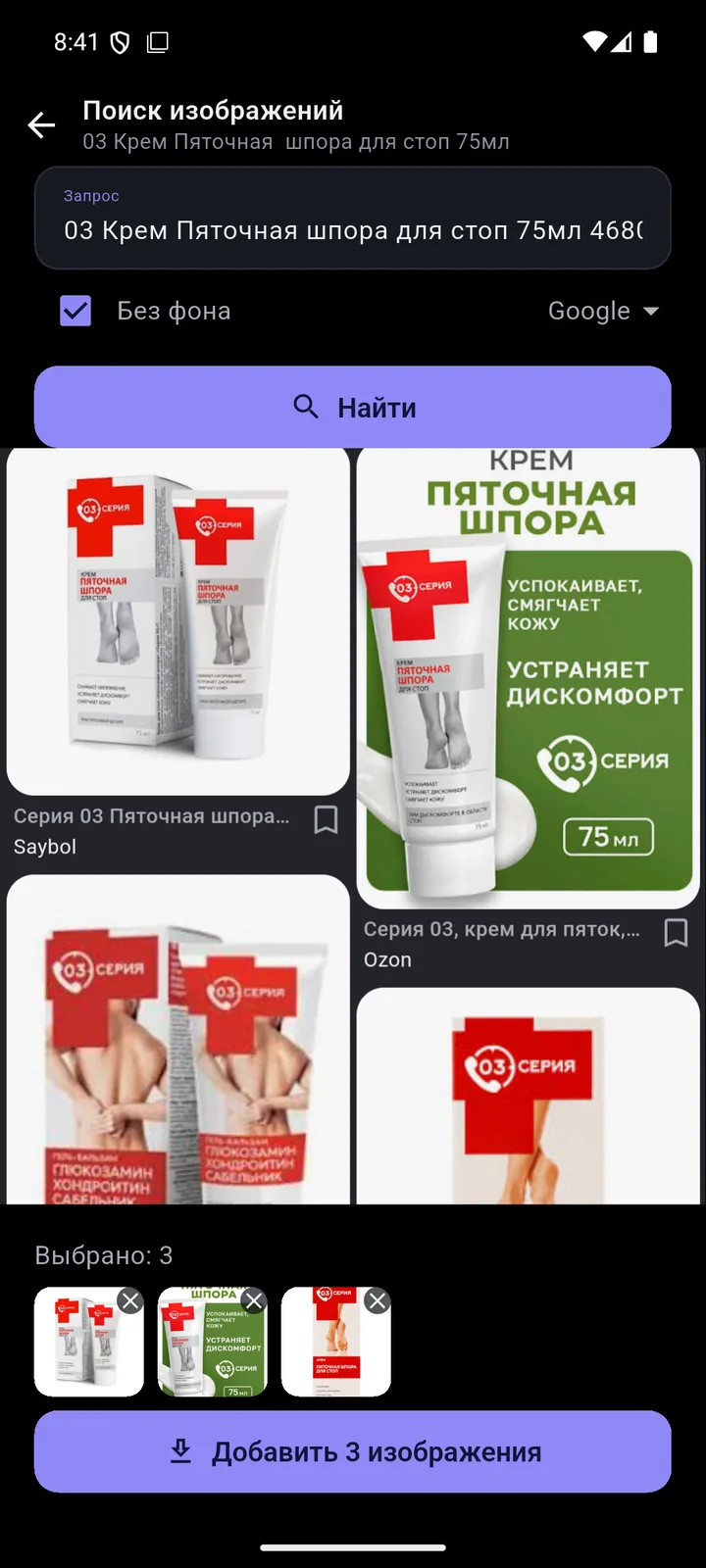
- The “no background” image search asks the search engine for transparent PNGs; the app does not remove backgrounds itself.
How it works
Scan Card Edit To 1C
-
Stock by warehouse
Available, reserved, “enough for N packs”. Batches with expiry dates.
-
All prices and history
Purchase, wholesale, retail and package prices, plus change history.
-
Images from the web
Google and Bing search inside the app, a “no background” filter, several images at once.
-
Camera and gallery photos Beta
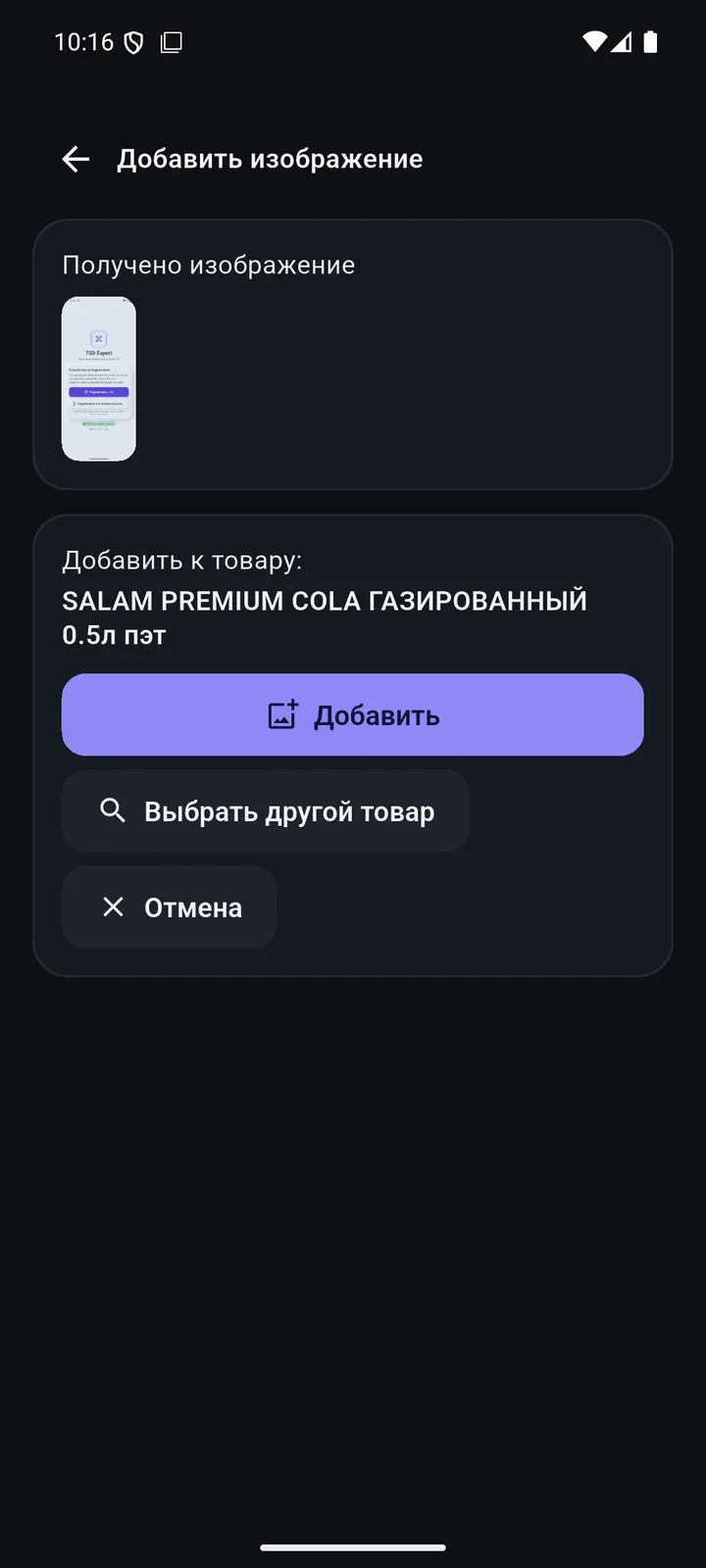
Or use “Share” in any other app — the picture goes into the product card.
Product card & photos
Questions
Can I change a price from the phone?
No. Prices come from 1C with their history and are set in 1C as usual.
Where are photos stored?
In your 1C, in the product card. Offline, the photo waits in the queue and goes out on its own.
Other features
Scanner & searchPoint and see it all New product & catalogueA new product in 5 steps — with a catalogue code Documents at the shelfBuild documents right at the shelf Order, invoice & quoteThe customer is at the shelf — and already has the invoice 1C exchangeAnd the document is already waiting in 1C ReportsRevenue and margin — on the owner’s phone Permissions & sign-inEveryone sees only what they need LearnAny employee can pick it up PricingPay for devices, not for features
We’ll show it on your 1C
Leave your number — we’ll call you back, answer your questions and help with installation.
- +7 777 156 5103
- info@1s-expert.kz