Smartphone or terminal: which is right for your store and warehouse
TSD Expert works on a regular Android smartphone and on a data collection terminal (TSD). Start with the phone you already have and add a scanner when you need speed.
In short
Smartphone
The camera does the scanning. Enough for price checks, orders and small deliveries.
Smartphone + Bluetooth scanner
Fast scanning on a small budget — works with any phone.
Android terminal
Built-in scanner, rugged body, big battery — for large volumes.
One app
Every option works with the same 1C and the same permissions.
How to choose
- Dozens of scans a day? A smartphone with a camera is enough.
- Hundreds of scans? Add a Bluetooth scanner to the phone.
- Thousands of scans, a warehouse, cold, drops? Choose an Android terminal.
- Mix and match: a smartphone for the manager, a terminal for the storekeeper. You pay per device.
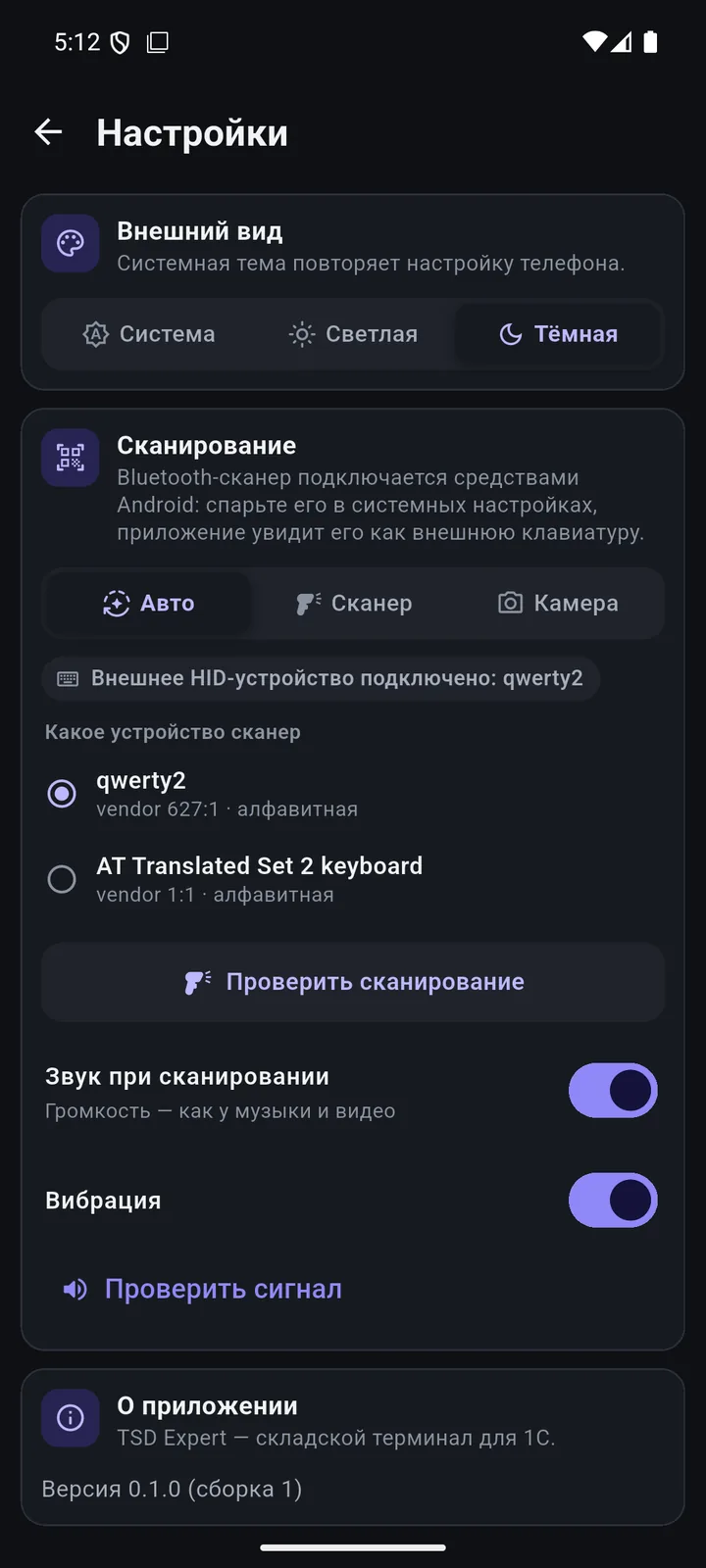
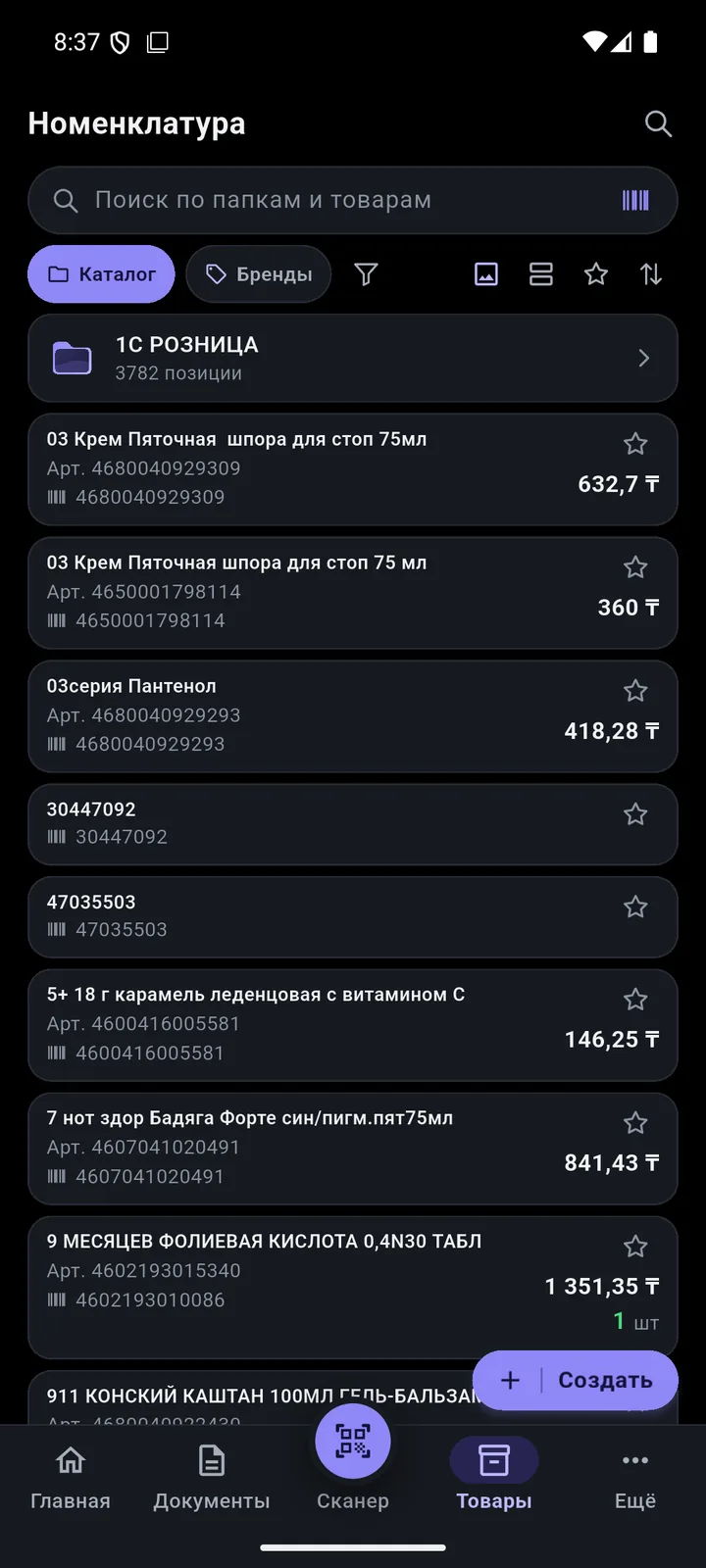
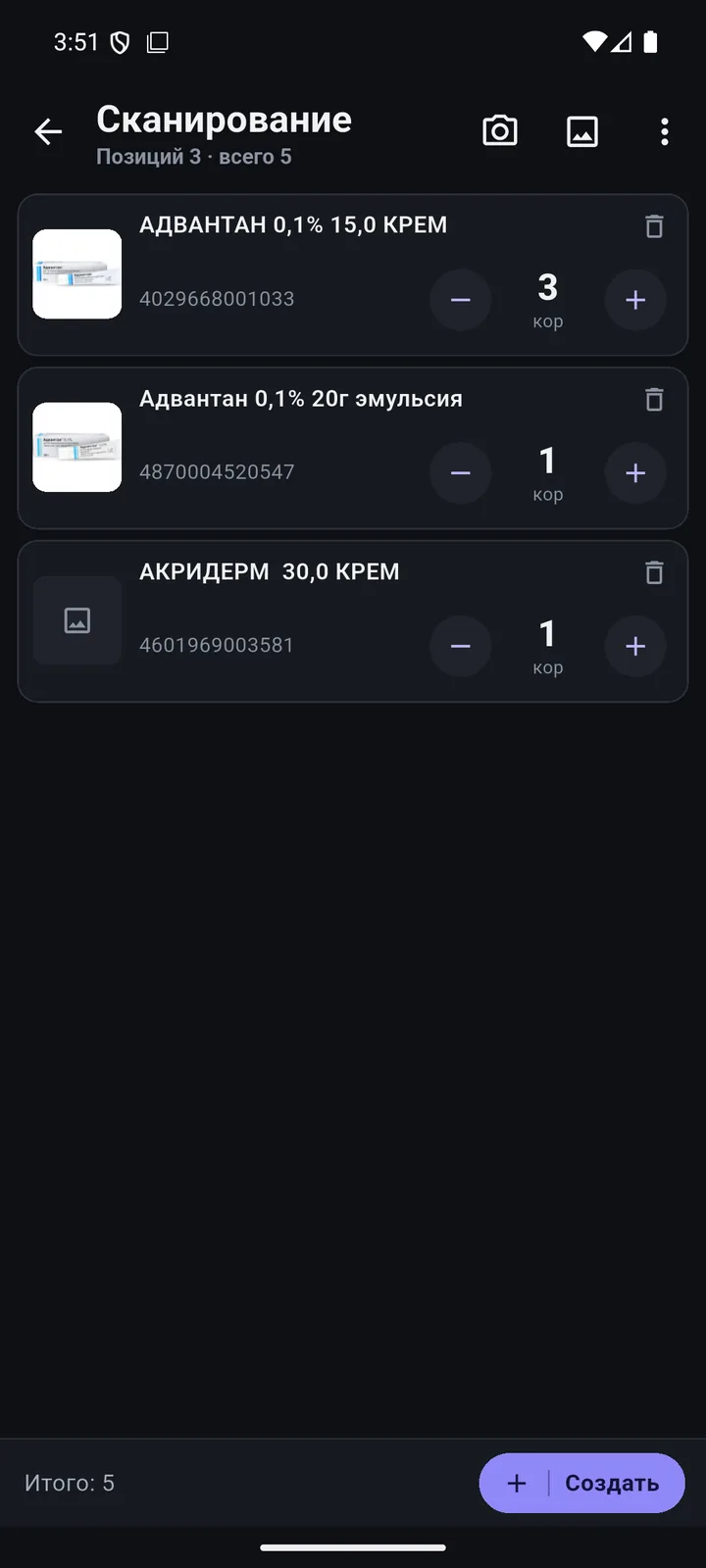
Compare the options
| Smartphone | Smartphone + Bluetooth | Terminal | |
|---|---|---|---|
| Entry cost | you already have one | low | higher |
| Scanning speed | medium | high | high |
| Durability and protection | standard | standard | high |
| Battery lasts a shift | depends on the model | depends on the model | yes |
| Best for | prices, orders, reports | goods receipt, in-store counts | warehouse, large volumes |
Questions
Which barcodes does the camera read?
EAN-13, EAN-8, UPC, Code128, Code39, ITF-14 and DataMatrix.
Which Bluetooth scanner will work?
Any scanner that works with Android as a keyboard (HID mode): pair it in Android settings and test it in the app.
Which terminal will work?
Any Android 8+ terminal with a built-in scanner in keyboard mode — most terminals work this way.
We’ll show it on your 1C
Leave your number — we’ll call you back, answer your questions and help with installation.
- +7 777 156 5103
- info@1s-expert.kz