Fill 1C products from the National Catalogue
Barcode → main → extra → photo → review. The name, brand and code come from Kazakhstan’s National Catalogue of Goods.
Screens
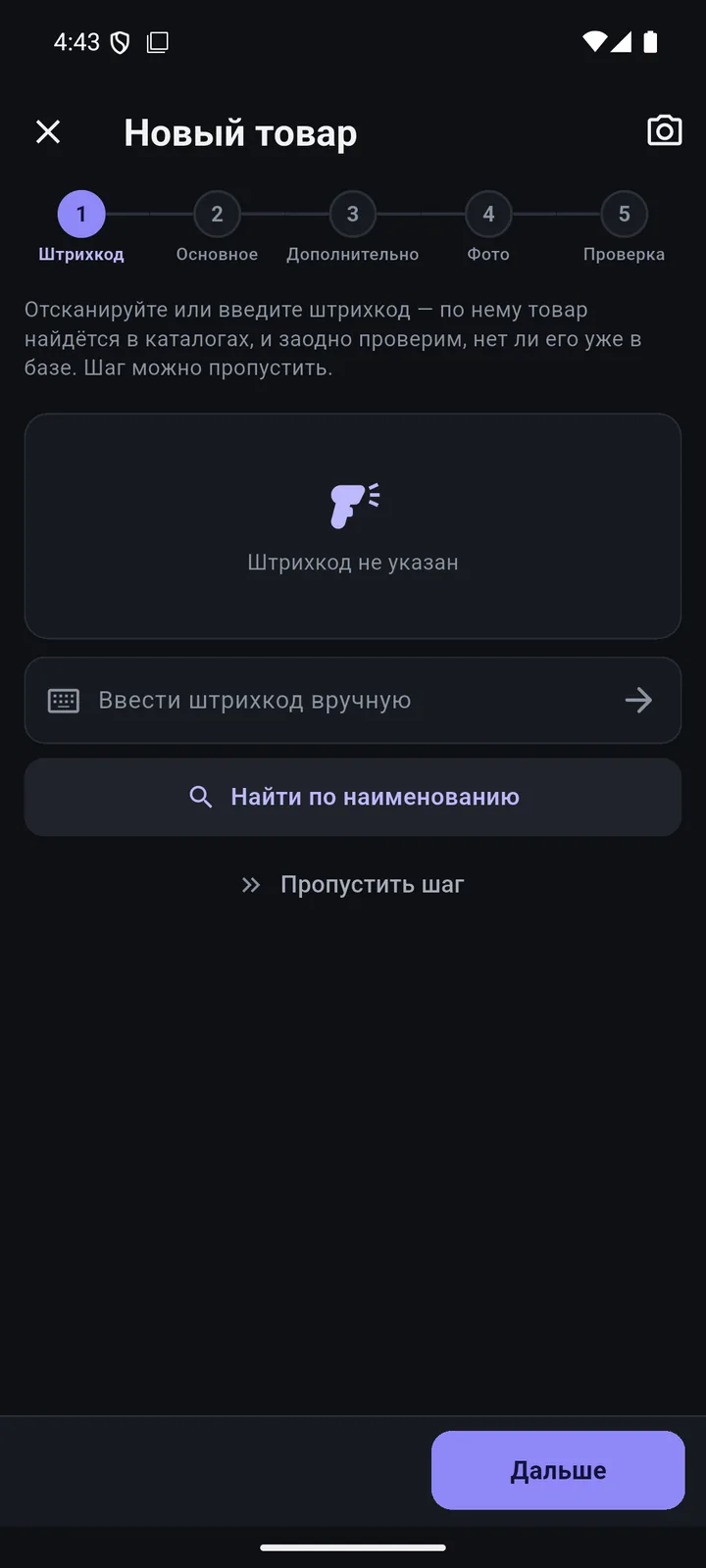
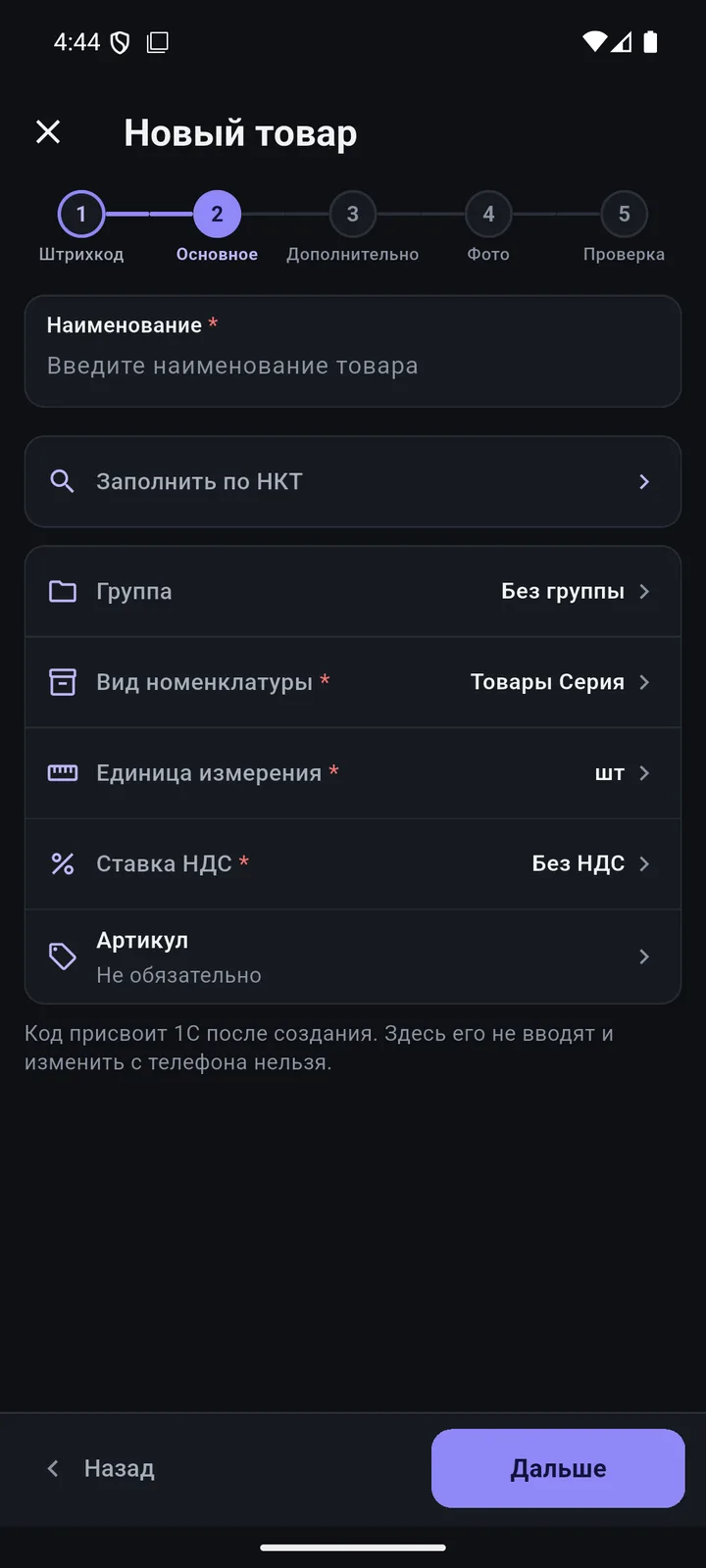
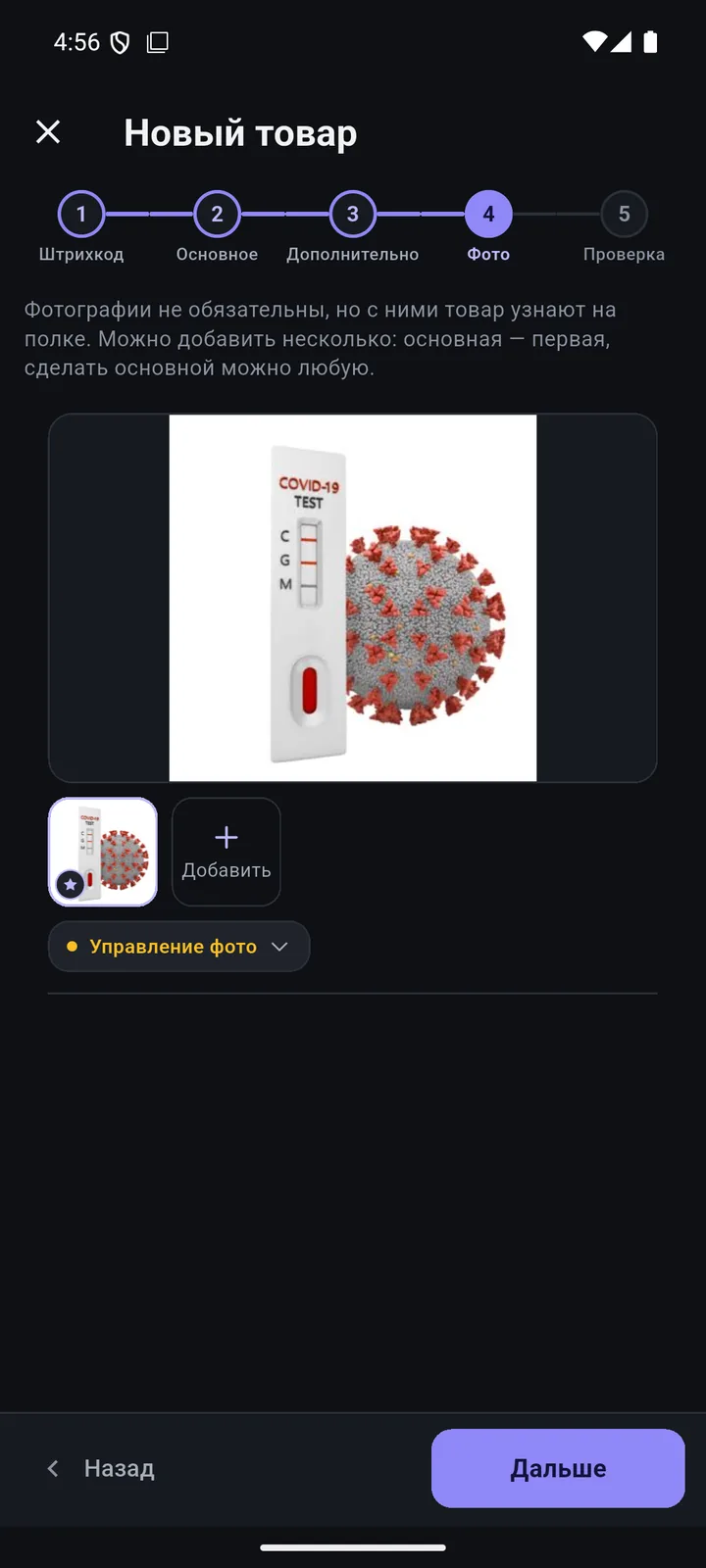
In detail
- Catalogue search by barcode or name; 13- and 14-digit code forms.
- If there are several cards, the app shows all of them with their status — no NTIN mistakes.
- Use checkboxes to choose which fields to take from the catalogue; there is also a “Catalogue only” mode.
- If a brand from the catalogue isn’t in 1C yet, it is created automatically.
- You can create groups, brands and countries from the phone — offline, they reach 1C on their own later.
- Soon: catalogue lookup for a whole product group, and catalogue requests for products without a code.
How it works
-
Barcode and duplicate check
If the product already exists, the app tells you before a duplicate appears.
-
Fill from the catalogue
Name, brand, description, unit and catalogue code — from nct.gov.kz and nationalcatalog.kz.
-
Group, type, unit, VAT
Defaults from the product type. Packages, variants, extra attributes.
-
Photo and review
Camera, gallery or web. Offline? The product will reach 1C on its own.
Questions
Where does catalogue data come from?
From the public portals of Kazakhstan’s National Catalogue of Goods: nct.gov.kz and nationalcatalog.kz. The phone queries them directly.
What if one barcode matches several cards?
The app shows every card it finds with its status (active or deactivated), and you pick the right one.
Checklist: National Catalogue codes without errors
10 steps to fill in National Catalogue codes in 1C:Retail and get NTINs right. A 2-page PDF (in Russian).
Other features
We’ll show it on your 1C
Leave your number — we’ll call you back, answer your questions and help with installation.
- +7 777 156 5103
- info@1s-expert.kz